
MEmu Emulador de Android
Descarga MEmu, el potente emulador de Android gratuito para Windows. Disfruta de un rendimiento de CPU 1.3x y GPU 2.3x, múltiples instancias y controles inteligentes para juegos y aplicaciones.
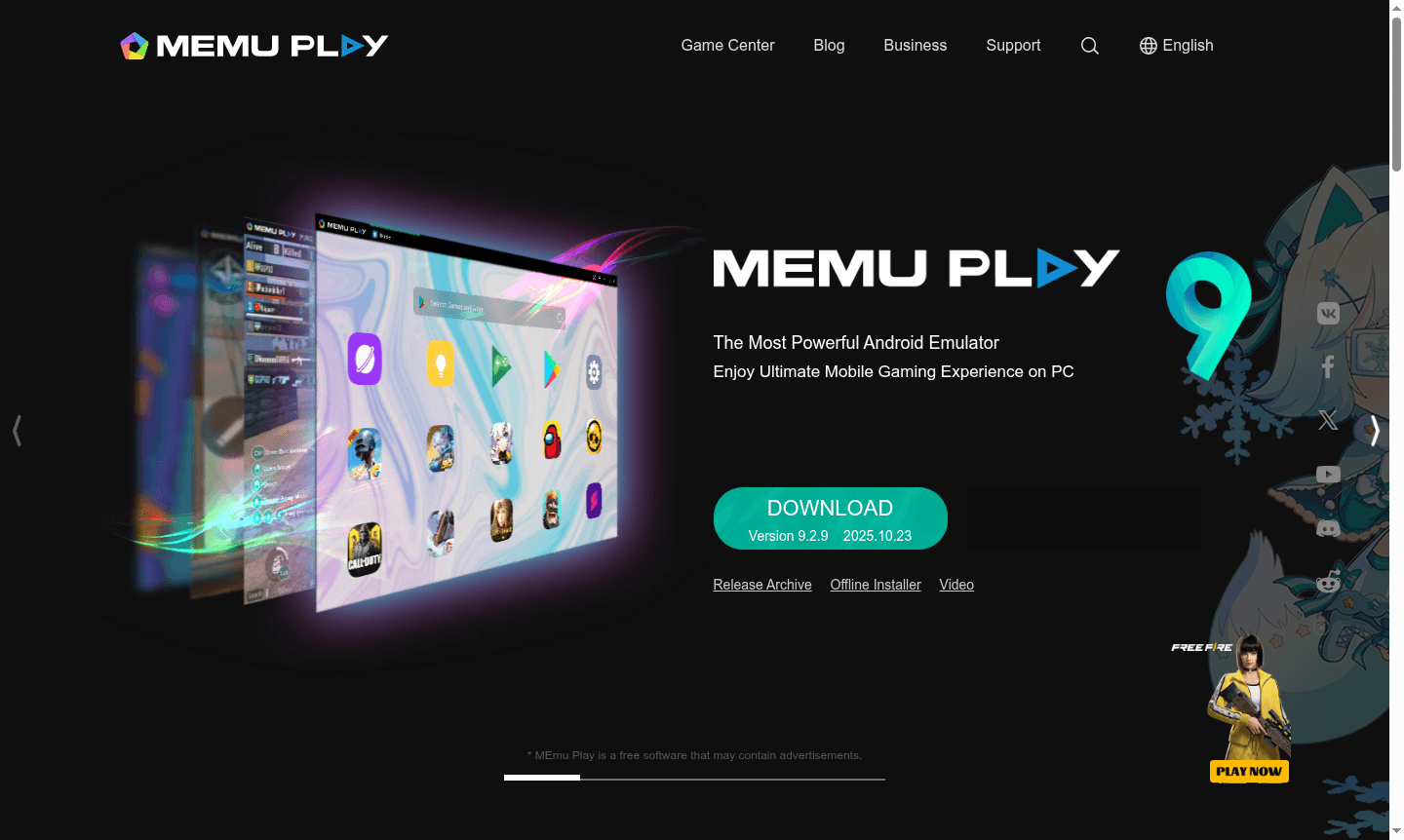
Overview of MEmu
MEmu is a powerful free Android emulator for Windows, offering top-tier mobile gaming performance on PC. It runs any Android app or game with superior speed and graphics, boasting 1.3x CPU and 2.3x GPU benchmarks. Ideal for games like PUBG MOBILE and Free Fire, it's perfect for gamers wanting a big-screen experience.
Beyond gaming, use MEmu for productivity apps, live streams, and app testing. It works on various Windows devices with customization for CPU, memory, and more. Features include GPS simulation and file sharing. Discover more in Emulator and Game Launcher categories.
How to Use MEmu
Start by downloading MEmu from the official site and running the setup. Drag APK files to install or use the app store. Set up keyboard mappings, adjust performance, and create multiple instances for different games or apps. Manage files and graphics easily with the intuitive interface.
Core Features of MEmu
- Outstanding Performance – Delivers 1.3x CPU and 2.3x GPU performance with extreme frame rates
- Smart Controls – Perfect mouse and keyboard mapping with built-in key configurations
- Multiple Instances – Run multiple Android systems simultaneously for different games
- Enhanced Graphics – OpenGL and DirectX 3D rendering for stunning visual effects
- Flexible Customization – Adjust CPU, memory, resolution, and device model settings
Use Cases for MEmu
- Playing Android games like PUBG MOBILE and Free Fire on PC with superior performance
- Running multiple game accounts simultaneously using different Android instances
- Using mobile messaging apps like WhatsApp and WeChat with full keyboard support
- Testing Android applications and games in a controlled desktop environment
- Watching live streams and TV channels through Android apps on larger screens
- Managing mobile gaming sessions with precise mouse and keyboard controls
- Simulating GPS locations for location-based games and applications
Support and Contact
For support, email contact@memuplay.com or visit the official MEmu website for documentation and community forums.
Company Info
MEmu is developed by Microvirt, a company specializing in virtualization and mobile gaming platforms, continuously updating the software for optimal performance.
Login and Signup
No login required for basic use; optional account creation on the official website for advanced features.
MEmu Emulador de Android FAQ
¿Cuáles son los requisitos del sistema para ejecutar el emulador MEmu?
MEmu funciona en Windows 7/8/10/11 con tecnología de virtualización habilitada, requiriendo al menos 2GB de RAM y 2GB de espacio de almacenamiento para un rendimiento óptimo.
¿Cómo se compara MEmu con otros emuladores de Android como BlueStacks?
MEmu ofrece un rendimiento superior con puntuaciones de referencia de CPU 1.3x y GPU 2.3x, mejor compatibilidad y más opciones de personalización que la mayoría de las alternativas.
¿Puedo ejecutar múltiples instancias de Android simultáneamente con MEmu?
Sí, MEmu admite múltiples instancias de Android para ejecutar diferentes juegos o cuentas simultáneamente con creación y gestión con un solo clic.
¿Es MEmu completamente gratuito para juegos y aplicaciones?
MEmu es completamente gratuito con todas las funciones principales incluidas, aunque puede contener anuncios como se indica en los términos del software.
¿Cómo instalo archivos APK en el emulador MEmu?
Simplemente arrastra y suelta archivos APK directamente en la interfaz de MEmu para la instalación automática sin pasos o herramientas adicionales.
Precios de MEmu Emulador de Android
Los precios actuales pueden variar debido a actualizaciones
Gratis
Emulador de Android completamente gratuito con todas las funciones principales, incluyendo múltiples instancias, controles inteligentes, optimización de rendimiento y compatibilidad total con juegos.
MEmu Emulador de Android Reseñas0 review
Would you recommend MEmu Emulador de Android? Leave a comment
MEmu Emulador de Android Alternatives
The best modern alternatives to the tool
Herramientas más nuevas
Herramientas añadidas recientemente
