
Google Agenda
Google Agenda est un outil de planification en ligne gratuit pour les particuliers et les équipes. Il propose une planification intelligente, des agendas partagés, l'intégration de tâches et la réservation de rendez-vous avec une synchronisation transparente sur tous les appareils.
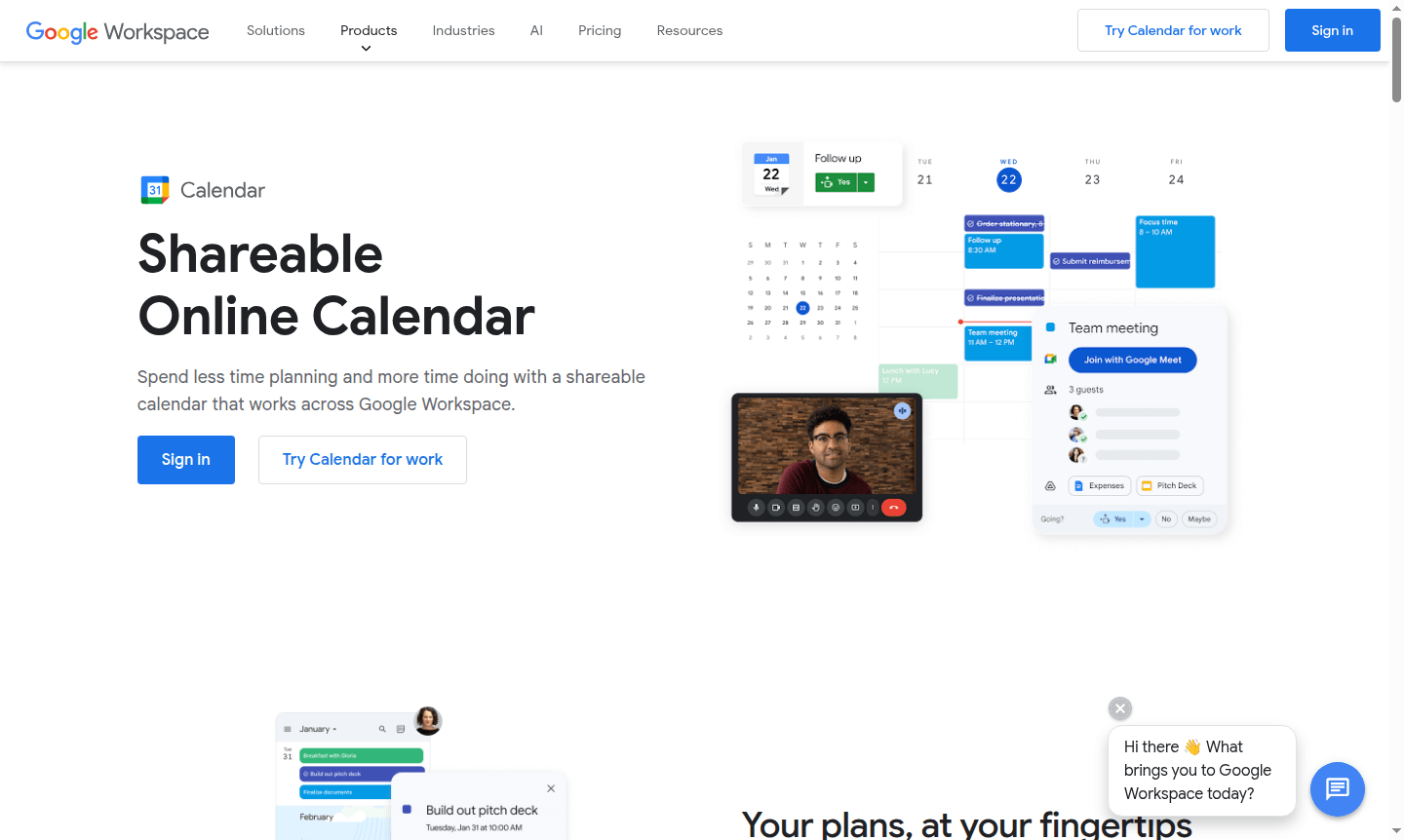
Overview of Google Calendar
Google Calendar is a powerful online scheduling platform that brings all your calendars together in one intuitive interface. This shareable calendar solution works seamlessly across Google Workspace, helping you spend less time planning and more time doing. Whether you're managing work commitments, personal appointments, or team schedules, Google Calendar provides a centralized hub for all your time management needs. It's particularly valuable for calendar applications and online scheduling tools that require reliable synchronization and collaboration features.
The platform excels at helping users stay organized with automatic event creation from emails, smart scheduling suggestions, and comprehensive calendar sharing capabilities. From individual users tracking daily tasks to enterprise teams coordinating complex meeting schedules, Google Calendar adapts to various organizational needs. Its integration with the broader Google ecosystem makes it an essential tool for anyone seeking efficient time management and improved productivity through better scheduling practices and collaborative planning.
How to Use Google Calendar
Getting started with Google Calendar is straightforward – simply sign in with your Google account and begin creating events by clicking on any time slot. You can add event details like title, location, description, and guests, then set up notifications to ensure you never miss important appointments. The platform automatically syncs across all your devices, so changes made on your computer instantly appear on your mobile app. For team coordination, create shared calendars where multiple users can view and edit events, making it easy to schedule meetings when everyone is available without the back-and-forth emails.
Core Features of Google Calendar
- Smart Scheduling – Automatically finds optimal meeting times by analyzing availability across calendars
- Task Integration – Connects with Google Tasks to manage to-dos alongside calendar events
- Appointment Scheduling – Allows creating booking pages for external contacts to schedule time
- Time Insights – Provides analytics on time usage and frequent meetings
- Cross-Platform Sync – Syncs data across web, mobile, and desktop platforms
Use Cases for Google Calendar
- Business teams coordinating meeting schedules and resource bookings across departments
- Freelancers managing client appointments and project deadlines in one system
- Educational institutions organizing class schedules, office hours, and campus events
- Families sharing household calendars for activities, appointments, and family events
- Sales professionals scheduling client meetings and tracking follow-up activities
- Project managers overseeing team availability and milestone deadlines
- Healthcare providers managing patient appointments and staff scheduling
Support and Contact
For assistance with Google Calendar, visit the Google Calendar Help Center for comprehensive documentation and troubleshooting guides. If you need direct support for Google Workspace accounts, contact Google Workspace Support for personalized assistance. Email: contact@google.com
Company Info
Google Calendar is developed by Google LLC, headquartered in Mountain View, California, United States. As part of the Google Workspace productivity suite, it benefits from Google's extensive infrastructure and security measures. Learn more at Google About.
Login and Signup
Access Google Calendar by visiting calendar.google.com and signing in with your Google account. New users can create a free account at Google Account creation to get started with basic calendar features immediately.
Google Agenda FAQ
Puis-je migrer mes calendriers existants vers Google Agenda ?
Oui, Google Agenda prend en charge la migration depuis divers systèmes de calendrier, y compris les plateformes Microsoft et IBM, permettant une transition transparente de vos emplois du temps existants.
Google Agenda est-il sécurisé pour stocker mes informations de planning ?
Google Agenda utilise des mesures de sécurité robustes avec des données stockées dans les centres de données sécurisés de Google et une détection intégrée des menaces pour protéger vos entrées d'agenda.
Google Agenda propose-t-il des fonctionnalités de planification de rendez-vous ?
Oui, les utilisateurs personnels et Workspace peuvent créer des pages de réservation, avec des fonctionnalités premium disponibles pour les comptes professionnels, y compris la collecte de paiements et des pages illimitées.
Puis-je créer un Google Agenda pour un groupe ?
Oui, vous pouvez créer des agendas accessibles à tous dans votre organisation ou à un sous-ensemble d'utilisateurs pour des événements tels que les vacances d'équipe et les réunions régulières.
Comment ajouter un lieu ou une salle de réunion à une invitation Google Agenda ?
Si vous avez un compte Google via le travail, l'école ou un groupe, vous pouvez ajouter des salles de réunion et des ressources. Cliquez sur 'lieu' lors de la création d'un événement pour ajouter n'importe quel lieu.
Google Agenda Avis0 review
Would you recommend Google Agenda? Leave a comment
Google Agenda Alternatives
The best modern alternatives to the tool
Outils les plus récents
Outils ajoutés récemment
