Xbox Cloud Gaming
Diffusez des centaines de jeux Xbox sur votre téléphone, tablette ou PC avec Xbox Cloud Gaming. Aucun téléchargement nécessaire, accédez aux nouvelles sorties et favoris via Xbox Game Pass Ultimate. Jouez n'importe où avec la synchronisation inter-appareils.
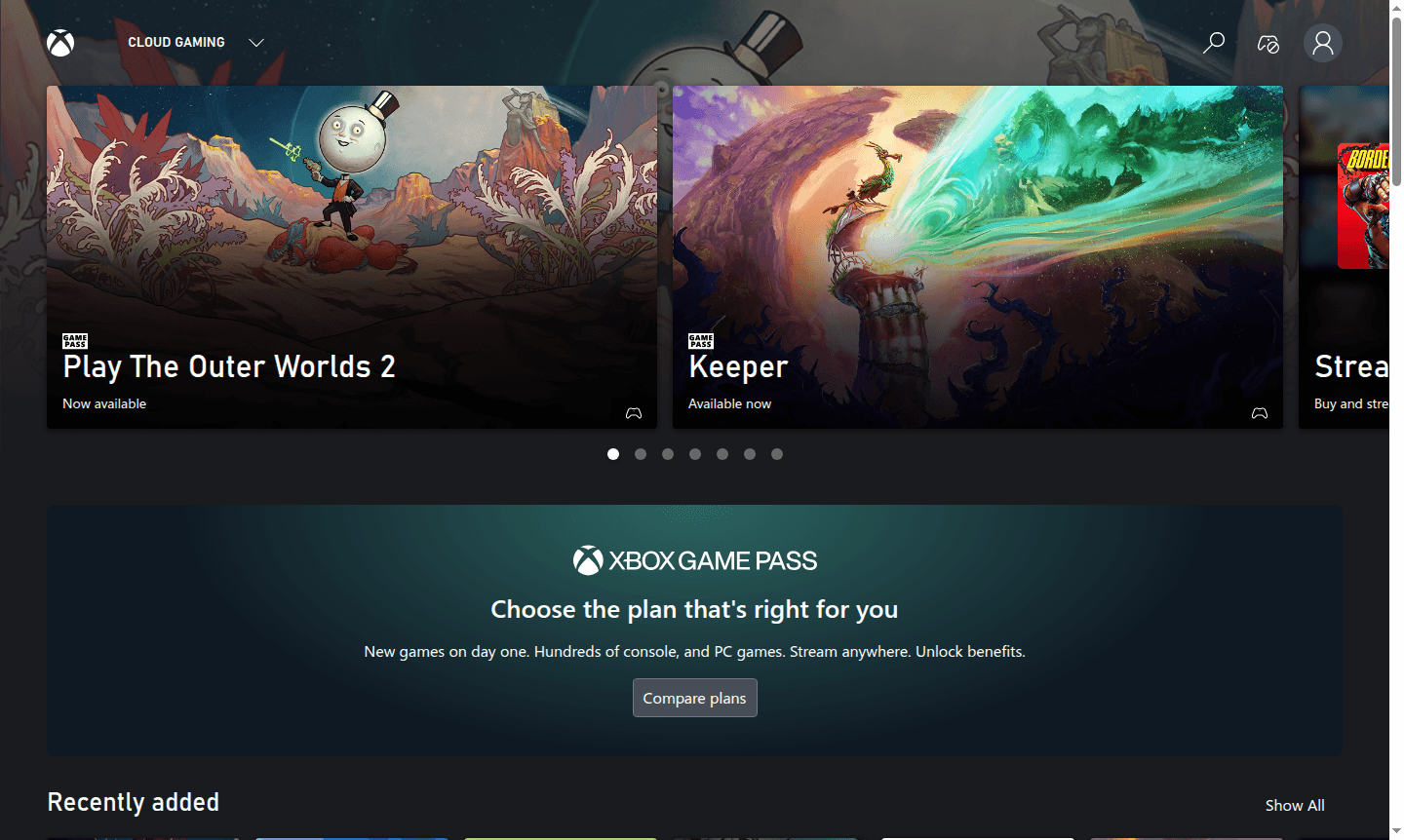
Overview of Xbox Cloud Gaming
Xbox Cloud Gaming is Microsoft's premium cloud gaming service that lets you stream hundreds of Xbox games directly to your devices without downloads or installations. As part of Xbox Game Pass Ultimate, this service transforms your phone, tablet, or computer into a portable gaming console, giving you instant access to a massive library of titles across multiple genres including action, adventure, shooters, RPGs, and family-friendly games. The platform supports both controller and mouse/keyboard input, making it versatile for different gaming preferences and play styles.
This cloud gaming solution eliminates the need for expensive hardware by streaming games from Microsoft's powerful servers directly to your screen. Whether you want to play blockbuster titles like Halo Infinite and Hogwarts Legacy or discover indie gems from the extensive catalog, Xbox Cloud Gaming delivers console-quality gaming experiences anywhere with a stable internet connection. The service regularly updates its library with new releases and popular titles, ensuring fresh content for subscribers. Explore more gaming tools in our Game Launcher and Game Streaming categories.
How to Use Xbox Cloud Gaming
Getting started with Xbox Cloud Gaming is straightforward – simply subscribe to Xbox Game Pass Ultimate, which includes full access to the cloud gaming service alongside other benefits. Once subscribed, you can play directly through supported web browsers on Windows PCs and Apple devices, or use the Xbox app on Android phones and tablets. The service automatically syncs your progress across devices, allowing you to start a game on one device and continue on another without losing your place. For optimal performance, Microsoft recommends a stable internet connection of at least 10 Mbps for mobile devices and 20 Mbps for console streaming.
Core Features of Xbox Cloud Gaming
- Massive Game Library – Access hundreds of Xbox games including new releases on day one
- Cross-Device Streaming – Play on phones, tablets, PCs, and consoles with progress sync
- Multiple Control Options – Support for Xbox controllers, touch controls, and mouse/keyboard
- High-Quality Streaming – Console-level gaming experiences streamed from cloud servers
- Regular Content Updates – New games added monthly with curated collections
Use Cases for Xbox Cloud Gaming
- Gaming on mobile devices without downloading large game files
- Trying new games before committing to full downloads
- Continuing gameplay across different devices seamlessly
- Accessing Xbox exclusives without owning a console
- Family gaming with parental controls and family-friendly titles
- Competitive gaming with low-latency streaming performance
- Discovering indie games from the extensive catalog
Support and Contact
For technical support and account assistance, visit the official Xbox Support website. The support team provides comprehensive help with subscription management, streaming issues, and game-related queries through their knowledge base and community forums.
Company Info
Xbox Cloud Gaming is developed by Microsoft Corporation, headquartered in Redmond, Washington, USA. As part of Microsoft's gaming division, the service integrates with the broader Xbox ecosystem and represents the company's commitment to cloud-based entertainment solutions. Learn more about Microsoft's gaming initiatives on the Xbox website.
Login and Signup
To access Xbox Cloud Gaming, you need an Xbox Game Pass Ultimate subscription. You can sign up or login on the Xbox Game Pass page. Existing Microsoft account holders can use their credentials, while new users can create an account during the subscription process.
Xbox Cloud Gaming FAQ
Quels appareils prennent en charge Xbox Cloud Gaming ?
Xbox Cloud Gaming fonctionne sur les PC Windows, les téléphones et tablettes Android, et les appareils Apple via les navigateurs pris en charge, ainsi que sur les consoles Xbox.
Ai-je besoin d'une console Xbox pour Xbox Cloud Gaming ?
Non, Xbox Cloud Gaming diffuse les jeux directement depuis le cloud, donc vous n'avez pas besoin d'une console Xbox pour jouer.
Quelle vitesse Internet est requise pour Xbox Cloud Gaming ?
Microsoft recommande au moins 10 Mbps pour les appareils mobiles et 20 Mbps pour le streaming sur console pour des performances optimales.
Y a-t-il un essai gratuit pour Xbox Cloud Gaming ?
Xbox Cloud Gaming fait partie de Xbox Game Pass Ultimate, qui peut proposer des essais gratuits aux nouveaux abonnés. Consultez le site officiel pour les promotions en cours.
Xbox Cloud Gaming Avis0 review
Would you recommend Xbox Cloud Gaming? Leave a comment
Xbox Cloud Gaming Alternatives
The best modern alternatives to the tool
Outils les plus récents
Outils ajoutés récemment
