
Stay
Stay: Intelligent window management for Mac. Automatically remembers and restores window positions across multiple displays. Boost productivity with seamless workspace organization.
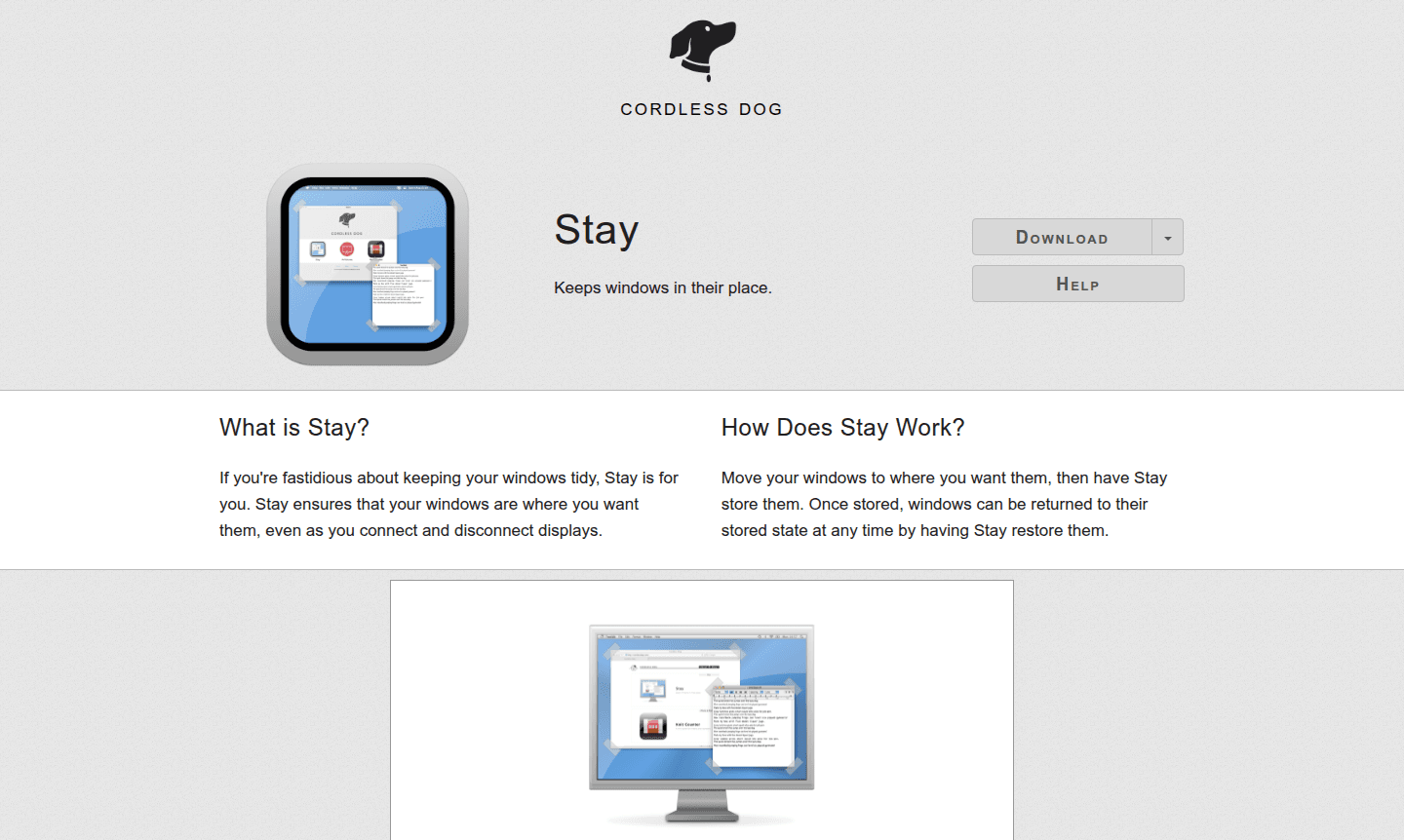
Overview of Stay
Stay is an innovative window management application designed specifically for Mac users who value organization and efficiency in their digital workspace. This powerful tool ensures your application windows remain exactly where you want them, even when you connect or disconnect external displays. For professionals who frequently switch between different monitor configurations, Stay eliminates the frustration of constantly rearranging windows, providing a seamless transition between workspace setups. The application is particularly valuable for users who rely on precise window management tools to maintain productivity across multiple displays.
Whether you're a creative professional working with design software, a developer managing multiple coding environments, or anyone who needs consistent window positioning, Stay delivers reliable display management software capabilities. The app automatically remembers your preferred window layouts for each unique combination of connected monitors, making it an essential utility for anyone using the Stay app for Mac with various display configurations. This intelligent approach to virtual desktop functionality ensures your workflow remains uninterrupted regardless of how your setup changes throughout the day.
How to Use Stay
Using Stay is remarkably straightforward – simply arrange your application windows in your preferred configuration across your available displays, then instruct Stay to store this layout. The application will remember the exact position and size of each window for that specific display combination. Later, when you want to return to that workspace arrangement, you can have Stay restore all windows to their previously stored positions with a single command. For maximum convenience, you can configure Stay to automatically restore your windows whenever specific displays are connected or disconnected, creating a truly intelligent window management experience that adapts to your changing workspace needs without manual intervention.
Core Features of Stay
- Multi-Display Configuration Memory – Stores unique window arrangements for every display combination you use with your computer
- Automatic Window Restoration – Can be configured to automatically restore windows when displays connect or disconnect
- Manual Layout Recall – Allows instant restoration of stored window positions at any time with simple commands
- Persistent Window Positioning – Ensures windows stay exactly where you place them across workspace changes
Use Cases for Stay
- Professionals switching between office and home workstation configurations
- Designers maintaining consistent application layouts across multiple monitors
- Developers preserving coding environment setups between display changes
- Video editors needing precise window positioning for editing workflows
- Financial analysts keeping spreadsheet and data applications organized
- Researchers managing multiple reference documents and writing applications
- Anyone using external displays with laptops for presentations or extended workspace
Support and Contact
For technical support, documentation, or assistance with the Stay window management application, please visit the official website. You can also email contact@stayapp.com for direct support. The development team maintains active support channels through their online presence.
Company Info
Stay is developed by a specialized software team focused on creating productivity-enhancing utilities for macOS users. The company specializes in window management solutions and display optimization tools that help users maintain organized digital workspaces.
Login and Signup
To download Stay or learn more about its capabilities, visit the official website. The application is available through standard macOS software distribution channels, and users can access the full feature set after installation.
Stay FAQ
What is Stay app and how does it improve productivity?
Stay is a Mac window management tool that remembers and restores your window positions automatically when connecting or disconnecting displays.
Does Stay work with multiple monitor setups?
Yes, Stay stores unique window arrangements for every display combination and can automatically restore layouts when monitors connect or disconnect.
How do I save and restore window positions with Stay?
Arrange windows as desired, have Stay store the layout, then restore it anytime manually or configure automatic restoration when displays change.
Is Stay compatible with all versions of macOS?
Stay is designed for modern macOS versions. Please check the official website for specific compatibility details and system requirements.
Stay Pricing
Current prices may vary due to updates
Pricing Information
Specific pricing details for Stay were not available during our research. Please visit the official website for current pricing information, available
Stay Reviews0 review
Would you recommend Stay? Leave a comment
Stay Alternatives
The best modern alternatives to the tool
New Tools Releases
Recently added tools
