
Lighthouse
Lighthouse is Google's open-source tool for web page audits including performance, accessibility, SEO, and PWA checks. Use via Chrome DevTools, CLI, or Node to improve site speed and rankings.
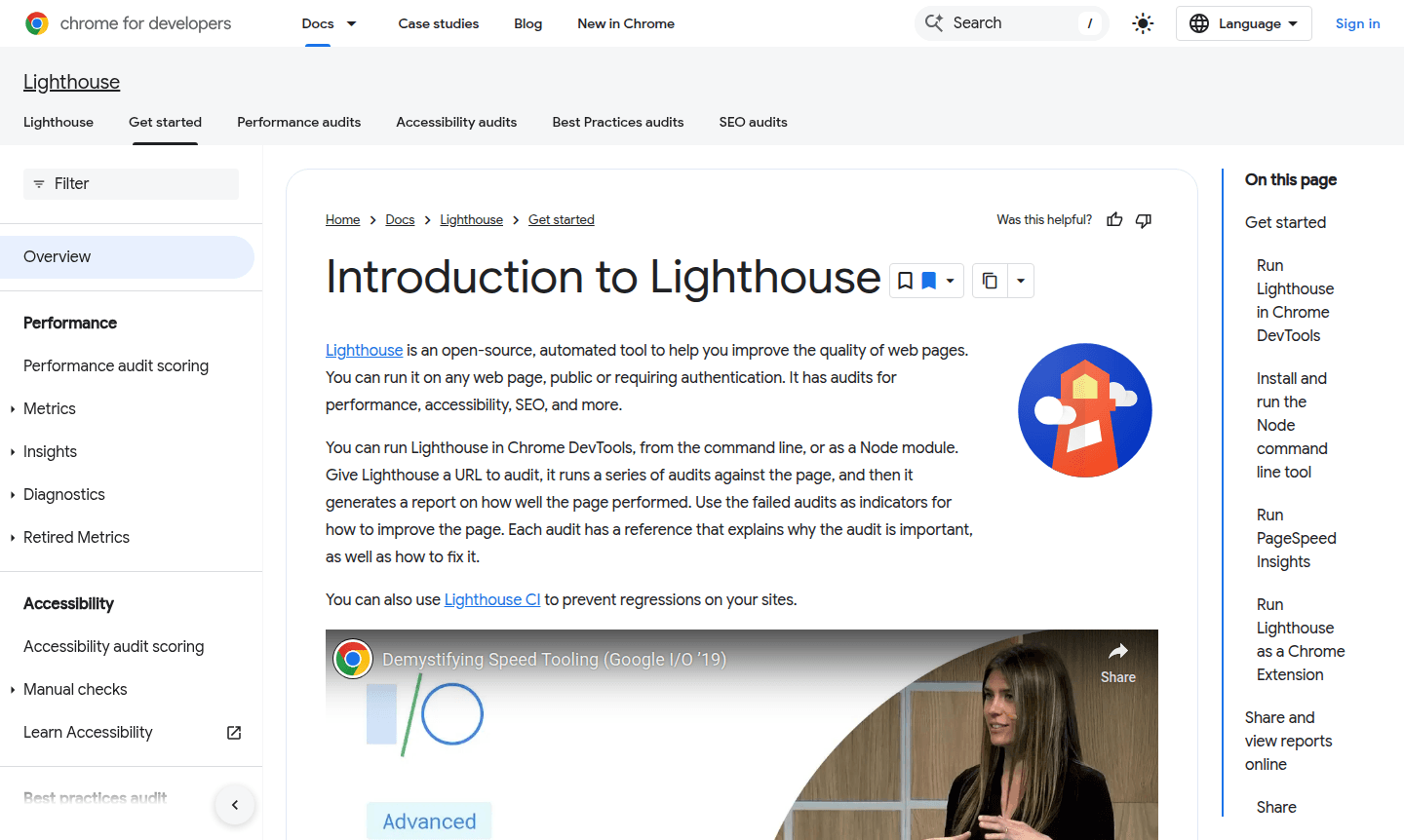
Overview of Lighthouse
Lighthouse is an open-source automated auditing tool developed by Google that helps web developers and site owners improve their website quality across multiple critical dimensions. This powerful tool runs comprehensive audits against any web page – whether public or requiring authentication – to assess performance, accessibility, SEO best practices, progressive web app capabilities, and more. By generating detailed reports with actionable recommendations, Lighthouse provides developers with clear guidance on how to optimize their sites for better user experience and search engine visibility.
Available through multiple interfaces including Chrome DevTools, command line, and as a Node module, Lighthouse offers flexibility for different development workflows. The tool is particularly valuable for Dev Tools professionals, SEO Tools specialists, and Performance Profiler experts who need reliable, automated testing to maintain high web standards. Its integration capabilities make it suitable for continuous integration pipelines, ensuring consistent quality across development cycles.
How to Use Lighthouse
Getting started with Lighthouse is straightforward – simply choose your preferred method of execution. For quick audits, use the built-in Lighthouse panel in Chrome DevTools by opening Developer Tools, navigating to the Lighthouse tab, selecting your audit categories, and clicking 'Run audit'. For automated testing, install the Node module globally and run commands like 'lighthouse <url>' from your terminal. You can also access Lighthouse through PageSpeed Insights or as a Chrome extension, with each method generating comprehensive reports that highlight passed and failed audits along with specific improvement suggestions.
Core Features of Lighthouse
- Performance Auditing – Measures loading speed and runtime performance metrics
- Accessibility Testing – Identifies accessibility issues to ensure compliance with WCAG guidelines
- SEO Analysis – Checks for search engine optimization best practices and markup correctness
- Progressive Web App Assessment – Validates PWA features like service workers and manifest files
- Extensible Plugin System – Allows custom audits and stack-specific recommendations through plugins
Use Cases for Lighthouse
- Continuous integration testing for web development pipelines
- SEO optimization and search engine ranking improvement
- Web accessibility compliance and WCAG guideline adherence
- Performance benchmarking and loading speed optimization
- Progressive web app development and feature validation
- Quality assurance for website launches and updates
- Developer education and best practices implementation
Support and Contact
For support and community resources, visit the official Lighthouse documentation. You can also contact via email at contact@google.com. Community support is available through GitHub issues and discussions.
Company Info
Lighthouse is developed and maintained by Google, based in the United States. As an open-source project, it benefits from contributions by developers worldwide and follows Google's commitment to improving web standards and developer tools.
Login and Signup
No login or signup is required to use Lighthouse. You can access the tool directly through Chrome DevTools, command line installation, or the online version without any registration process.
Lighthouse FAQ
What is Lighthouse used for in web development?
Lighthouse automates website quality audits for performance, accessibility, SEO, and PWA features, providing actionable improvement recommendations for developers.
How do I run Lighthouse performance audits?
You can run Lighthouse through Chrome DevTools, command line, Node module, or PageSpeed Insights – all methods generate comprehensive performance reports.
Is Lighthouse suitable for SEO testing?
Yes, Lighthouse includes dedicated SEO audits that check for best practices, meta tags, and search engine optimization compliance.
Is Lighthouse free to use?
Yes, Lighthouse is completely free and open-source, with no cost for usage or registration required.
Lighthouse Reviews0 review
Would you recommend Lighthouse? Leave a comment
Lighthouse Alternatives
The best modern alternatives to the tool
New Tools Releases
Recently added tools
