
Obsidian
Obsidian is a free, privacy-focused note-taking app that uses markdown for interconnected notes. Visualize relationships with graph view and customize with plugins for kanban, tasks, and more. Ideal for students and professionals.
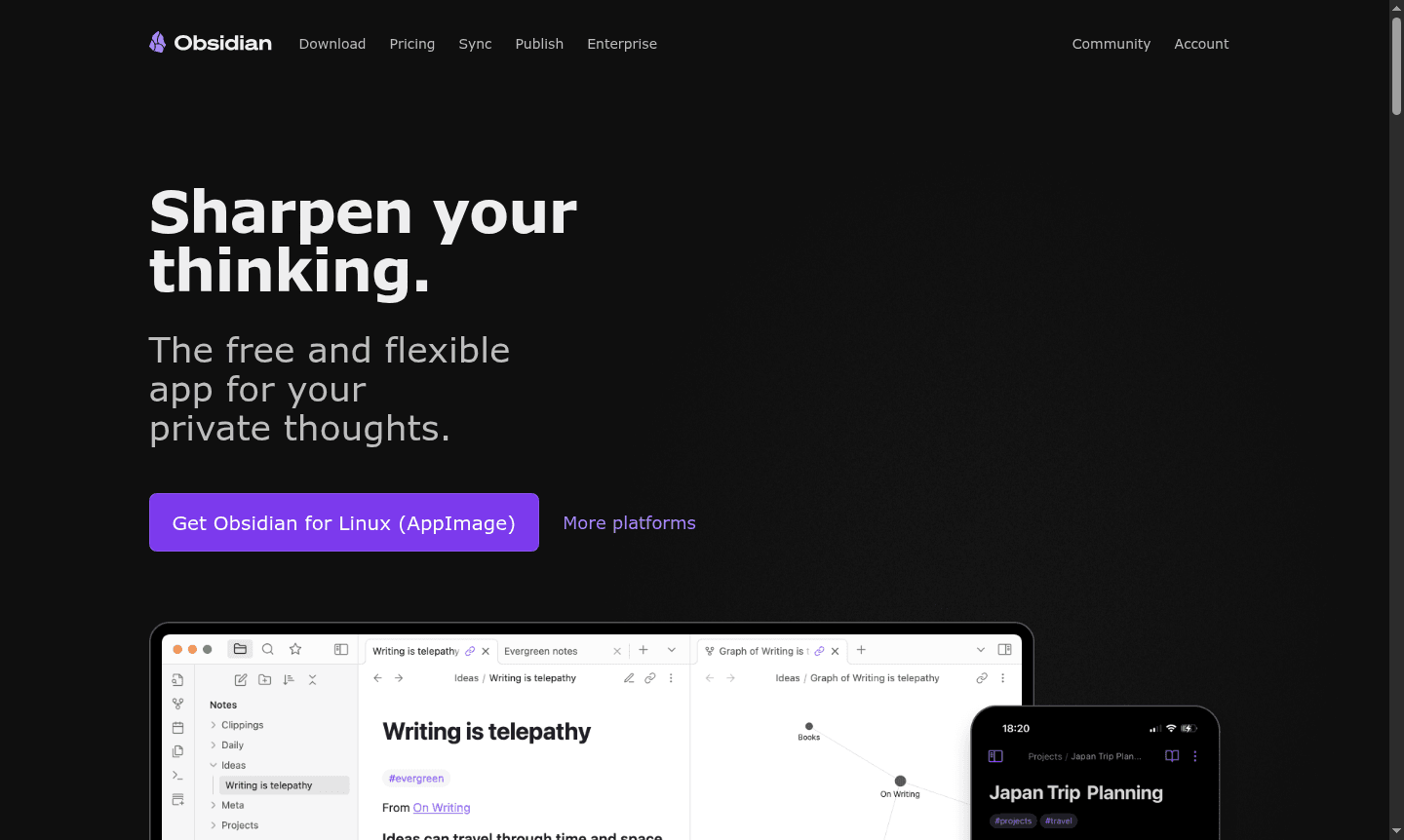
Overview of Obsidian
Obsidian is a powerful, privacy-focused note-taking application that stores your thoughts locally on your device, giving you complete control over your data. This free and flexible app serves as your personal thinking companion, allowing you to access notes quickly even when offline while ensuring no one else – not even the developers – can read your private content. With thousands of plugins and themes available, you can customize Obsidian to match your unique thinking style and workflow preferences.
Built on open file formats, Obsidian ensures your knowledge remains accessible for the long term without vendor lock-in. The application transforms your notes into interconnected knowledge bases through powerful linking capabilities, visual relationship mapping, and infinite brainstorming spaces. From personal journaling and academic research to project management and team collaboration, Obsidian provides the tools to organize ideas effectively while maintaining data sovereignty and privacy. Explore more in our Note-taking App and Knowledge Base categories.
How to Use Obsidian
Getting started with Obsidian involves downloading the application to your device and creating your first vault – a folder where all your notes and attachments are stored. Begin by writing notes in Markdown format, then create connections between related ideas using double brackets to link concepts, people, places, or resources. As your knowledge network grows, use the Graph view to visualize relationships and discover hidden patterns in your thinking. Enhance functionality by browsing the extensive plugin library to add calendar views, kanban boards, advanced queries, task tracking, and outline tools that align with your specific workflow needs.
Core Features of Obsidian
- Interlinking System – Create bidirectional links between notes to build your personal Wikipedia
- Graph Visualization – Visualize note relationships through interactive network diagrams
- Canvas Workspace – Infinite space for brainstorming, research, and diagramming
- Plugin Ecosystem – Thousands of community plugins for custom functionality
- Cross-Device Sync – Secure end-to-end encrypted synchronization across devices
Use Cases for Obsidian
- Personal knowledge management and second brain systems
- Academic research and study notes organization
- Project planning with kanban boards and task tracking
- Daily journaling and personal reflection
- Team collaboration on shared documentation
- Content creation and writing projects
- Code documentation and developer notes
Support and Contact
For assistance with Obsidian notes, markdown formatting, or plugin configuration, visit the official community forums and documentation. Direct support inquiries can be directed through the contact form on the Obsidian website or via email at contact@obsidian.md. The active user community provides extensive tutorials and troubleshooting guidance for both beginners and advanced users.
Company Info
Obsidian is developed by a dedicated team focused on creating tools that enhance thinking and knowledge organization. The application represents a commitment to user privacy, data ownership, and open standards in personal productivity software. Company information and development updates are available through the official Obsidian website and community channels.
Login and Signup
Access Obsidian by downloading the application directly from the official website. No account creation or login is required for local usage, though optional sync services provide secure cross-device access through end-to-end encryption. The mobile app complements desktop functionality for comprehensive note-taking across all your devices.
Obsidian FAQ
Is Obsidian completely free to use for personal note-taking?
Yes, Obsidian is free without limits for local note-taking, with optional paid sync and publish services available.
How does Obsidian protect my privacy compared to cloud-based note apps?
Obsidian stores notes locally on your device with optional encrypted sync, ensuring only you control your data.
Can I use Obsidian plugins to create kanban boards and track tasks?
Yes, community plugins like Kanban and Tasks transform Obsidian into a powerful project management tool.
What file formats does Obsidian use for notes?
Obsidian uses plain text Markdown files, making your notes easily accessible and future-proof.
Obsidian Reviews0 review
Would you recommend Obsidian? Leave a comment
Obsidian Alternatives
The best modern alternatives to the tool
New Tools Releases
Recently added tools
