
XnView
XnView is a free image viewer and photo editor that supports 500+ formats including RAW and HEIC. Batch process images, create slideshows, and organize photos on Windows, Mac, and Linux.
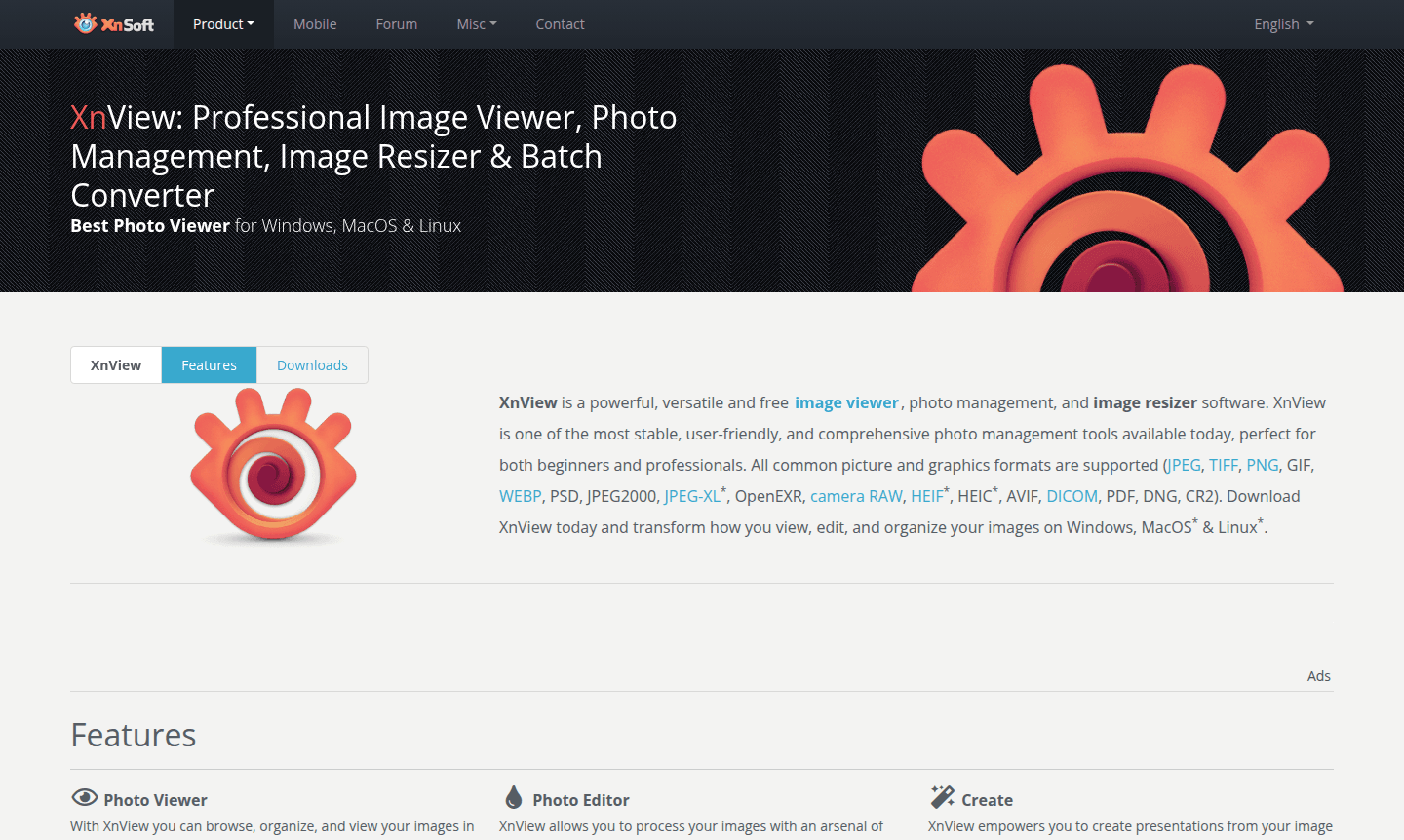
Overview of XnView
XnView is a powerful, versatile, and completely free image viewer, photo management, and image resizer software that has become a staple for both beginners and professionals. This comprehensive tool supports over 500 image formats – including JPEG, TIFF, PNG, GIF, WEBP, PSD, RAW files, HEIC, AVIF, and PDF – making it one of the most compatible image applications available. With its stable performance and user-friendly interface, XnView transforms how you view, edit, and organize images across Windows, macOS, and Linux platforms.
Designed as freeware with no adware or spyware, XnView is perfect for private users, educational institutions, and non-profit organizations. The software offers extensive photo management capabilities, batch processing tools, and advanced editing features that rival paid alternatives. Whether you need a simple image viewer, a batch converter, or a complete photo editor, XnView delivers professional-grade functionality without the cost, making it an essential tool in categories like Photo Editor and Image Converter.
How to Use XnView
Getting started with XnView is straightforward: download the recommended XnView MP version for modern systems or the Classic version for legacy Windows support. After installation, you can immediately begin browsing your image collection using thumbnail, filmstrip, or full-screen views. The intuitive interface allows you to organize photos into folders, apply batch conversions to multiple files simultaneously, and perform basic edits like cropping, resizing, and color adjustments. For advanced workflows, you can create slideshows, generate contact sheets, edit metadata, and even use the duplicate file finder to clean up your image library.
Core Features of XnView
- Multi-format Image Viewer – Supports over 500 image formats, including RAW and HEIC, with browsing and slideshow options.
- Batch Processing Tools – Batch convert, rename, and edit images with metadata support for efficiency.
- Photo Editing Suite – Offers resizing, cropping, color adjustments, filters, and lossless JPEG edits.
- Creation and Presentation – Create slideshows, contact sheets, and galleries from image collections.
- Advanced Utilities – Includes duplicate finder, screen capture, multimedia player, and face detection features.
Use Cases for XnView
- Photographers needing to view and convert RAW camera files to editable formats
- Graphic designers requiring batch image conversion and resizing for web projects
- Archivists organizing large photo collections with metadata editing capabilities
- Educators creating presentations and teaching materials from image resources
- Web developers optimizing images for websites with batch compression tools
- Home users managing personal photo libraries across multiple devices
- Professionals comparing multiple images side-by-side for quality assessment
Support and Contact
For support and inquiries, visit the official website at www.xnview.com or email contact@xnview.com. The website provides comprehensive documentation, download links, and information about the software.
Company Info
XnView is developed and maintained by Pierre-Emmanuel Gougelet. The software has been available since 1994 and continues to receive regular updates and improvements, serving a global user base with multilingual support.
Login and Signup
XnView requires no login or signup process – simply download the software from www.xnview.com and install it on your computer. The freeware model means you can start using all features immediately without creating an account.
XnView FAQ
Is XnView completely free to use?
Yes, XnView is freeware for private, educational, and non-profit use with no adware or spyware. Users can optionally donate to support development.
What image formats does XnView support?
XnView supports over 500 formats including JPEG, PNG, GIF, TIFF, RAW files, HEIC, AVIF, PDF, and animated formats like APNG and GIF.
Can XnView edit photos and convert images in batches?
Yes, XnView includes both photo editing tools and powerful batch conversion capabilities for processing multiple images simultaneously.
Is there a portable version of XnView?
Yes, XnView offers a portable version that can run without installation, available for download on the official website.
XnView Pricing
Current prices may vary due to updates
Freeware
Completely free version for private or educational use including non-profit organizations, with no adware or spyware. Includes all features with optio
XnView Reviews0 review
Would you recommend XnView? Leave a comment
XnView Alternatives
The best modern alternatives to the tool
New Tools Releases
Recently added tools
