
Google Calendar
Google Calendar es una herramienta gratuita de programación en línea para individuos y equipos. Ofrece programación inteligente, calendarios compartidos, integración de tareas y reserva de citas con sincronización perfecta en todos los dispositivos.
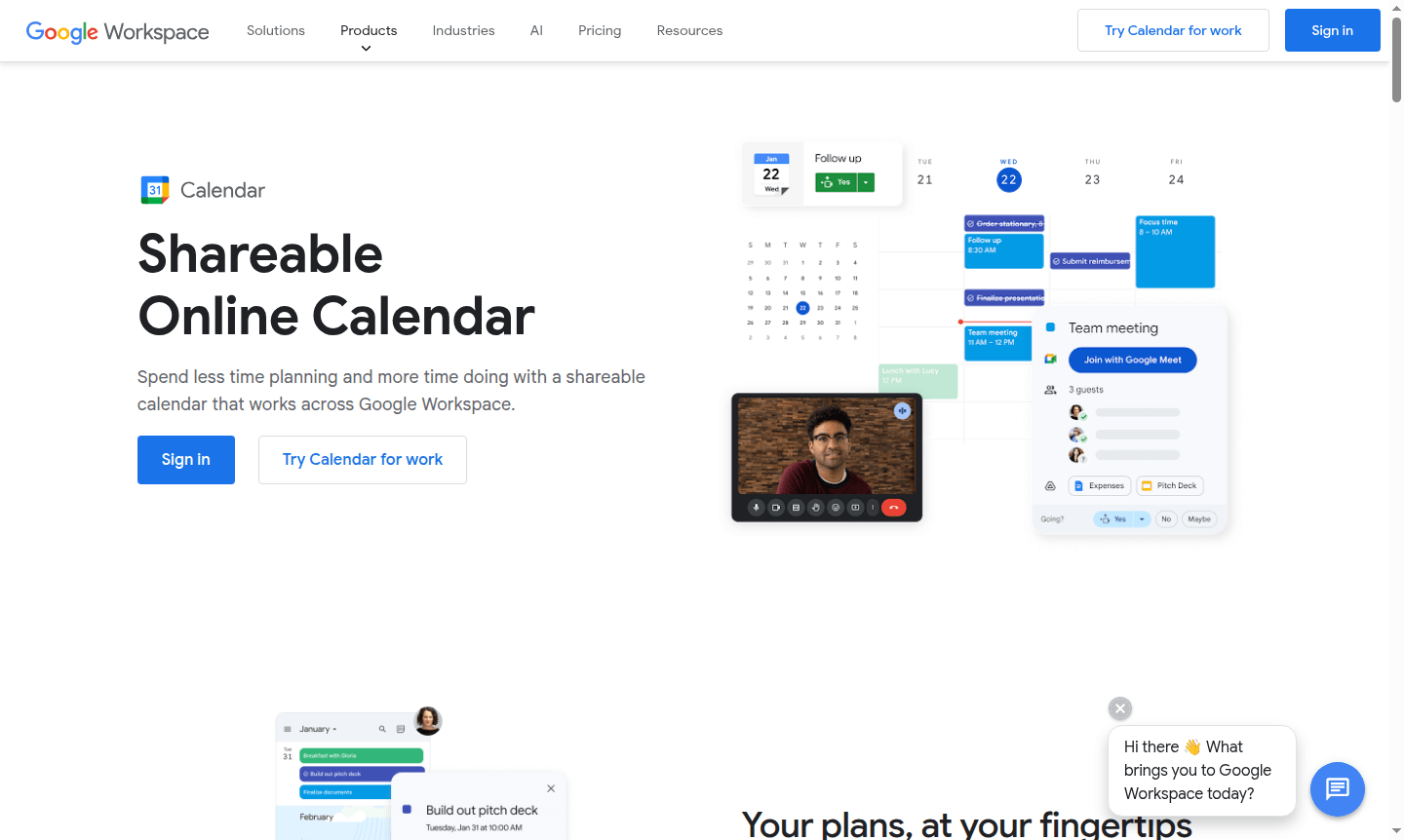
Overview of Google Calendar
Google Calendar is a powerful online scheduling platform that brings all your calendars together in one intuitive interface. This shareable calendar solution works seamlessly across Google Workspace, helping you spend less time planning and more time doing. Whether you're managing work commitments, personal appointments, or team schedules, Google Calendar provides a centralized hub for all your time management needs. It's particularly valuable for calendar applications and online scheduling tools that require reliable synchronization and collaboration features.
The platform excels at helping users stay organized with automatic event creation from emails, smart scheduling suggestions, and comprehensive calendar sharing capabilities. From individual users tracking daily tasks to enterprise teams coordinating complex meeting schedules, Google Calendar adapts to various organizational needs. Its integration with the broader Google ecosystem makes it an essential tool for anyone seeking efficient time management and improved productivity through better scheduling practices and collaborative planning.
How to Use Google Calendar
Getting started with Google Calendar is straightforward – simply sign in with your Google account and begin creating events by clicking on any time slot. You can add event details like title, location, description, and guests, then set up notifications to ensure you never miss important appointments. The platform automatically syncs across all your devices, so changes made on your computer instantly appear on your mobile app. For team coordination, create shared calendars where multiple users can view and edit events, making it easy to schedule meetings when everyone is available without the back-and-forth emails.
Core Features of Google Calendar
- Smart Scheduling – Automatically finds optimal meeting times by analyzing availability across calendars
- Task Integration – Connects with Google Tasks to manage to-dos alongside calendar events
- Appointment Scheduling – Allows creating booking pages for external contacts to schedule time
- Time Insights – Provides analytics on time usage and frequent meetings
- Cross-Platform Sync – Syncs data across web, mobile, and desktop platforms
Use Cases for Google Calendar
- Business teams coordinating meeting schedules and resource bookings across departments
- Freelancers managing client appointments and project deadlines in one system
- Educational institutions organizing class schedules, office hours, and campus events
- Families sharing household calendars for activities, appointments, and family events
- Sales professionals scheduling client meetings and tracking follow-up activities
- Project managers overseeing team availability and milestone deadlines
- Healthcare providers managing patient appointments and staff scheduling
Support and Contact
For assistance with Google Calendar, visit the Google Calendar Help Center for comprehensive documentation and troubleshooting guides. If you need direct support for Google Workspace accounts, contact Google Workspace Support for personalized assistance. Email: contact@google.com
Company Info
Google Calendar is developed by Google LLC, headquartered in Mountain View, California, United States. As part of the Google Workspace productivity suite, it benefits from Google's extensive infrastructure and security measures. Learn more at Google About.
Login and Signup
Access Google Calendar by visiting calendar.google.com and signing in with your Google account. New users can create a free account at Google Account creation to get started with basic calendar features immediately.
Google Calendar FAQ
¿Puedo migrar mis calendarios existentes a Google Calendar?
Sí, Google Calendar admite la migración desde varios sistemas de calendario, incluidas las plataformas de Microsoft e IBM, lo que permite una transición sin problemas de sus horarios existentes.
¿Es seguro Google Calendar para almacenar mi información de agenda?
Google Calendar emplea medidas de seguridad sólidas con datos almacenados en los centros de datos seguros de Google y detección de amenazas integrada para proteger sus entradas de calendario.
¿Ofrece Google Calendar funciones de programación de citas?
Sí, tanto los usuarios personales como los de Workspace pueden crear páginas de reserva, con funciones premium disponibles para cuentas empresariales, incluida la recaudación de pagos y páginas ilimitadas.
¿Puedo crear un Google Calendar para un grupo?
Sí, puede crear calendarios accesibles para todos en su organización o un subconjunto de usuarios para eventos como vacaciones del equipo y reuniones regulares.
¿Cómo agrego una ubicación o sala de reuniones a una invitación de Google Calendar?
Si tiene una cuenta de Google a través del trabajo, la escuela o un grupo, puede agregar salas de reuniones y recursos. Haga clic en 'ubicación' al crear un evento para agregar cualquier ubicación.
Google Calendar Reseñas0 review
Would you recommend Google Calendar? Leave a comment
Google Calendar Alternatives
The best modern alternatives to the tool
Herramientas más nuevas
Herramientas añadidas recientemente
