
Electron
Découvrez Electron, le framework open-source pour créer des applications de bureau avec des technologies web. Créez des applications multiplateformes pour macOS, Windows et Linux en utilisant JavaScript, HTML et CSS.
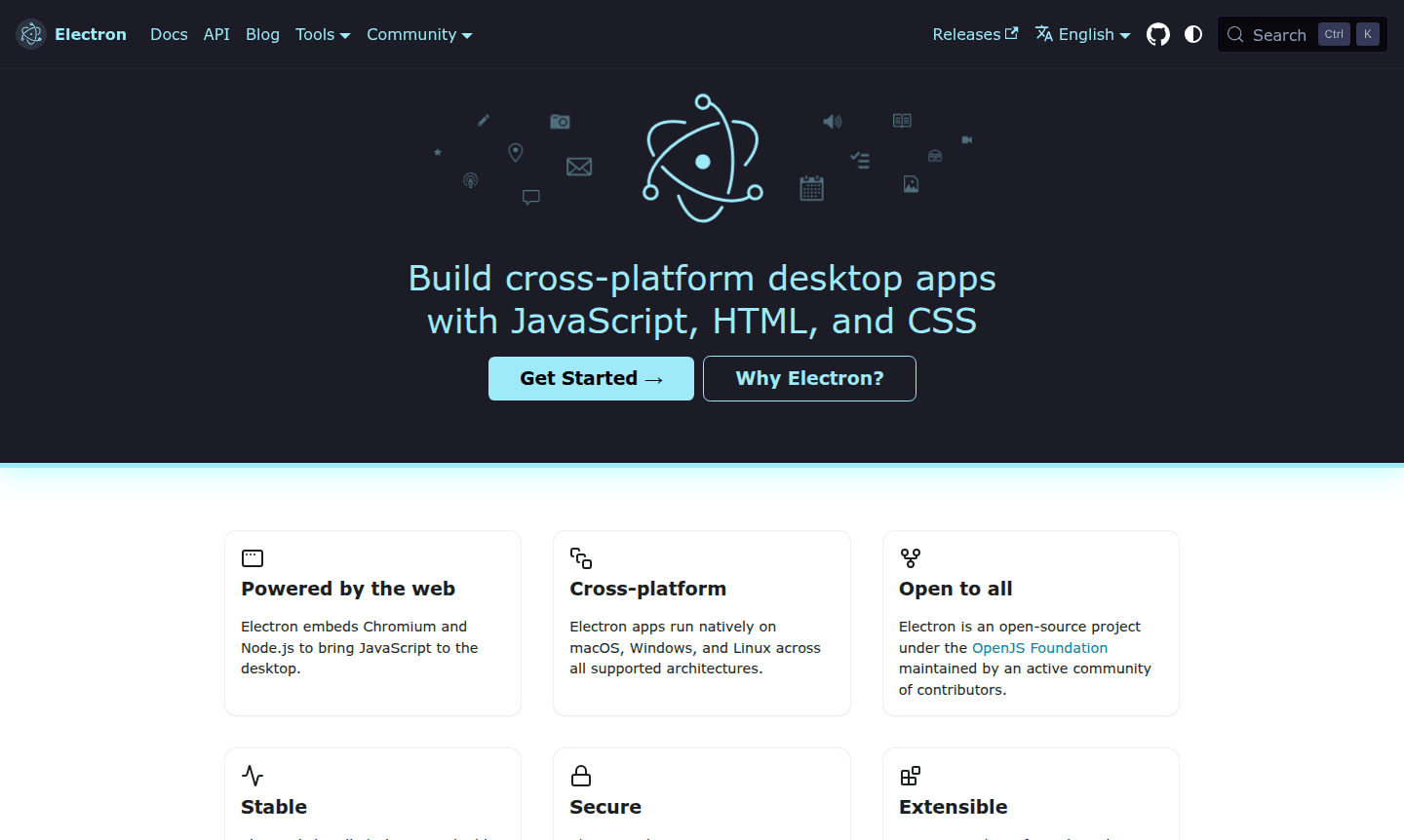
Overview of Electron
Electron is a powerful open-source framework that enables developers to build cross-platform desktop applications using familiar web technologies like JavaScript, HTML, and CSS. By embedding Chromium and Node.js, Electron brings the full capabilities of the web to desktop environments, allowing developers to create native applications for macOS, Windows, and Linux without needing to learn platform-specific languages. This framework is maintained by the OpenJS Foundation and supported by an active community, making it a stable and secure choice for desktop app development across all major operating systems.
Initially developed for GitHub's Atom editor, Electron has become the foundation for thousands of applications used by companies like Microsoft, Slack, Figma, and Discord. Whether you're building productivity tools, development environments, or enterprise software, Electron simplifies the complex aspects of desktop development so you can focus on creating exceptional user experiences. The framework's compatibility with the rich npm ecosystem and popular front-end libraries like React, Vue.js, and Angular makes it accessible to web developers looking to expand into Desktop Environment and IDE development.
How to Use Electron
Getting started with Electron is straightforward for developers familiar with web technologies. Begin by installing the Electron package directly from the npm registry, choosing between stable, prerelease, or nightly channels based on your needs. For a production-ready experience, Electron Forge provides a batteries-included toolkit with first-class support for JavaScript bundling and an extensible module ecosystem. You can also experiment with Electron Fiddle, which lets you create and test small Electron applications with quick-start templates, saving your work as GitHub Gists or local projects. This approach allows developers to quickly prototype desktop applications before committing to full-scale development.
Core Features of Electron
- Cross-Platform Compatibility – Build once, deploy natively on macOS, Windows, and Linux.
- Automatic Software Updates – Seamless updates via autoUpdater module with Squirrel.
- Native GUI Integration – Integrate with OS interfaces using main process APIs.
- App Store Distribution – Publish to Mac App Store, Microsoft Store, or Snap Store.
- Crash Reporting – Automatic crash data collection with crashReporter module.
Use Cases for Electron
- Building cross-platform desktop applications for companies and startups
- Creating development tools and integrated development environments (IDEs)
- Developing productivity applications like note-taking apps and task managers
- Building communication platforms including chat applications and video conferencing tools
- Creating design and prototyping tools for UX/UI professionals
- Developing enterprise software with custom native interfaces
- Building educational tools and learning platforms with desktop capabilities
Support and Contact
For support and inquiries, visit the official Electron website at Electron official website. The project maintains active community forums and documentation to help developers get started and troubleshoot issues. You can also contact via email at contact@electronjs.org for further assistance.
Company Info
Electron is developed and maintained by the OpenJS Foundation, a non-profit organization supporting open-source JavaScript projects. The foundation is based in the United States and oversees the continued development and governance of the Electron framework.
Login and Signup
As an open-source framework, Electron does not require user accounts or login systems for development use. Developers can access all resources, documentation, and downloads directly from the official website at Electron official website. The GitHub repository at Electron GitHub repository provides source code access and issue tracking for community contributions and bug reports.
Electron FAQ
Qu'est-ce qu'Electron et en quoi diffère-t-il du développement de bureau traditionnel ?
Electron est un framework qui permet aux développeurs de créer des applications de bureau en utilisant des technologies web comme JavaScript, HTML et CSS, contrairement aux méthodes traditionnelles qui nécessitent des langages spécifiques à la plateforme.
Les applications Electron peuvent-elles atteindre de bonnes performances par rapport aux applications natives ?
Oui, les applications Electron peuvent offrir d'excellentes performances grâce au rendu optimisé de Chromium et à l'intégration de Node.js, bien que l'utilisation des ressources varie en fonction de la qualité de la mise en œuvre.
Comment Electron gère-t-il la sécurité pour les applications de bureau ?
Electron fournit une sécurité robuste grâce à des mises à jour régulières de Chromium, des capacités de sandboxing et une documentation des meilleures pratiques pour le développement sécurisé d'applications Electron.
Comment puis-je commencer le développement avec Electron ?
Vous pouvez commencer par installer Electron depuis npm, utiliser Electron Forge pour une boîte à outils complète, ou expérimenter avec Electron Fiddle pour des prototypes rapides.
Electron Avis0 review
Would you recommend Electron? Leave a comment
Electron Alternatives
The best modern alternatives to the tool
Outils les plus récents
Outils ajoutés récemment
