Electron
探索Electron,这是一个使用Web技术构建桌面应用程序的开源框架。使用JavaScript、HTML和CSS为macOS、Windows和Linux创建跨平台应用程序。
Overview of Electron
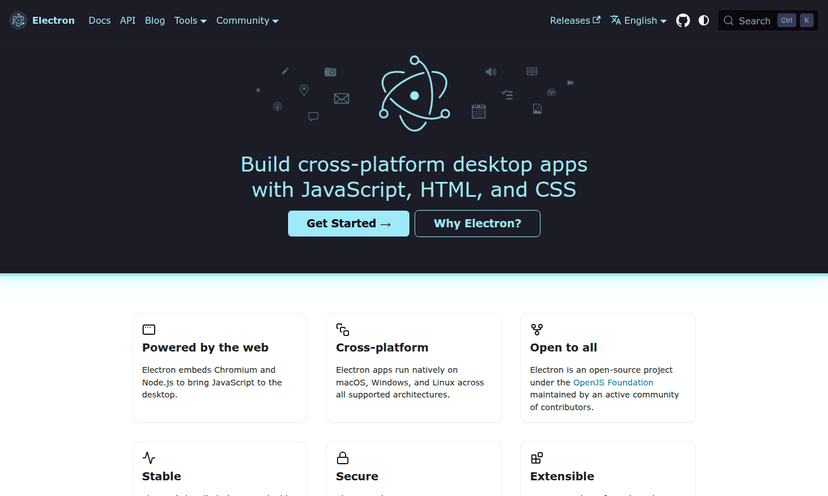
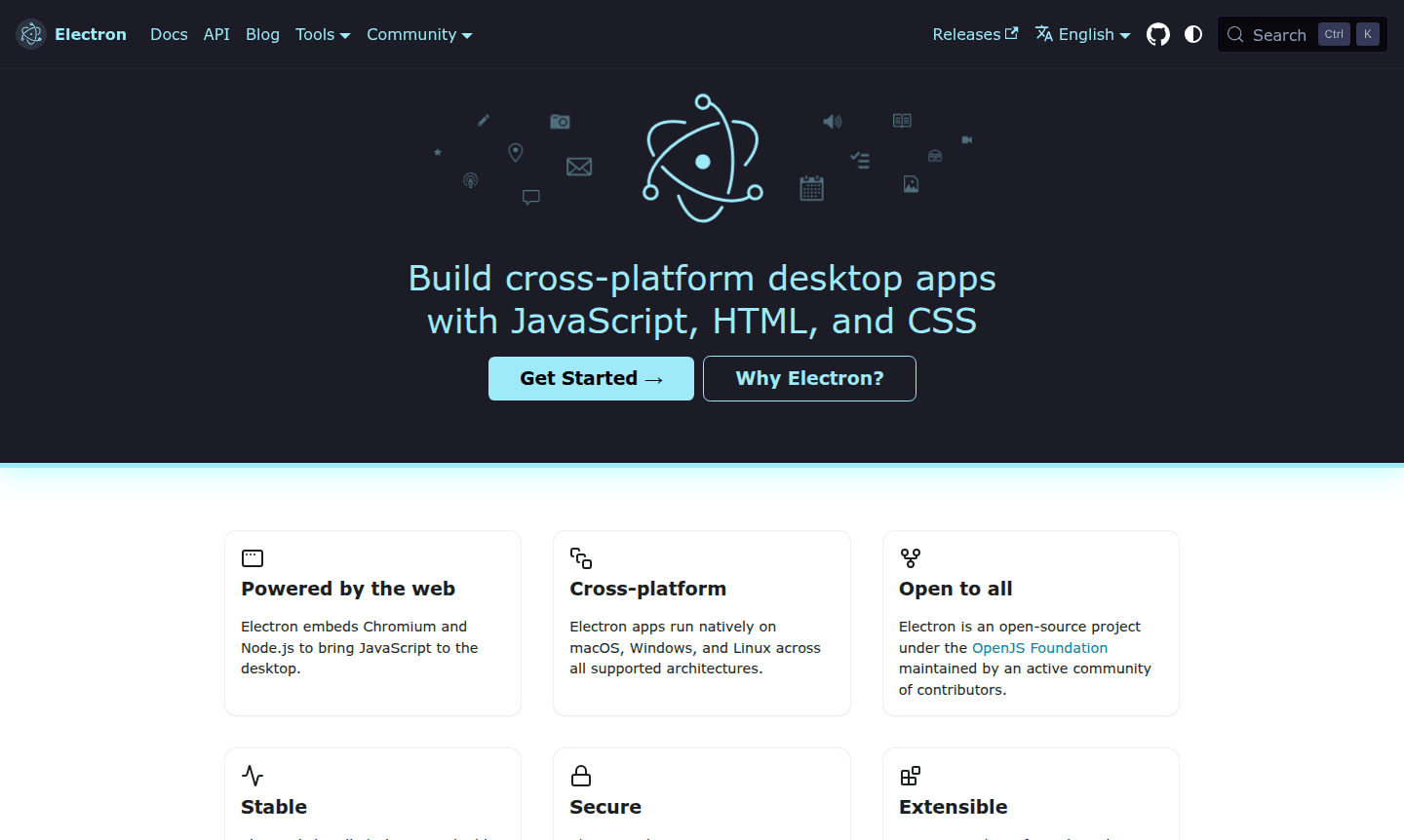
Electron is a powerful open-source framework that enables developers to build cross-platform desktop applications using familiar web technologies like JavaScript, HTML, and CSS. By embedding Chromium and Node.js, Electron brings the full capabilities of the web to desktop environments, allowing developers to create native applications for macOS, Windows, and Linux without needing to learn platform-specific languages. This framework is maintained by the OpenJS Foundation and supported by an active community, making it a stable and secure choice for desktop app development across all major operating systems.
Initially developed for GitHub's Atom editor, Electron has become the foundation for thousands of applications used by companies like Microsoft, Slack, Figma, and Discord. Whether you're building productivity tools, development environments, or enterprise software, Electron simplifies the complex aspects of desktop development so you can focus on creating exceptional user experiences. The framework's compatibility with the rich npm ecosystem and popular front-end libraries like React, Vue.js, and Angular makes it accessible to web developers looking to expand into Desktop Environment and IDE development.
How to Use Electron
Getting started with Electron is straightforward for developers familiar with web technologies. Begin by installing the Electron package directly from the npm registry, choosing between stable, prerelease, or nightly channels based on your needs. For a production-ready experience, Electron Forge provides a batteries-included toolkit with first-class support for JavaScript bundling and an extensible module ecosystem. You can also experiment with Electron Fiddle, which lets you create and test small Electron applications with quick-start templates, saving your work as GitHub Gists or local projects. This approach allows developers to quickly prototype desktop applications before committing to full-scale development.
Core Features of Electron
- Cross-Platform Compatibility – Build once, deploy natively on macOS, Windows, and Linux.
- Automatic Software Updates – Seamless updates via autoUpdater module with Squirrel.
- Native GUI Integration – Integrate with OS interfaces using main process APIs.
- App Store Distribution – Publish to Mac App Store, Microsoft Store, or Snap Store.
- Crash Reporting – Automatic crash data collection with crashReporter module.
Use Cases for Electron
- Building cross-platform desktop applications for companies and startups
- Creating development tools and integrated development environments (IDEs)
- Developing productivity applications like note-taking apps and task managers
- Building communication platforms including chat applications and video conferencing tools
- Creating design and prototyping tools for UX/UI professionals
- Developing enterprise software with custom native interfaces
- Building educational tools and learning platforms with desktop capabilities
Support and Contact
For support and inquiries, visit the official Electron website at Electron official website. The project maintains active community forums and documentation to help developers get started and troubleshoot issues. You can also contact via email at contact@electronjs.org for further assistance.
Company Info
Electron is developed and maintained by the OpenJS Foundation, a non-profit organization supporting open-source JavaScript projects. The foundation is based in the United States and oversees the continued development and governance of the Electron framework.
Login and Signup
As an open-source framework, Electron does not require user accounts or login systems for development use. Developers can access all resources, documentation, and downloads directly from the official website at Electron official website. The GitHub repository at Electron GitHub repository provides source code access and issue tracking for community contributions and bug reports.
Electron FAQ
什么是Electron,它与传统的桌面开发有何不同?
Electron是一个允许开发者使用JavaScript、HTML和CSS等Web技术构建桌面应用程序的框架,这与需要特定平台语言的传统方法不同。
与原生应用程序相比,Electron应用程序能否实现良好的性能?
是的,Electron应用程序可以通过优化的Chromium渲染和Node.js集成提供出色的性能,尽管资源使用情况因实现质量而异。
Electron如何为桌面应用程序处理安全性?
Electron通过定期的Chromium更新、沙箱功能以及用于安全Electron应用程序开发的最佳实践文档提供强大的安全性。
如何开始使用Electron进行开发?
您可以通过从npm安装Electron、使用Electron Forge作为完整的工具包,或者使用Electron Fiddle进行快速原型设计来开始。
Electron 评论0 review
Would you recommend Electron? Leave a comment
Electron Alternatives
The best modern alternatives to the tool
最新工具
最近添加的工具