
EaseUS RecExperts
EaseUS RecExperts is a free screen recorder for Windows and Mac that captures high-quality video with audio. Record gameplay, meetings, tutorials, and streaming content with AI features.
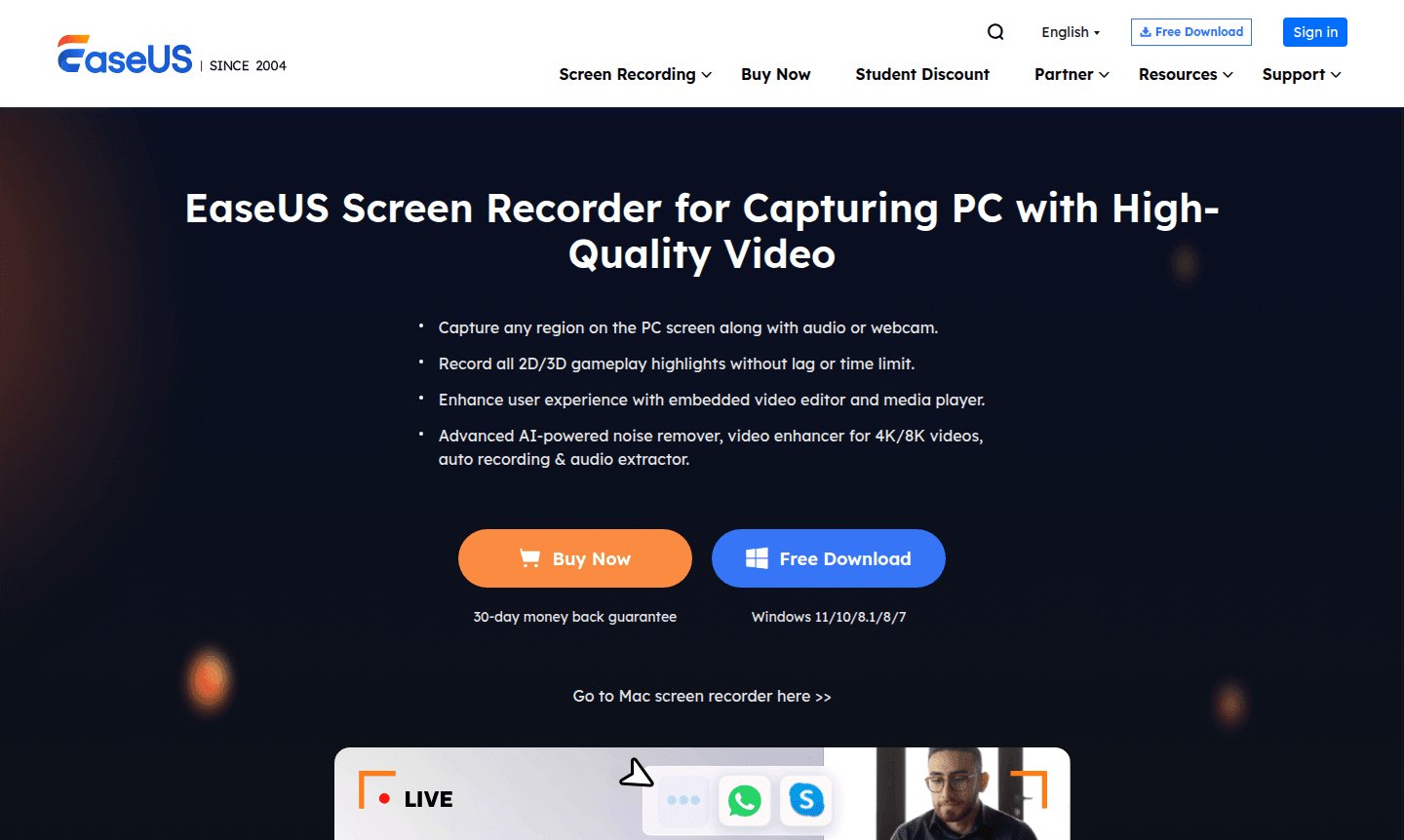
Overview of EaseUS RecExperts
EaseUS RecExperts is a comprehensive screen recording software designed for Windows and macOS users who need to capture high-quality video content from their computer screens. This versatile tool enables users to record any region of their PC screen along with audio, webcam footage, or both simultaneously, making it ideal for creating tutorials, recording gameplay, capturing online meetings, and saving streaming content. With advanced AI-powered features like noise removal and video enhancement, RecExperts delivers professional-grade recordings without requiring technical expertise.
The software serves a broad audience including content creators, educators, gamers, remote workers, and students who need reliable screen capture capabilities. Its built-in video editor, media player, and screenshot functionality provide a complete multimedia toolkit in one application. Whether you're recording Zoom meetings for later review, capturing gameplay highlights for streaming platforms, or creating instructional videos for online courses, EaseUS RecExperts offers the flexibility and quality needed for diverse recording scenarios across categories like Screen Capture and Game Recorder.
How to Use EaseUS RecExperts
Getting started with EaseUS RecExperts is straightforward – simply download and install the software, then launch the application to access its intuitive interface. The three-step recording process begins with setting up your capture parameters: choose between full screen or custom region recording, configure audio sources (system sound, microphone, or both), and enable webcam recording if needed. Click the REC button to begin capturing, and use the auto-stop or scheduled recording features for hands-free operation. After recording, utilize the built-in editor to trim, merge, or enhance your footage before exporting in your preferred format.
Core Features of EaseUS RecExperts
- Multi-Source Recording – Capture screen, audio, and webcam simultaneously with customizable layouts
- AI-Powered Enhancement – Remove background noise and improve video quality automatically
- Game Recording Mode – Record high-FPS gameplay without lag or performance issues
- Built-in Video Editor – Trim, cut, and merge recordings with frame-level precision
- Scheduled Recording – Set automatic start and stop times for unattended capture sessions
Use Cases for EaseUS RecExperts
- Recording online meetings and video conferences for documentation
- Capturing gameplay footage for streaming and content creation
- Creating software tutorials and how-to videos for training
- Saving online courses and educational presentations for review
- Recording streaming videos from platforms like YouTube and Netflix
- Capturing webinars and virtual events for archival purposes
- Creating product demonstrations and sales presentations
Support and Contact
For technical support and customer service, visit the EaseUS website or email contact@easeus.com. The website provides comprehensive help resources, FAQs, and customer support channels to assist users with any questions or issues.
Company Info
EaseUS RecExperts is developed by EaseUS, a software company specializing in data recovery, backup solutions, and system utilities. The company has established itself as a trusted provider of Windows and macOS utilities with a global user base and international presence.
Login and Signup
Access EaseUS RecExperts through the official website. Users can download the application directly; premium features may require registration or purchase.
EaseUS RecExperts FAQ
Is EaseUS RecExperts completely free to use?
EaseUS RecExperts offers a free version with robust features, though premium capabilities may require purchase for full access to all advanced tools.
Can I record Zoom meetings with EaseUS RecExperts?
Yes, EaseUS RecExperts can record Zoom meetings along with other video conferencing platforms while capturing both audio and video.
Does EaseUS RecExperts work on Windows 10 and 11?
EaseUS RecExperts is fully compatible with Windows 11, 10, 8.1, 8, 7 and macOS 10.13 or later versions for comprehensive screen recording.
How do I record my computer screen with sound?
With EaseUS RecExperts, you can record your computer screen with sound by selecting audio sources like system sound or microphone during the recording setup.
EaseUS RecExperts Reviews0 review
Would you recommend EaseUS RecExperts? Leave a comment
EaseUS RecExperts Alternatives
The best modern alternatives to the tool
New Tools Releases
Recently added tools
