
Kiro
Kiro is an AI IDE that uses spec-driven development to turn prompts into code. Features include agent hooks, multimodal chat, autopilot mode, and support for 15+ languages. Free tier available.
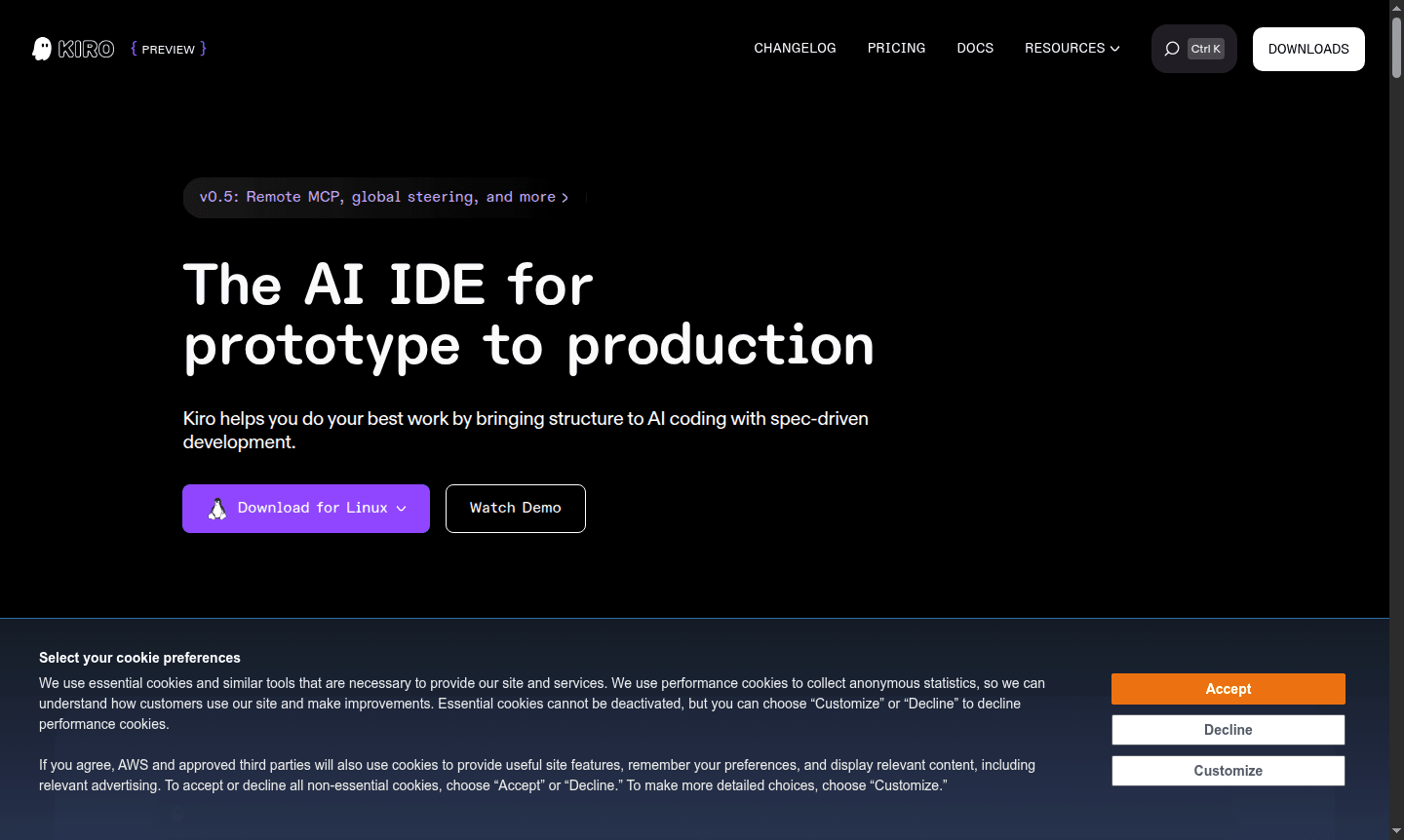
Overview of Kiro
Kiro is an AI-powered integrated development environment designed to transform how developers approach coding from prototype to production. This innovative tool introduces spec-driven development, turning natural language prompts into structured requirements, system designs, and implementation tasks. Built specifically for working with AI agents, Kiro provides a fresh development experience that feels familiar while offering powerful automation capabilities. The platform supports numerous programming languages including Python, Java, JavaScript, TypeScript, C#, Go, Rust, and many others, making it versatile for various development needs across IDE and AI Agents & Assistants categories.
Kiro's unique approach bridges the gap between traditional coding and modern AI assistance by maintaining developer control while automating repetitive tasks. The platform features enterprise-grade security and privacy, allowing teams to ship their best work with confidence. With compatibility for VS Code plugins, themes, and settings, developers can transition smoothly to Kiro's AI-ready environment. The tool is particularly valuable for startups and engineering teams looking to accelerate feature development and reduce time to customer value from weeks to days, as evidenced by testimonials from engineers worldwide who have dramatically improved their development workflows.
How to Use Kiro
Getting started with Kiro is straightforward – download the standalone agentic IDE installer for your operating system and log in using GitHub, Google, AWS Builder ID, or AWS IAM Identity Center. No AWS account is required to begin using the platform. During the onboarding process, you can import your existing VS Code settings, themes, and Open VSX compatible plugins to maintain your preferred development environment. Once set up, you can immediately begin using spec-driven development by providing natural language prompts that Kiro converts into clear requirements and implementation tasks, or leverage agent hooks that automatically trigger background tasks like documentation generation and unit testing whenever you save files.
Core Features of Kiro
- Spec-Driven Development – Transforms prompts into requirements, designs, and validated implementation tasks
- Agent Hooks Automation – Delegates tasks to AI agents that trigger automatically on events like file saves
- Multimodal Chat Interface – Supports text and image inputs for comprehensive development guidance
- Autopilot Mode – Runs large tasks autonomously without step-by-step instructions
- MCP Integration – Connects to docs, databases, APIs, and external tools seamlessly
Use Cases for Kiro
- Accelerating feature development for startups and enterprise teams
- Automating unit test generation and code documentation
- Implementing complex features on large existing codebases
- Optimizing code performance through autonomous agent analysis
- Converting UI designs and architecture diagrams into working code
- Streamlining development workflows with VS Code compatibility
- Reducing development time from weeks to days for critical projects
Support and Contact
For support inquiries, please visit the official Kiro website for documentation and assistance resources. You can also contact us at contact@kiro.dev for direct support. The platform provides comprehensive quick guides and common questions sections to help users get the most from their Kiro experience.
Company Info
Kiro is developed by a dedicated team focused on revolutionizing AI-assisted development workflows. The company behind Kiro maintains its official presence at kiro.dev, where developers can access the latest updates, download the IDE, and explore the future of spec-driven development.
Login and Signup
New users can get started with Kiro by visiting the official website to download the application. Existing users can access their accounts through the application login interface using their preferred authentication method including GitHub, Google, AWS Builder ID, or AWS IAM Identity Center credentials.
Kiro FAQ
What is spec-driven development in Kiro and how does it differ from traditional coding?
Spec-driven development in Kiro transforms natural language prompts into structured requirements, system designs, and implementation tasks before writing code, unlike traditional coding that often requires extensive manual guidance.
How do Kiro's agent hooks automate development tasks?
Kiro's agent hooks automatically trigger AI agents to execute predefined tasks in the background based on events like file saves, generating documentation, unit tests, or optimizing code performance without manual intervention.
What programming languages does Kiro support for AI-assisted development?
Kiro supports numerous programming languages including Python, Java, JavaScript, TypeScript, C#, Go, Rust, PHP, Ruby, Kotlin, C, C++, shell scripting, SQL, Scala, JSON, YAML, and HCL for comprehensive development needs.
What languages can I ask questions in Kiro?
Kiro is currently optimized for English language conversations and interactions. Support for additional languages is coming soon.
Kiro Pricing
Current prices may vary due to updates
Free
Get started for free with Kiro's AI IDE featuring spec-driven development, agent hooks, multimodal chat, and basic autonomous coding capabilities for
Kiro Reviews0 review
Would you recommend Kiro? Leave a comment
Kiro Alternatives
The best modern alternatives to the tool
New Tools Releases
Recently added tools
