
AOMEI Partition Assistant
Free disk management software for Windows to create, resize, merge partitions, migrate OS to SSD, and recover data. Trusted by millions.
Overview of AOMEI Partition Assistant
AOMEI Partition Assistant is a free partition manager for Windows, ideal for users of Disk Analyzer and System Optimizer tools. It helps manage hard drives and SSDs with features like resizing, merging, and creating partitions safely. With over 186 million users, it's trusted for disk management, offering OS migration to SSD and partition recovery. The latest version includes Disk Temperature Monitor to prevent overheating.
How to Use AOMEI Partition Assistant
Download and install from the official website, then use the intuitive interface to select partitions and perform operations like resizing or cloning with step-by-step wizards.
Core Features of AOMEI Partition Assistant
- Partition Management – Create, resize, merge, and format partitions without data loss.
- Disk Cloning – Migrate entire disks or OS to new drives, including SSDs.
- Partition Recovery – Restore deleted or lost partitions with advanced scans.
- Disk Temperature Monitor – Monitor drive temperatures to prevent issues.
- System Optimization – Clean disk space, align partitions, and convert disk types.
Use Cases for AOMEI Partition Assistant
- Upgrading from HDD to SSD by migrating OS
- Organizing disk space by resizing partitions
- Recovering accidentally deleted partitions
- Creating multiple partitions on new drives
- Merging adjacent partitions for larger space
- Converting disk types between MBR and GPT
- Backing up disks through cloning operations
Support and Contact
For support, email contact@aomeitech.com or visit the official AOMEI website.
Company Info
AOMEI Technology has 16+ years of experience, serving over 186 million users worldwide.
Login and Signup
For account management, visit AOMEI website.
AOMEI Partition Assistant FAQ
Is AOMEI Partition Assistant really free to use?
Yes, AOMEI Partition Assistant offers a completely free version with comprehensive partition management features for personal use.
Can AOMEI Partition Assistant migrate Windows to an SSD without reinstalling?
Absolutely, it includes a dedicated OS migration feature that transfers your entire Windows system to an SSD while preserving all files and settings.
Does AOMEI Partition Assistant support partition recovery for lost data?
Yes, the software includes advanced partition recovery tools that can scan drives and restore deleted or lost partitions.
What operating systems does AOMEI Partition Assistant support?
AOMEI Partition Assistant supports various Windows versions including Windows 10, 8, 7, and newer for comprehensive disk management.
AOMEI Partition Assistant Pricing
Current prices may vary due to updates
Free
Free partition manager with basic features like creation, resizing, merging, and disk cloning for personal use.
Yearly License
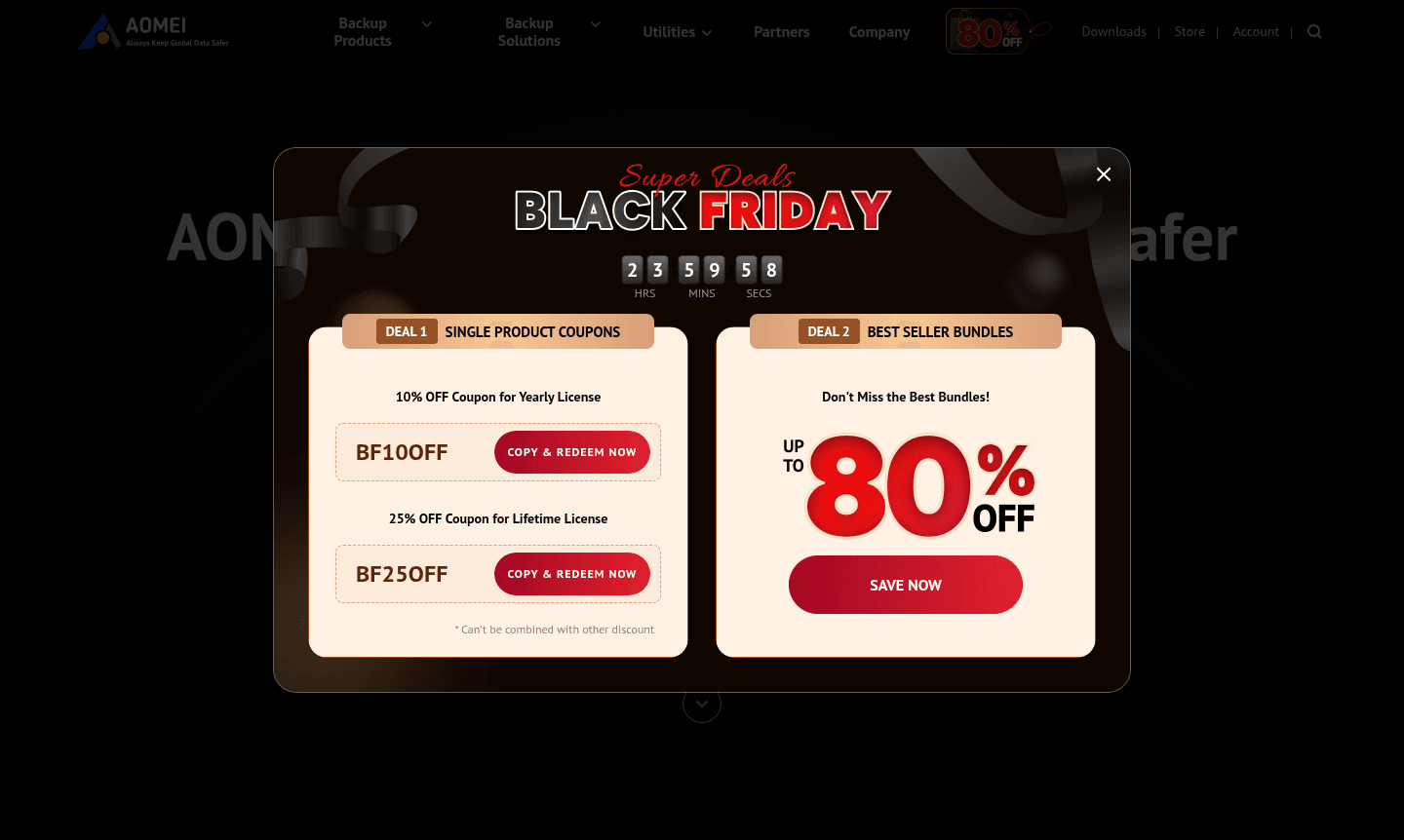
Yearly license with 10% discount using coupon BF10OFF, offering advanced features and priority support.
Lifetime License
Lifetime license with 25% discount using coupon BF25OFF, providing permanent access to all features.
AOMEI Partition Assistant Reviews0 review
Would you recommend AOMEI Partition Assistant? Leave a comment
AOMEI Partition Assistant Alternatives
The best modern alternatives to the tool
New Tools Releases
Recently added tools
