
InstaText
InstaText is an AI writing assistant that helps you write like a native English speaker. It improves text for academic, business, and professional use with context-aware rewriting and grammar correction.
Overview of InstaText
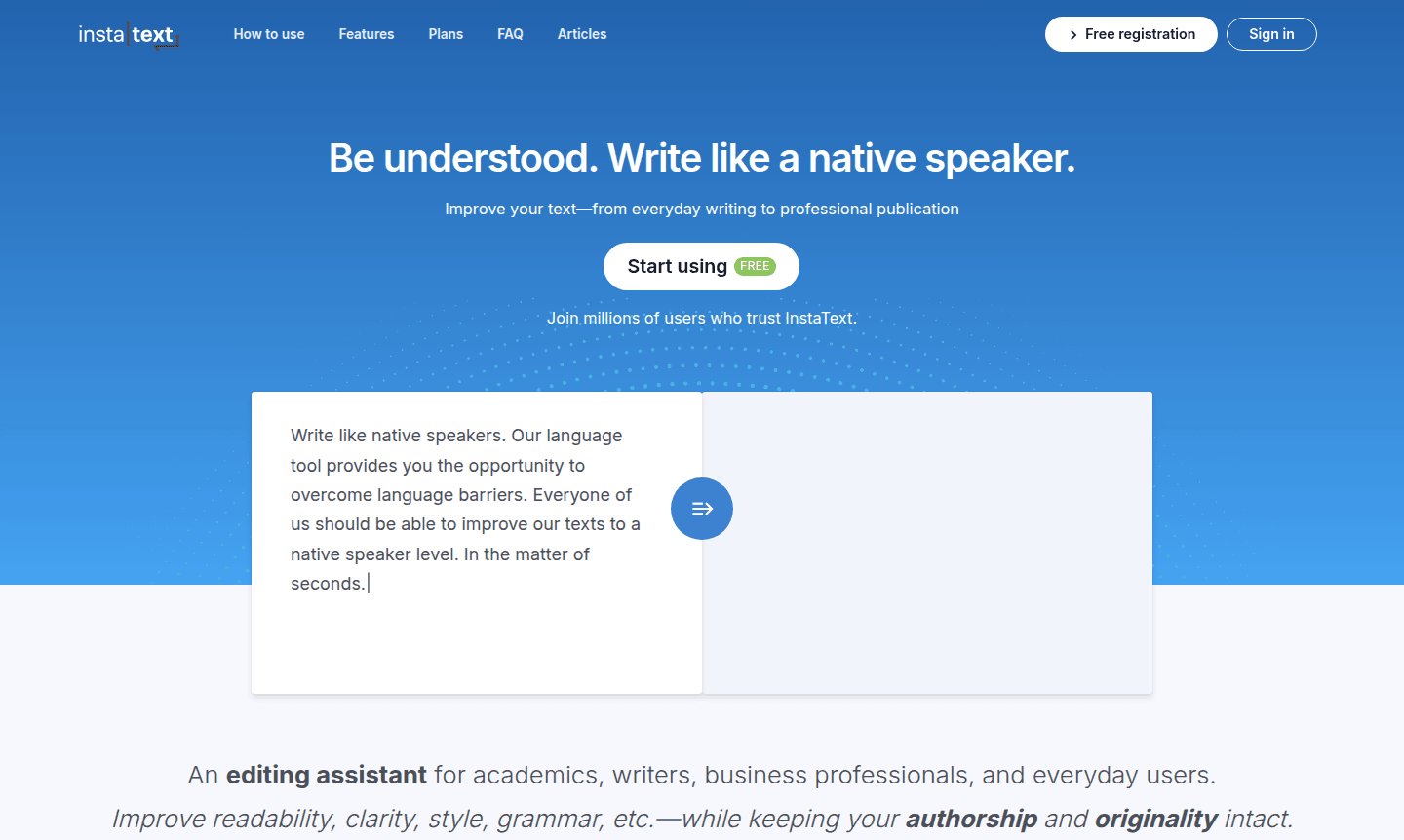
InstaText is an advanced AI-powered writing assistant that helps users write like native English speakers across various contexts – from everyday communication to professional publications. This sophisticated language tool enables millions of users to overcome language barriers and elevate their writing to native-level quality within seconds. Unlike basic grammar checkers, InstaText provides comprehensive text improvements while preserving your unique voice and authorship, making your content more engaging and professional.
The platform serves as an essential editing assistant for academics, writers, business professionals, and everyday users who need to improve readability, clarity, style, and grammatical accuracy. InstaText integrates seamlessly with your workflow through browser extensions and Microsoft Word add-ins, eliminating the need for copy-paste operations. It's particularly valuable for Writing Assistant applications and AI Writing Tools, offering context-aware suggestions that go beyond simple corrections to completely rewrite sentences when necessary.
How to Use InstaText
Getting started with InstaText is straightforward and intuitive. Install the browser extension for seamless integration with emails, documents, and social media platforms, or use the Microsoft Word add-in for direct integration with your document workflow. Simply paste your text into the InstaText interface or use the inline suggestions while typing. The AI analyzes your content and provides interactive improvement suggestions, allowing you to accept or modify changes while learning from the corrections. For academic users, connecting your Google Scholar and ResearchGate profiles enables InstaText to learn domain-specific vocabulary for more accurate suggestions.
Core Features of InstaText
- Advanced AI Rewriting – Completely rewrites sentences when needed based on broader context and topic understanding
- Style and Voice Preservation – Maintains your authentic writing style while improving clarity and professionalism
- Personal Dictionary – Stores professional terminology and personal writing preferences for consistent results
- Language Settings – Adjusts English dialect preferences and preserves regional writing conventions
- Multi-Platform Integration – Works seamlessly as browser extension and Microsoft Word add-in
Use Cases for InstaText
- Academic writing and research paper preparation for higher acceptance rates
- Business communication including emails, reports, and professional documents
- Content creation for blogs, articles, and social media posts
- Technical writing and documentation for clarity and precision
- Non-native English speakers improving their writing to native level
- Professional translators and proofreaders enhancing their workflow
- Students and researchers preparing theses and academic publications
Support and Contact
For technical support and customer service inquiries, visit the official website at InstaText Support. While a specific contact email wasn't found during our research, the platform provides comprehensive help resources and documentation through their main website. Users can access troubleshooting guides, feature explanations, and best practice recommendations directly through the application interface and official online resources.
Company Info
InstaText is developed by a specialized team focused on AI-powered writing enhancement tools. The company has established itself as a leader in language technology solutions, serving millions of users worldwide. While specific country of origin information wasn't available in our research, the platform maintains global accessibility and supports users across different regions and writing contexts. Additional company details can be found through their official website and product documentation.
Login and Signup
New users can create an account and existing users can access their profiles through the main website at InstaText Login. The platform offers straightforward registration processes with various access options depending on your usage needs. Whether you're an individual user, academic institution, or business team, the signup process is designed to get you started quickly with the AI writing assistant that helps you write like a native speaker.
InstaText FAQ
How does InstaText compare to Grammarly for writing improvement?
InstaText provides more thorough editing with better rewrite suggestions and context-aware improvements that preserve your unique writing voice better than basic grammar checkers.
Can InstaText help with academic writing and research papers?
Yes, InstaText specifically fuels academic success by learning from domain-specific vocabulary and helping increase publication acceptance rates through professional writing enhancement.
What platforms does InstaText support for integration?
InstaText offers browser extensions for web content and Microsoft Word add-ins for document editing, providing seamless writing assistance across multiple platforms.
How does InstaText preserve my unique writing voice?
InstaText uses advanced AI to maintain your authentic writing style while improving clarity and professionalism, ensuring your voice remains intact.
InstaText Reviews0 review
Would you recommend InstaText? Leave a comment
InstaText Alternatives
The best modern alternatives to the tool
New Tools Releases
Recently added tools
