
Topaz Video
Topaz Video AI enhances videos with AI for upscaling, denoising, stabilization, and frame interpolation. Trusted by professionals for archival restoration, low-light improvement, and slow-motion effects on Mac and Windows.
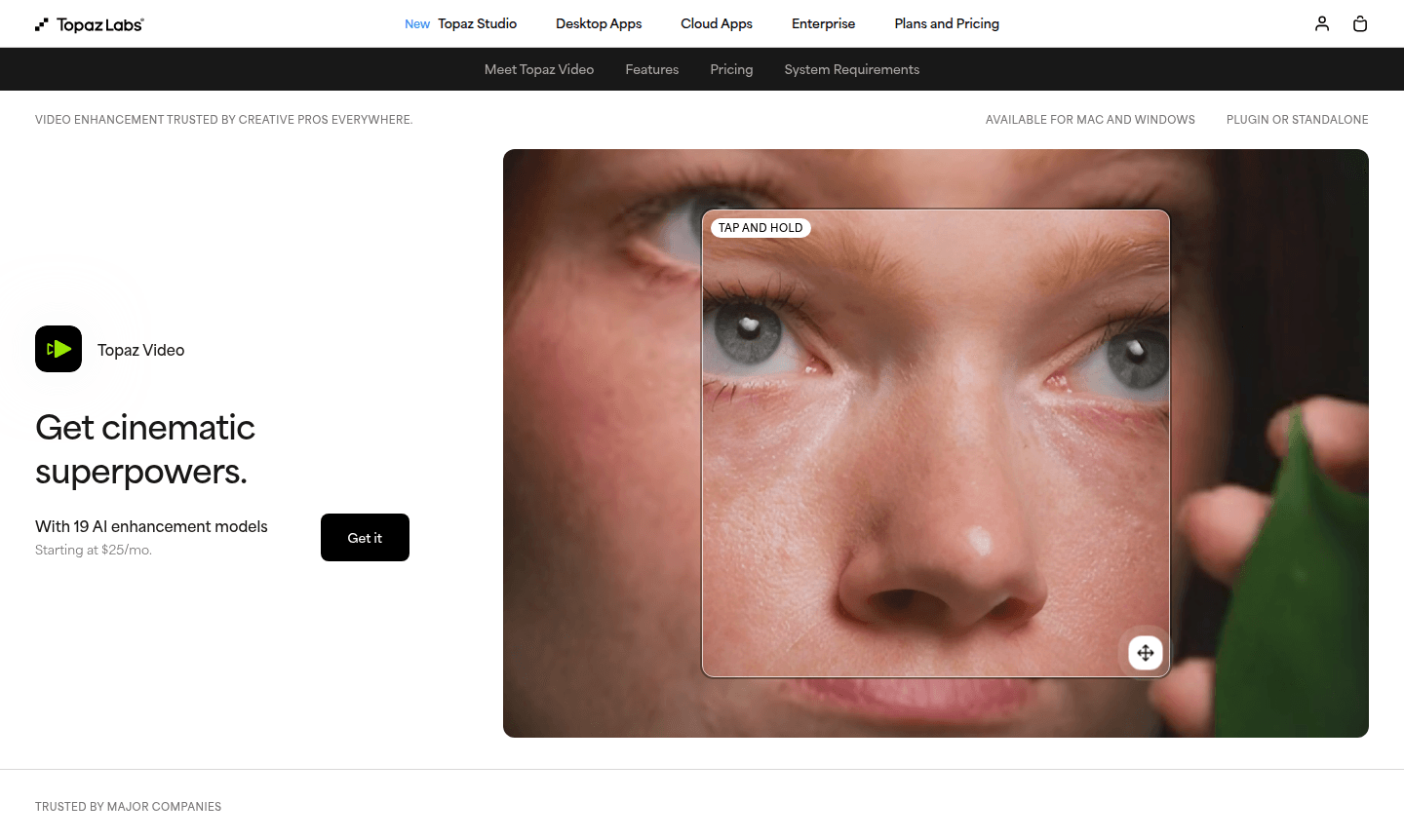
Overview of Topaz Video
Topaz Video is a professional AI-powered video enhancement software trusted by creative professionals and major film studios worldwide. As part of our AI Image Generators and AI Automation Platforms categories, this tool transforms ordinary footage into cinematic-quality content through advanced AI algorithms for upscaling, denoising, restoring, stabilizing, and enhancing video material. Whether working with low-light footage, archival videos, or modern recordings, Topaz Video delivers exceptional clarity and detail for professional standards on Mac and Windows platforms.
The software's suite of 19 AI models provides control over video quality, from noise removal in challenging lighting to upscaling vintage footage to 4K resolution. Frame interpolation and stabilization handle imperfect source material, with dual rendering options – local or cloud – for workflow flexibility and security needs.
How to Use Topaz Video
Using Topaz Video begins with importing source footage into the standalone desktop application or through upcoming plugin integrations with editing software like After Effects and DaVinci Resolve. Select from AI models for denoising, upscaling, stabilization, or frame interpolation tasks, preview results in real-time, and export the final product in your preferred format. The intuitive interface allows users with minimal technical knowledge to achieve professional-grade video enhancement quickly and efficiently.
Core Features of Topaz Video
- AI Video Upscaling – Enhance resolution and detail while maintaining natural appearance
- Intelligent Denoising – Remove grain and noise from low-light footage automatically
- Frame Interpolation – Create smooth slow-motion effects by generating new frames
- Advanced Stabilization – Eliminate camera shake and vibration in post-production
- Dual Rendering Options – Choose between local processing or cloud-based acceleration
Use Cases for Topaz Video
- Restoring and enhancing archival family videos and historical footage
- Improving low-light wedding and event photography video clips
- Upscaling standard definition content to 4K for modern displays
- Creating smooth slow-motion sequences from regular frame rate footage
- Stabilizing shaky action camera and drone footage in post-production
- Reducing noise in concert and performance videos shot in challenging lighting
- Enhancing documentary footage shot with available light conditions
Support and Contact
For technical support, email contact@topazlabs.com or visit the official Topaz Video website for resources and documentation.
Company Info
Topaz Labs develops professional-grade AI-powered software solutions for creative professionals, with Topaz Video as their flagship video enhancement product focused on visual processing challenges.
Login and Signup
Login to your Topaz Video account or sign up for a new subscription on the official website, with monthly and annual billing options available.
Topaz Video FAQ
What video enhancement capabilities does Topaz Video offer?
Topaz Video provides AI-powered upscaling, denoising, restoration, stabilization, frame interpolation, and slow-motion creation for professional video enhancement.
Can Topaz Video process footage locally without cloud upload?
Yes, Topaz Video offers local rendering options where files never leave your computer, ideal for confidential or proprietary material handling.
What editing software does Topaz Video integrate with?
Topaz Video works as a standalone app with plugin integrations coming soon for After Effects and DaVinci Resolve video editing workflows.
What is the difference between local and cloud rendering in Topaz Video?
Local rendering processes videos on your device for security, while cloud rendering uses online servers for speed and access to newest AI models.
Topaz Video Pricing
Current prices may vary due to updates
Personal
Monthly plan with unlimited local rendering, standard AI models, Nyx XL, Starlight models, 25 monthly cloud credits, and limited commercial use for or
Pro
Monthly pro plan with seat management, Starlight local models, 100 monthly cloud credits, and full commercial use rights for professional video workfl
Topaz Studio
Monthly bundle including Topaz Video, Photo, Gigapixel, Bloom, Astra, Express with unlimited rendering, 300 video credits, and limited commercial use
Topaz Video Reviews0 review
Would you recommend Topaz Video? Leave a comment
Topaz Video Alternatives
The best modern alternatives to the tool
New Tools Releases
Recently added tools
