
JSONLint
JSONLint is a free online JSON validator and formatter that checks syntax, detects errors, and formats code for readability. Supports direct input, copy-paste, and URL validation with real-time error detection.
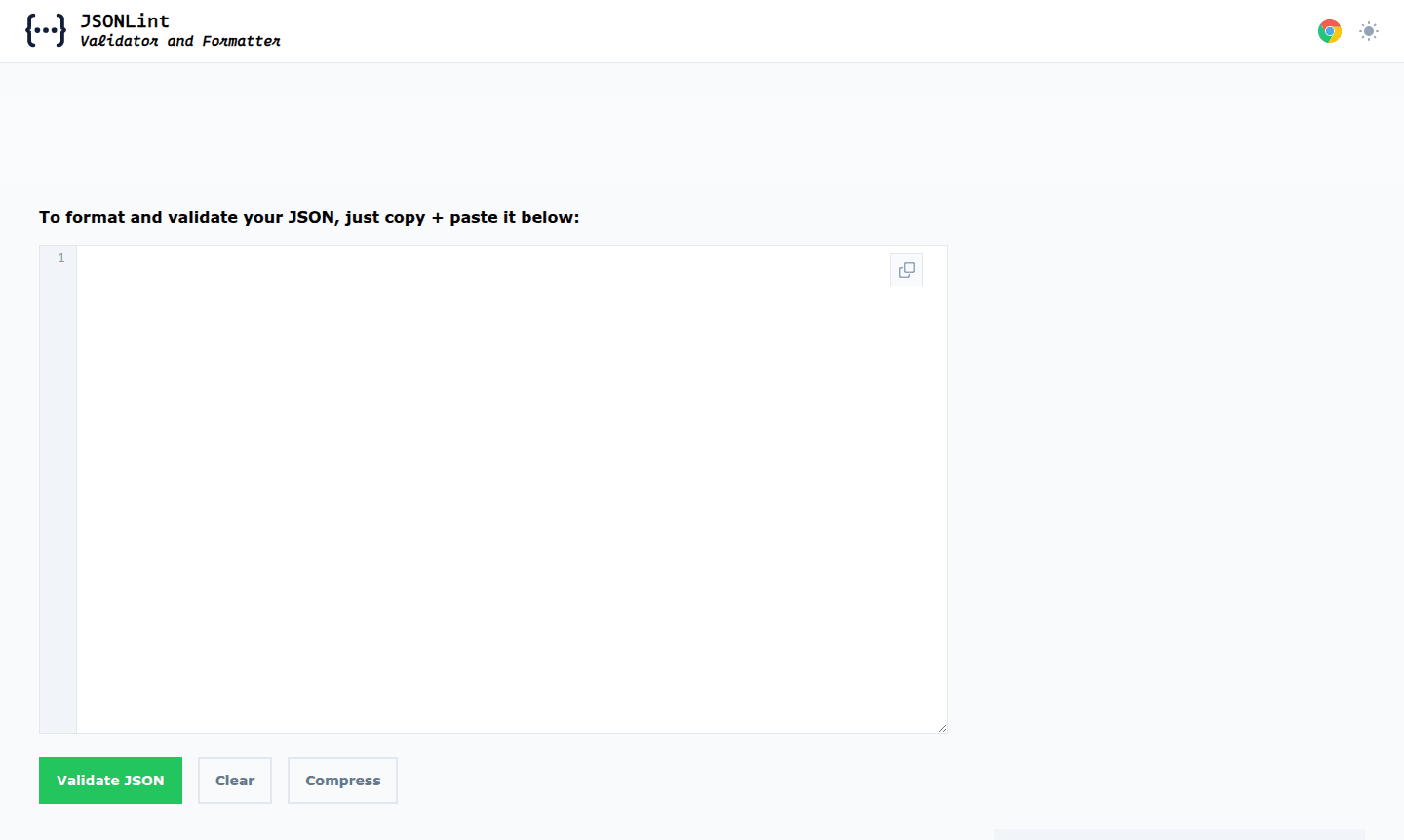
Overview of JSONLint
JSONLint serves as a comprehensive online validator and reformatter for JSON (JavaScript Object Notation), the lightweight data-interchange format widely used across web development and API integrations. This powerful tool enables developers to validate JSON code, detect syntax errors, and format messy data into clean, readable structures. It is essential for tools in the Code Formatter and Code Linter categories, ensuring JSON data adheres to proper standards and eliminates parsing errors that disrupt applications.
As a versatile JSON validator online, JSONLint supports multiple input methods including direct typing, copy-paste functionality, and URL-based JSON fetching. The tool automatically identifies line numbers containing errors, making debugging efficient for developers working with complex data structures. Its capability as both a JSON beautifier online and JSON minifier tool makes it indispensable for optimizing code readability and performance across various development environments.
How to Use JSONLint
Using JSONLint is straightforward and requires no installation or registration. Simply navigate to the JSONLint website and choose your preferred input method: type JSON code directly into the editor, paste existing JSON content, or provide a URL containing JSON data. The tool immediately processes your input, validating it against JavaScript Object Notation standards and highlighting any syntax errors with specific line references. For valid JSON, you can use the formatting options to beautify the code with proper indentation or minify it by removing unnecessary whitespace.
Core Features of JSONLint
- JSON Syntax Validation – Detects and pinpoints errors in JSON code with exact line number references
- Multiple Input Methods – Accepts JSON via direct typing, copy-paste, or URL fetching for flexibility
- Code Formatting Options – Beautifies JSON with proper indentation or minifies by removing whitespace
- Real-time Error Detection – Instantly identifies common JSON mistakes like missing commas or quotes
- URL-based JSON Processing – Fetches and validates JSON data directly from web URLs
Use Cases for JSONLint
- API development and response validation
- Debugging JSON configuration files
- Preparing JSON data for web applications
- Validating data from external sources and APIs
- Formatting JSON for documentation purposes
- Testing JSON schemas and structures
- Educational purposes for learning JSON syntax
Support and Contact
For assistance with JSONLint, visit the official JSONLint website or contact us at contact@jsonlint.com. The tool's straightforward interface and comprehensive error reporting typically address most user needs efficiently.
Company Info
JSONLint operates as a specialized web-based tool focused exclusively on JSON validation and formatting services. The platform maintains a clean, ad-free interface dedicated to providing reliable JSON parsing and validation capabilities to developers worldwide without requiring account creation or complex setup procedures.
Login and Signup
JSONLint requires no login or signup; access it directly at JSONLint to start validating JSON immediately without any authentication barriers.
JSONLint FAQ
What is JSONLint and how does it help developers?
JSONLint is an online validator that checks JSON syntax for errors and formats code for better readability and performance in development projects.
Can JSONLint validate JSON from external URLs?
Yes, JSONLint can fetch and validate JSON data directly from web URLs, making API response validation convenient and efficient.
Does JSONLint require installation or registration?
No, JSONLint operates entirely online without requiring software installation, user registration, or account creation.
How does JSONLint improve code quality?
JSONLint enhances code quality by validating syntax, formatting code neatly, and detecting errors early in the development process.
JSONLint Pricing
Current prices may vary due to updates
Free
Full access to JSON validation, formatting, error detection, URL fetching, real-time syntax checking, beautification, and minification with no usage l
JSONLint Reviews0 review
Would you recommend JSONLint? Leave a comment
JSONLint Alternatives
The best modern alternatives to the tool
New Tools Releases
Recently added tools
