
Amazon Chime
Amazon Chime offers HD video conferencing, team chat, and business calling in one app with enterprise security. Includes screen sharing, dial-in numbers, and cross-platform support. Free Basic and pay-per-use Pro plans. Note: Support ends February 20, 2026.
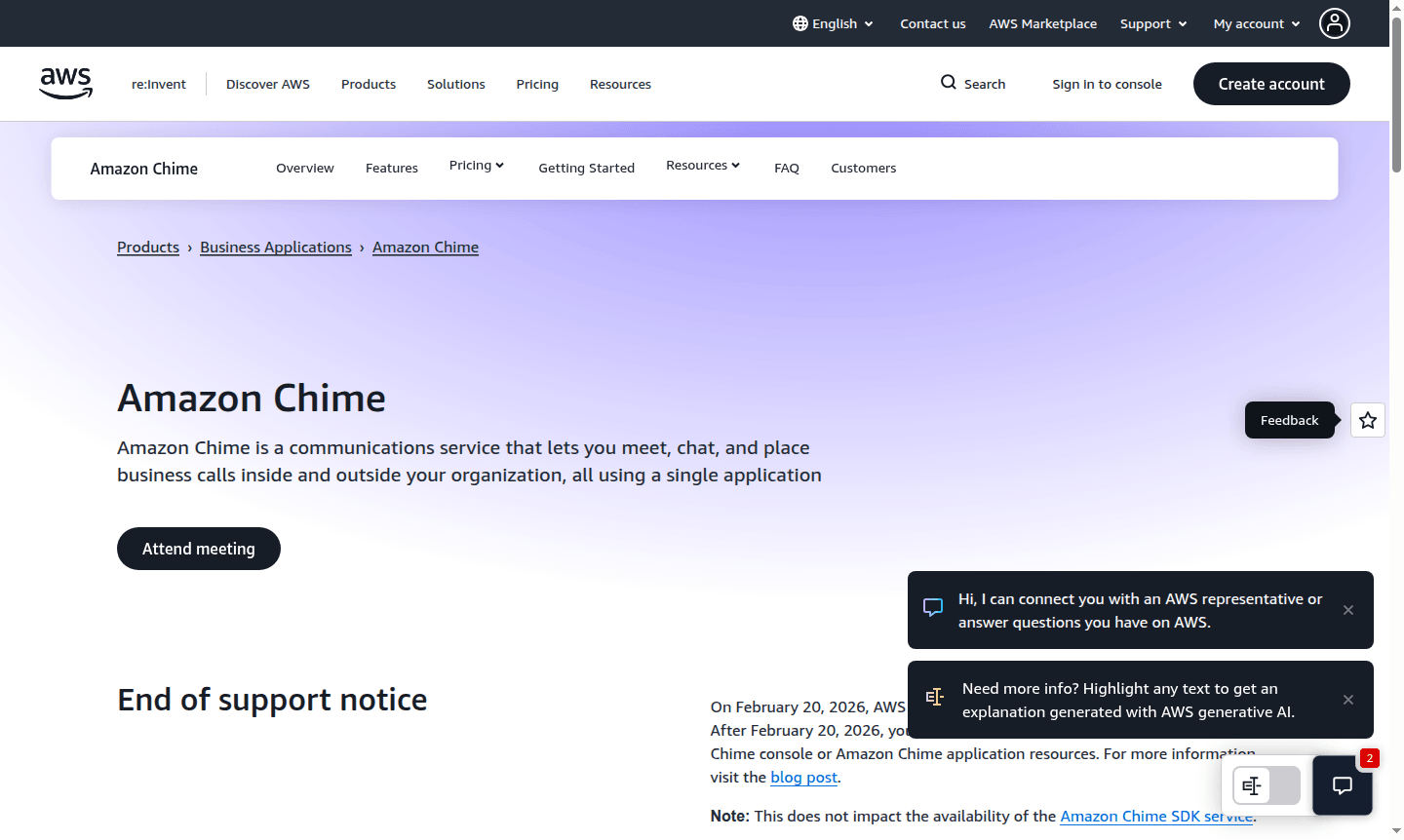
Overview of Amazon Chime
Amazon Chime is a comprehensive communications service that enables businesses to meet, chat, and place business calls using a single application. This unified platform eliminates the need to switch between multiple tools, providing seamless collaboration across your organization and with external partners. As an AWS service, Amazon Chime offers enterprise-grade security and reliability while maintaining the flexibility to scale according to your business needs.
Important notice: AWS will end support for Amazon Chime on February 20, 2026. After this date, users will no longer be able to access the Amazon Chime console or application resources. The platform serves businesses of all sizes looking for integrated communication solutions, particularly those already invested in the AWS ecosystem. Explore related tools in Video Conferencing and Collaboration Tools for alternative solutions.
How to Use Amazon Chime
Getting started with Amazon Chime is straightforward – simply download the application for Windows, Mac, web, iOS, or Android devices. New users can sign up for Amazon Chime Basic to access free 1:1 meetings and chat features immediately. For organizations requiring advanced capabilities, administrators can enable Pro features through the Amazon Chime management console, where they can set up enterprise users, manage policies, and configure single sign-on (SSO) integration within minutes. The platform's intuitive interface allows users to instantly transition from chat conversations to video calls, share screens, and invite additional participants as needed.
Core Features of Amazon Chime
- HD Video Conferencing – High-definition video meetings with screen sharing and dial-in numbers
- Persistent Chat Rooms – Continuous communication across desktop and mobile devices
- Business Calling – Professional phone calls inside and outside your organization
- Enterprise Management – Admin console for user management and policy configuration
- Cross-Platform Support – Available on Windows, Mac, web, iOS, and Android
Use Cases for Amazon Chime
- Remote team collaboration and daily stand-up meetings
- Client presentations with HD video and screen sharing
- Persistent team chat rooms for ongoing projects
- Business phone calls with professional audio quality
- Enterprise communication with SSO integration
- Large organization meetings with dial-in capabilities
- Mobile workforce communication across devices
Support and Contact
For technical support, email contact@chime.aws or visit the Amazon Chime website for more resources. AWS offers comprehensive documentation and enterprise support channels.
Company Info
Amazon Chime is developed and maintained by Amazon Web Services (AWS), a subsidiary of Amazon.com, Inc. Based in the United States, AWS is the world's most comprehensive and broadly adopted cloud platform. Learn more on the AWS website.
Login and Signup
Access your Amazon Chime account through the official login page. New users can sign up for Amazon Chime Basic directly through the application or website.
Amazon Chime FAQ
What is Amazon Chime and what does it offer for business communication?
Amazon Chime is a unified communications service providing video conferencing, team chat, and business calling in one application with enterprise-grade security and pay-per-use pricing.
When will Amazon Chime service support end and what happens after?
AWS ends Amazon Chime support on February 20, 2026. After this date, users cannot access the console or application resources and should migrate to alternative solutions.
What are the main differences between Amazon Chime Basic and Pro plans?
Basic offers free 1:1 meetings and chat, while Pro provides pay-per-use advanced features including HD video, screen sharing, dial-in numbers, and business calling capabilities.
How much does Amazon Chime cost?
Amazon Chime offers a free Basic plan for 1:1 meetings and chat, and a pay-per-use Pro plan for advanced features like HD video and business calling.
Amazon Chime Pricing
Current prices may vary due to updates
Basic
Free plan providing 1:1 meetings and chat functionality across desktop and mobile devices without any charges, ideal for basic communication needs and
Pro
Usage-based pricing for advanced features including HD video conferencing, screen sharing, dial-in numbers, business calling, and enterprise managemen
Amazon Chime Reviews0 review
Would you recommend Amazon Chime? Leave a comment
Amazon Chime Alternatives
The best modern alternatives to the tool
New Tools Releases
Recently added tools
