
Google Meet
Google Meet provides free and premium video conferencing with HD quality, AI tools like translated captions, and enterprise security for business, education, and personal use.
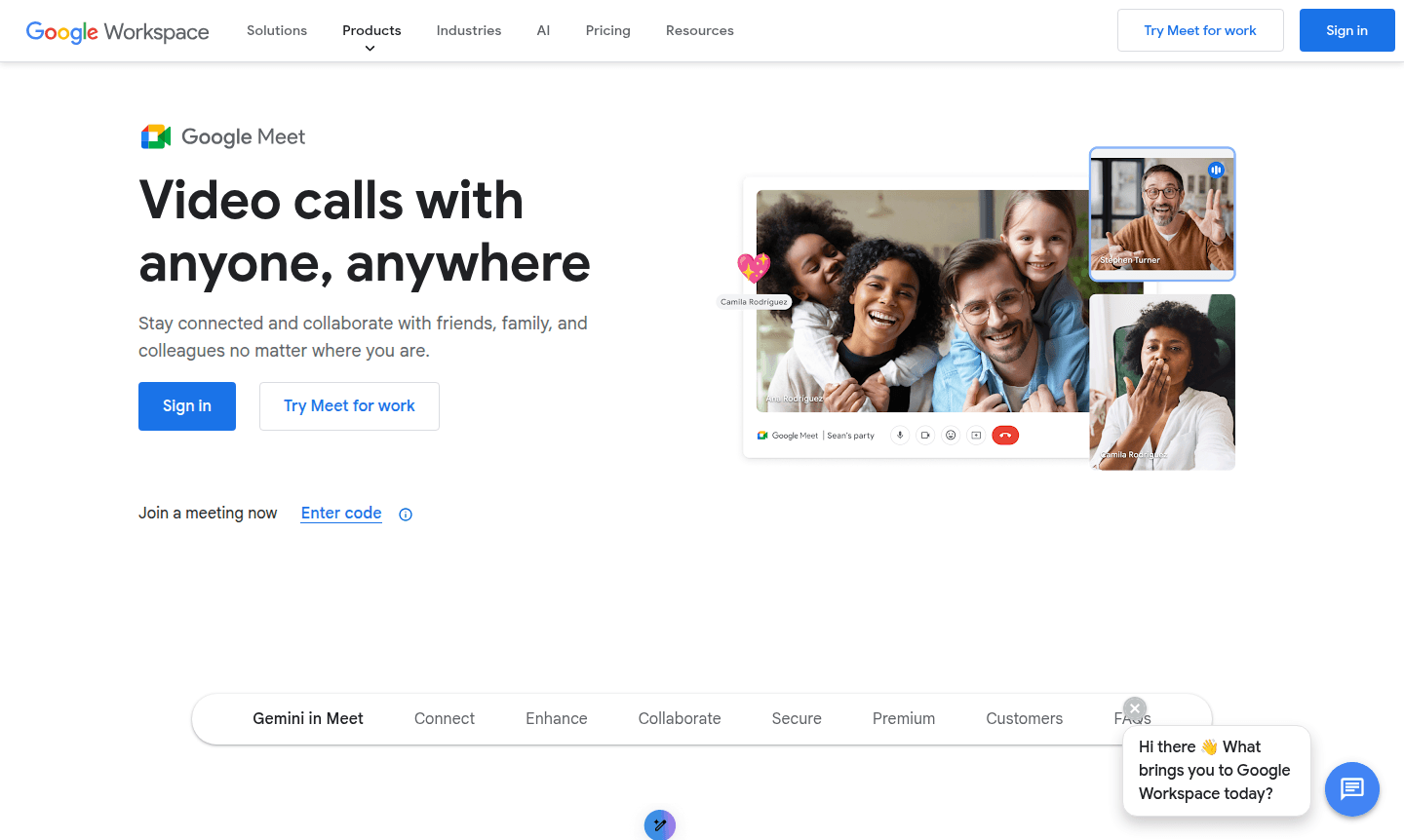
Overview of Google Meet
Google Meet is a comprehensive video conferencing platform for seamless communication and collaboration worldwide. Part of Google Workspace, it offers reliable, high-quality video calls connecting people across locations. It serves diverse users from families to businesses with features boosting productivity in virtual interactions.
The platform integrates with Google's tools and uses AI via Gemini for enhanced meetings. Users get real-time translated captions in 65+ languages, automated notes, and smart summaries. It adapts to various needs with enterprise security and accessibility. Learn more in Video Conferencing and Collaboration Tool categories.
How to Use Google Meet
Start using Google Meet by creating or joining meetings on web or mobile with a Google Account. For new meetings, go to meet.google.com and click "New meeting" for a shareable link. Schedule meetings via Google Calendar for recurring sessions. Participants can join with the link, no account needed, with auto video optimization and controls for screen sharing, captions, and management.
Core Features of Google Meet
- High-Quality Video Conferencing – Enjoy up to 1080p video with studio look, lighting, and sound enhancements
- AI-Powered Meeting Assistance – Use Gemini for automated note-taking, summaries, and translated captions
- Advanced Collaboration Tools – Integrated polls, Q&A sessions, and breakout rooms for engagement
- Enterprise-Grade Security – Encrypted meetings with anti-abuse measures and privacy controls
- Cross-Platform Accessibility – Join from web browsers, mobile apps, or compatible hardware systems
Use Cases for Google Meet
- Business meetings and corporate presentations with international teams
- Remote team collaboration and daily stand-up sessions
- Educational virtual classrooms and online tutoring sessions
- Family gatherings and social connections across distances
- Client consultations and professional services delivery
- Webinars and large-scale virtual events with up to 1000 participants
- Healthcare telemedicine appointments and remote consultations
Support and Contact
For assistance, visit the Google Meet Help Center for docs and guides. Contact support at contact@google.com or use community forums and contact forms for business help.
Company Info
Google Meet is by Google LLC, based in Mountain View, California, USA. Part of Google's suite, it uses their infrastructure and security. Learn more at Google About.
Login and Signup
Access Google Meet at meet.google.com with a Google Account. New users can sign up for free at Google Workspace for basic features or explore paid plans.
Google Meet FAQ
Is Google Meet free to use for basic video calls?
Yes, Google Meet offers a free plan supporting 100 participants with 60-minute meetings and unlimited 1:1 calls using any Google Account.
What premium features does Google Meet provide for businesses?
Premium features include 24-hour meetings, recording, live streaming, larger participant limits, and advanced administrative controls.
How does Google Meet ensure meeting security and privacy?
All video and audio streams are encrypted by default with anti-abuse measures, privacy controls, and secure joining options.
How do I access premium features in Google Meet?
Premium features are available through Google Workspace plans or Google One Premium subscriptions.
Is the meeting content in Google Meet secure?
Yes, all video and audio streams are encrypted, and meetings have secure joining with privacy controls.
Google Meet Pricing
Current prices may vary due to updates
Free
Anyone with a Google Account can create video meetings, invite up to 100 participants, and meet for up to 60 minutes per meeting. Includes basic video
Google Meet Reviews0 review
Would you recommend Google Meet? Leave a comment
Google Meet Alternatives
The best modern alternatives to the tool
New Tools Releases
Recently added tools
