
Fiddler
Fiddler is a powerful web debugging proxy for capturing and analyzing HTTP/HTTPS traffic on Windows, macOS, and Linux. Used by millions, it offers traffic inspection, remote monitoring, and API debugging.
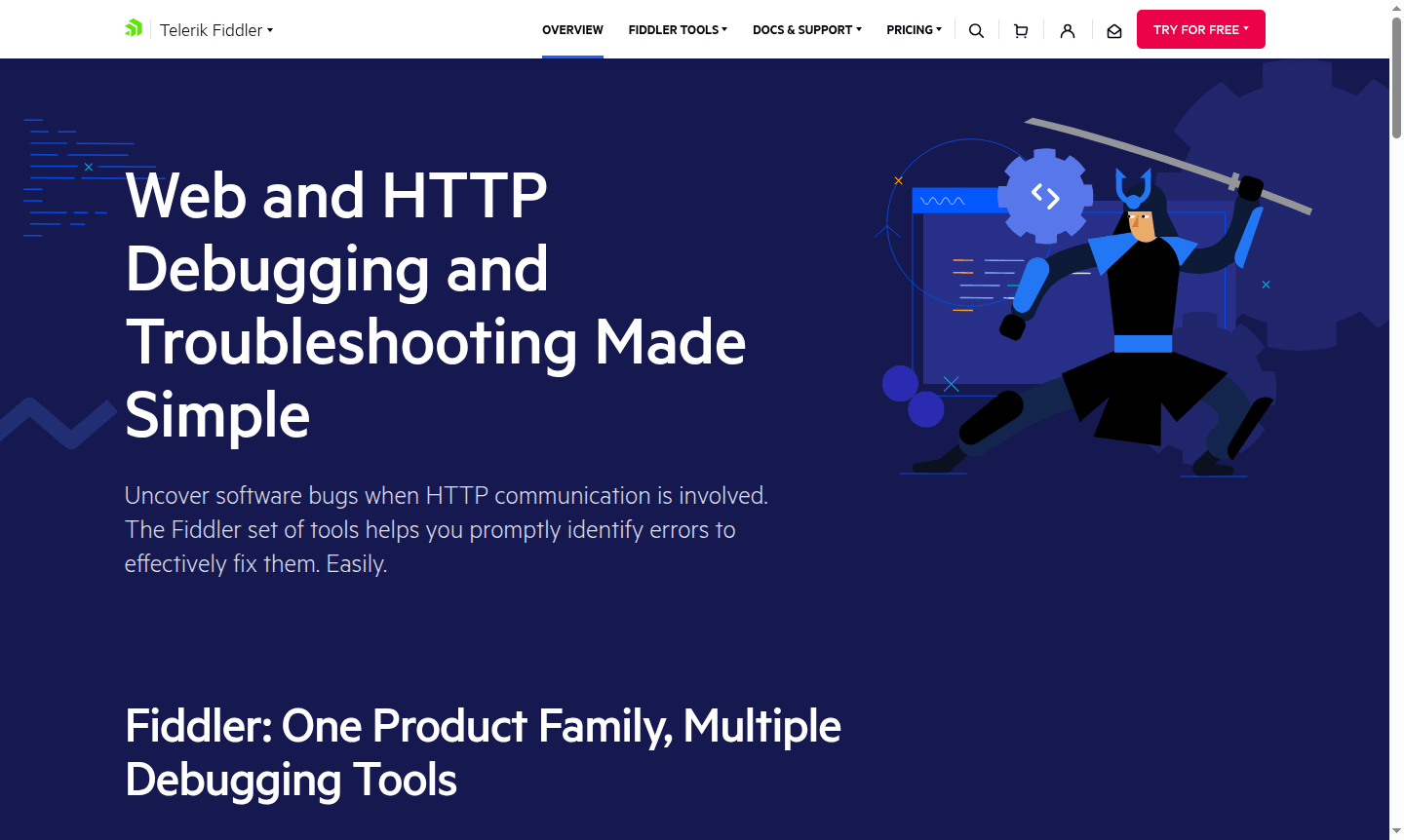
Overview of Fiddler
Fiddler is a comprehensive web debugging proxy tool that simplifies HTTP and HTTPS troubleshooting for developers and QA professionals. As part of the Telerik product family, Fiddler has evolved from its classic Windows version into Fiddler Everywhere, a cross-platform solution supporting Windows, macOS, and Linux environments. This tool helps identify and resolve software bugs related to HTTP communication, making it essential for web development teams working on complex applications and APIs.
With over 4 million developers and hundreds of thousands of organizations relying on Fiddler, this powerful debugging suite offers multiple capture options including remote device monitoring, support for various protocols, and advanced traffic filtering capabilities. The platform maintains SOC 2 certification for security compliance and provides both free and licensed versions to accommodate different user needs across Debugger and API Client categories.
How to Use Fiddler
Getting started with Fiddler involves selecting the appropriate product variant for your needs, such as Fiddler Everywhere for modern cross-platform debugging, Fiddler Everywhere Reporter for quick traffic capture without installation, or FiddlerCore for embedding traffic monitoring into .NET applications. Once installed, configure your browser or application to route traffic through Fiddler's proxy, then use the intuitive interface to capture, inspect, and modify HTTP/HTTPS requests and responses in real-time for effective debugging and performance analysis.
Core Features of Fiddler
- Cross-Platform Web Debugging – Capture and analyze HTTP/HTTPS traffic across Windows, macOS, and Linux systems
- Advanced Traffic Filtering – Apply sophisticated filters to narrow down specific requests and responses for focused analysis
- Remote Device Monitoring – Capture traffic from mobile devices and remote systems for comprehensive testing
- Traffic Modification Rules – Create custom rules to modify requests and responses during debugging sessions
- Multiple Protocol Support – Work with various web protocols including HTTP, HTTPS, and WebSocket connections
Use Cases for Fiddler
- Web application debugging and performance optimization for development teams
- API testing and validation for backend service development and integration
- Security analysis and vulnerability assessment of web traffic flows
- Mobile app debugging by capturing network traffic from iOS and Android devices
- Performance profiling to identify bottlenecks in web service responses
Support and Contact
For technical support and product inquiries, contact contact@telerik.com or visit the official Fiddler website for comprehensive documentation, community forums, and tutorial resources.
Company Info
Fiddler is developed by Telerik, a Progress Software company known for creating professional development tools and UI components. The company maintains a strong presence in the software development community.
Login and Signup
Access Fiddler products through the Fiddler homepage to download trial versions, create accounts for licensed products, or use Fiddler Everywhere Reporter for instant traffic capture without registration.
Fiddler FAQ
What is the difference between Fiddler Classic and Fiddler Everywhere?
Fiddler Everywhere is the modern cross-platform version with active development, while Fiddler Classic is the legacy Windows-only version no longer receiving major updates.
Can Fiddler capture HTTPS traffic from mobile devices?
Yes, Fiddler supports remote device capture for both iOS and Android devices by configuring them to use Fiddler as a proxy server.
Is Fiddler suitable for API debugging and testing?
Absolutely, Fiddler is widely used for API debugging with features for inspecting requests, responses, headers, and payload data.
Can Fiddler debug WebSocket connections?
Yes, Fiddler supports debugging of WebSocket connections along with HTTP and HTTPS protocols for comprehensive web communication analysis.
Fiddler Reviews0 review
Would you recommend Fiddler? Leave a comment
Fiddler Alternatives
The best modern alternatives to the tool
New Tools Releases
Recently added tools
