
PhpStorm
PhpStorm: AI-powered PHP IDE with Laravel, Symfony, WordPress support, debugging, and 30-day free trial for professional developers.
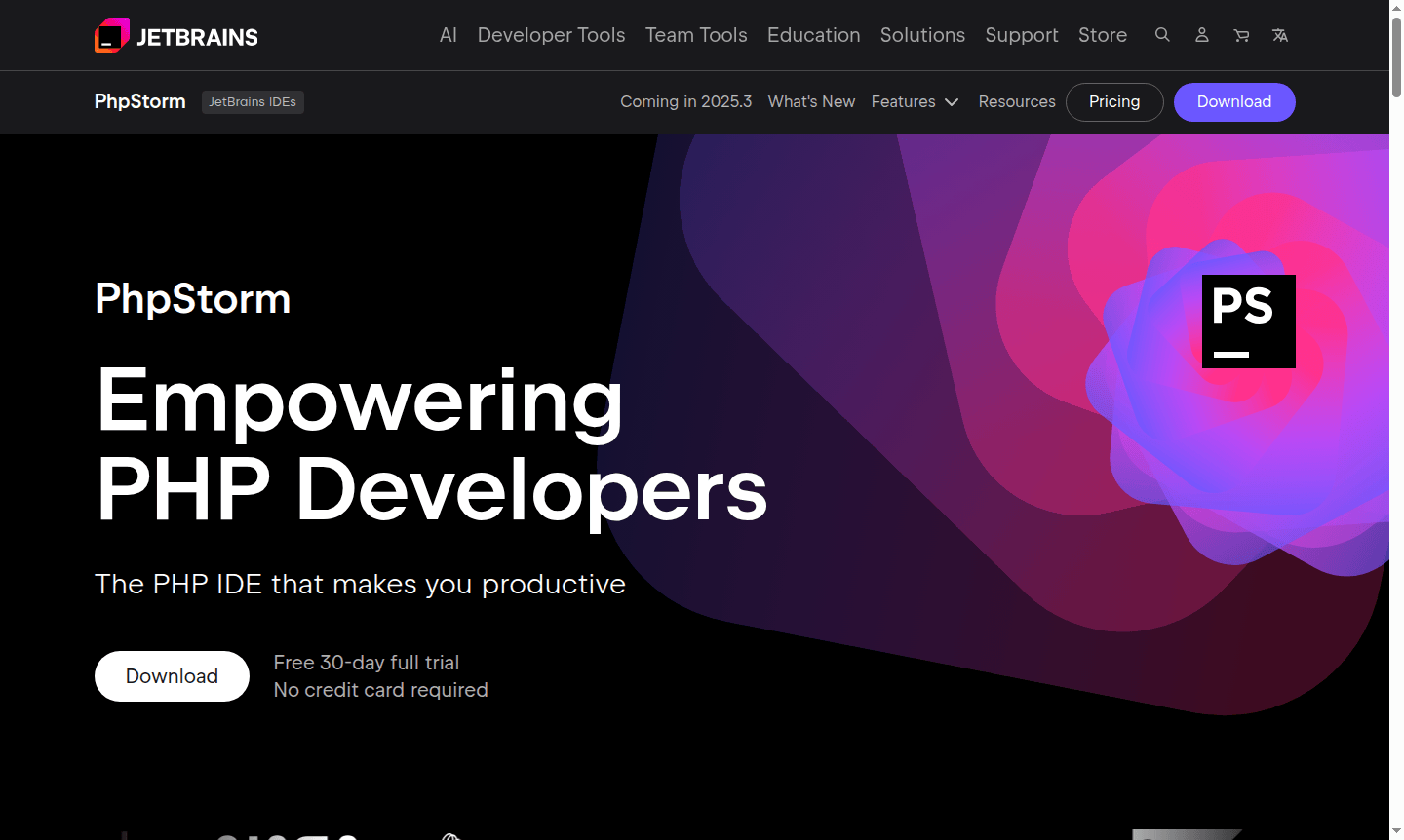
Overview of PhpStorm
PhpStorm is a comprehensive PHP IDE designed to empower developers with intelligent coding assistance and streamlined workflows. This powerful development environment from JetBrains supports modern PHP development with built-in support for popular frameworks like Laravel, Symfony, and WordPress, making it an essential tool for professional PHP developers working on web applications and content management systems.
The IDE offers extensive language support including JavaScript, TypeScript, HTML, and SQL, providing a unified development experience for full-stack projects. With its advanced AI-powered features and robust debugging capabilities, PhpStorm helps developers write cleaner code faster while maintaining project complexity under control. Explore more development tools in our IDE and Debugger categories.
How to Use PhpStorm
Getting started with PhpStorm is straightforward – download the application and begin your 30-day free trial with full access to all features. The IDE works out of the box with no additional setup required, automatically detecting your PHP environment and project structure. You can immediately begin coding with intelligent code completion, navigate through complex codebases using advanced search and navigation tools, and utilize the integrated debugger with Xdebug support for real-time code inspection and troubleshooting.
Core Features of PhpStorm
- AI-Powered Coding Assistance – JetBrains AI tools including code completion, multi-file edits, and coding agent support
- Comprehensive Framework Support – Built-in integration for Laravel, Symfony, WordPress, and modern web technologies
- Advanced Debugging Tools – Visual debugger with Xdebug, conditional breakpoints, and step-through execution
- Intelligent Refactoring – Safe code restructuring across entire projects with migration tools
- Integrated Testing – Support for PHPUnit, Pest, and other testing frameworks with coverage analysis
Use Cases for PhpStorm
- Professional PHP development for enterprise web applications
- WordPress theme and plugin development with specialized tooling
- Laravel and Symfony framework projects with full stack support
- JavaScript and TypeScript development within PHP projects
- Database management and SQL query development
- Legacy code maintenance and modernization efforts
- Team collaboration with integrated version control systems
Support and Contact
For technical support and inquiries, contact contact@jetbrains.com or visit the official PhpStorm website. Access comprehensive documentation and community forums for additional help.
Company Info
PhpStorm is developed by JetBrains, a leading software development company known for creating intelligent development tools. The company maintains high security standards with SOC 2 certification and global compliance. Learn more about JetBrains and their product ecosystem on their company website.
Login and Signup
Access your PhpStorm account and manage your subscription through the official PhpStorm portal. New users can start with the 30-day free trial without providing credit card information, while existing users can log in to access their licensed features and updates.
PhpStorm FAQ
What is the cost of PhpStorm and are there any free options available?
PhpStorm offers a 30-day free trial with all features, after which subscription plans are available. Student and open source licenses may be available for qualified users.
How does PhpStorm compare to VS Code for PHP development?
PhpStorm provides deeper PHP-specific intelligence, built-in debugging, and framework support, while VS Code offers more customization through extensions.
Does PhpStorm support Laravel and WordPress development?
Yes, PhpStorm includes comprehensive built-in support for Laravel, Symfony, WordPress, and other popular PHP frameworks with specialized tooling.
What are the system requirements for PhpStorm?
PhpStorm requires a modern operating system like Windows, macOS, or Linux, with sufficient RAM and processing power. Refer to the official website for specific details.
PhpStorm Pricing
Current prices may vary due to updates
Free Trial
30-day full trial version with all features including AI tools, debugging, and framework support. No credit card required, allowing complete evaluatio
PhpStorm Reviews0 review
Would you recommend PhpStorm? Leave a comment
PhpStorm Alternatives
The best modern alternatives to the tool
New Tools Releases
Recently added tools
