
Speechify
Discover Speechify, the top text to speech software with natural AI voices. Listen to documents 4.5x faster. Supports 60+ languages, voice cloning, and multi-platform access. Great for students and professionals.
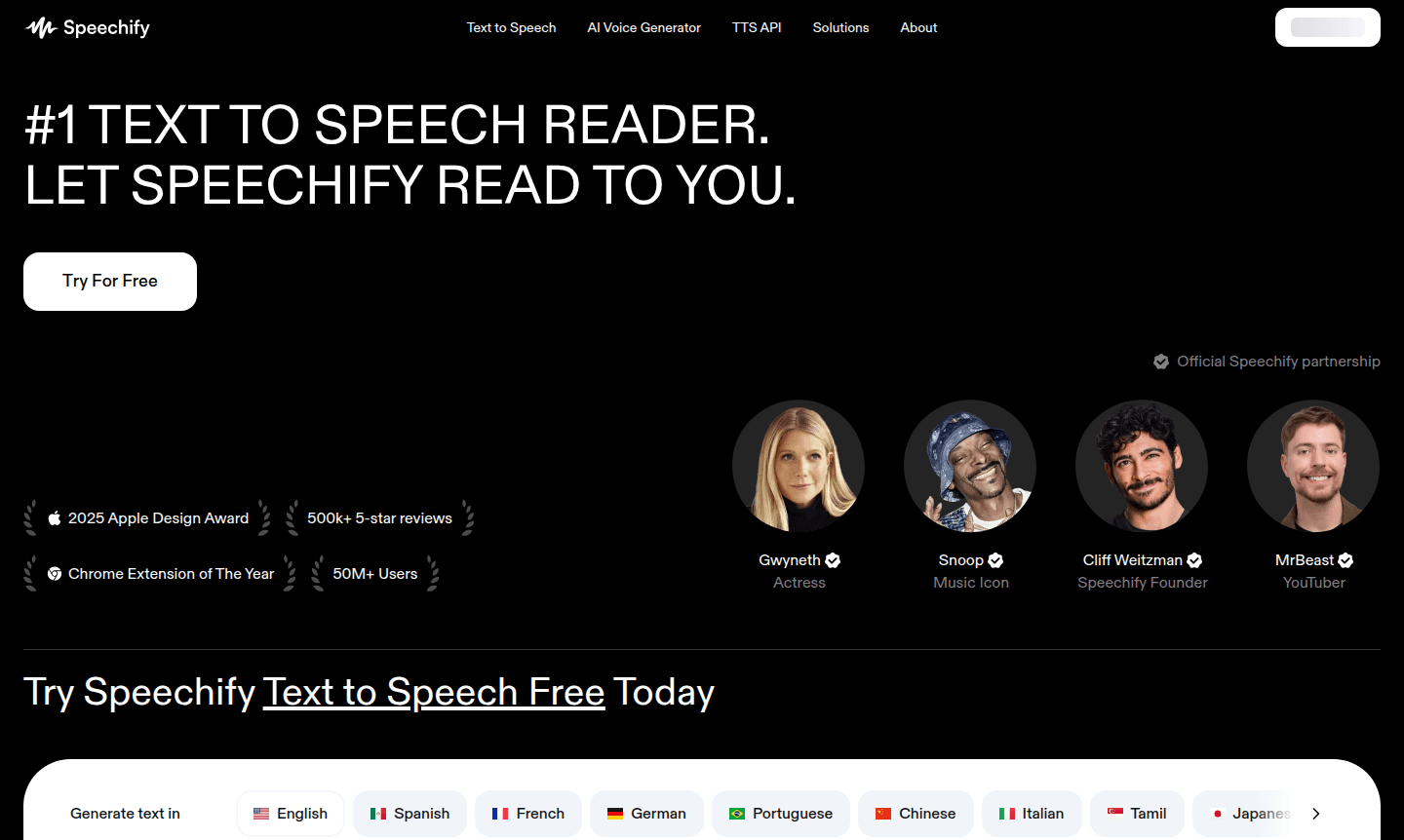
Overview of Speechify
Speechify is the leading text to speech software that converts written content into natural-sounding audio, enabling users to listen to documents, articles, and books on the go. With over 50 million users and awards like the 2025 Apple Design Award, it helps people read up to 4.5x faster, perfect for multitasking during commutes or exercise. It supports various file formats including PDFs, emails, and web articles, making it a versatile accessibility tool and reading assistant.
Available on iOS, Android, Chrome, and desktop, Speechify offers flexibility for students, professionals, and anyone enhancing productivity through audio learning. It features over 1,000 AI voices in 60+ languages, providing personalized listening experiences. Ideal for those with dyslexia, visual impairments, or preference for auditory learning, Speechify's text to speech technology delivers efficient content consumption.
How to Use Speechify
To get started, install the Speechify mobile app from iOS or Android stores, add the Chrome extension for browser reading, or access the web app on desktop. Upload documents by selecting 'New' in the web app, tapping 'Upload' on mobile, or using 'Add Files' in the Mac app. Supported formats include PDF, EPUB, DOCX, and TXT files, as well as web links and scanned pages via camera for instant text to speech conversion.
Core Features of Speechify
- Natural Voice Selection – Choose from over 1,000 AI voices in 60+ languages
- Speed Reading Enhancement – Listen to content up to 4.5x faster than reading
- Voice Cloning Technology – Create personalized voice replicas for custom experiences
- Instant AI Summaries – Generate quick overviews of lengthy documents
- Multi-Platform Accessibility – Sync across mobile, browser, and desktop apps
Use Cases for Speechify
- Students with dyslexia improving comprehension
- Professionals proofreading documents audibly
- Commuters listening to articles during travel
- Language learners practicing pronunciation
- Visually impaired users accessing content via audio
- Content creators generating voiceovers for videos
- Researchers consuming academic papers efficiently
Support and Contact
For support, email contact@speechify.com or visit the official website for help resources. Enterprise inquiries can contact the sales team through the site.
Company Info
Speechify is a pioneering text to speech company serving over 50 million users worldwide. It has won awards like the Apple Design Award and Chrome Extension of the Year. The company also offers an AI Voice API for developers.
Login and Signup
New users can sign up at speechify.com or download the app. Existing users can log in on the same platforms.
Speechify FAQ
What is Speechify text to speech and how does it work?
Speechify converts written text into natural-sounding speech using advanced AI technology, allowing users to listen to documents, articles, and books instead of reading them visually.
Does Speechify offer a free trial for premium features?
Yes, Speechify provides a free trial of its premium plan, allowing users to test advanced voices, faster playback speeds, and additional functionality before upgrading.
What languages and accents does Speechify support?
Speechify supports over 60 languages with various natural-sounding accents, including English, Spanish, French, German, Portuguese, and many more with regional variations.
Can I use Speechify offline without internet connection?
Speechify Premium users can download converted audio files for offline listening, making content accessible even without an active internet connection.
What file formats does Speechify text to speech support?
Speechify supports PDF, EPUB, DOCX, XLSX, TXT files, web links, scanned pages, and typed or pasted text for comprehensive document compatibility.
Speechify Pricing
Current prices may vary due to updates
Free
Enjoy basic text to speech with standard voices and essential features for personal use. Perfect for testing the platform before committing to a premi
Premium
Get full access to over 1,000 natural AI voices, advanced playback speeds, voice cloning, offline listening, and AI summarization features. Enhance yo
Speechify Reviews0 review
Would you recommend Speechify? Leave a comment
Speechify Alternatives
The best modern alternatives to the tool
New Tools Releases
Recently added tools
