
Firefox Focus
Firefox Focus: Automatic tracking protection, one-tap history erasure, and fast browsing on iOS and Android. Free download with no account needed.
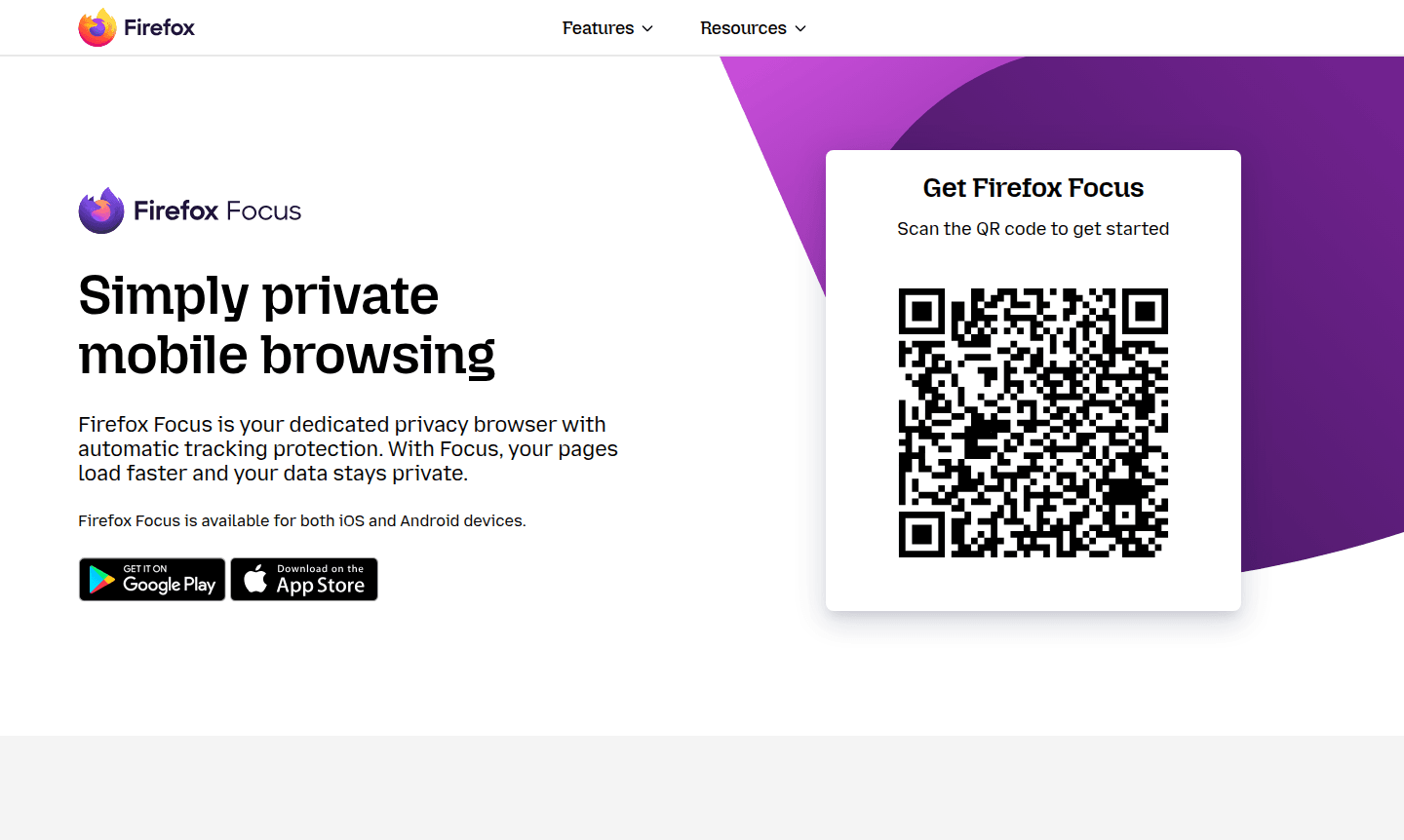
Overview of Firefox Focus
Firefox Focus is a dedicated privacy-focused web browser and secure browser developed by Mozilla that provides automatic tracking protection and enhanced browsing security. This lightweight browser automatically blocks a wide range of common web trackers including social media trackers, analytics scripts, and advertising cookies, ensuring your online activities remain private by default. Available for both iOS and Android devices, Firefox Focus delivers faster page loading speeds while maintaining robust privacy controls that go beyond standard private browsing modes.
Designed for users who prioritize data privacy and browsing efficiency, Firefox Focus eliminates the need for complex privacy settings or extensions. The browser's streamlined interface focuses on essential browsing functions while providing enterprise-grade privacy protection. As part of Mozilla's mission to protect user rights online since 1998, Firefox Focus represents the organization's commitment to creating tools that give individuals control over their digital lives without compromising performance or usability.
How to Use Firefox Focus
Download Firefox Focus from your device's app store and launch it to start private browsing instantly. No account or setup needed. Tap the erase button to clear history, passwords, and cookies, preventing ad tracking. Pin up to four site shortcuts for quick access without typing URLs.
Core Features of Firefox Focus
- Automatic Tracking Protection – Blocks social media trackers, analytics scripts, and advertising cookies by default
- One-Tap History Erasure – Instantly clears browsing history, passwords, and cookies with a single tap
- Enhanced Page Loading Speed – Pages load faster by eliminating tracker requests and reducing data usage
- Home Screen Shortcuts – Pin up to four favorite websites for quick access without typing
- Cross-Platform Availability – Available for both iOS and Android mobile devices with consistent privacy features
Use Cases for Firefox Focus
- Secure mobile browsing with automatic privacy protection
- Quick research sessions where you want no history retention
- Shopping online without being tracked by advertising networks
- Accessing sensitive accounts on shared or public devices
- Reading news articles without social media tracking
- Testing websites without cached data interference
- General browsing when you prefer not to leave digital footprints
Support and Contact
For support, email contact@mozilla.org or visit the official Mozilla support page. Built-in help and community forums are available for troubleshooting.
Company Info
Firefox Focus is developed by Mozilla, a global non-profit based in the United States, dedicated to keeping the internet open and accessible since 1998.
Login and Signup
No login or signup required. Download directly from Mozilla's website or app stores.
Firefox Focus FAQ
How does Firefox Focus protect my privacy compared to regular browsers?
Firefox Focus automatically blocks trackers and erases your history with one tap, providing stronger privacy than standard private browsing modes.
Is Firefox Focus available for both Android and iOS devices?
Yes, Firefox Focus is available as a free download for both Android and iOS mobile platforms with consistent privacy features.
Does Firefox Focus slow down web browsing with all its privacy features?
No, Firefox Focus actually speeds up browsing by blocking trackers that normally slow down page loading and consume data.
Can I use Firefox Focus without creating an account or logging in?
Yes, Firefox Focus requires no account creation or login – you can start browsing privately immediately after installation.
Firefox Focus Reviews0 review
Would you recommend Firefox Focus? Leave a comment
Firefox Focus Alternatives
The best modern alternatives to the tool
New Tools Releases
Recently added tools
