
Flaticon
Flaticon offers 18+ million free vector icons and stickers for web and app design. Download in SVG, PNG, EPS formats. Premium plans provide unlimited downloads and no attribution.
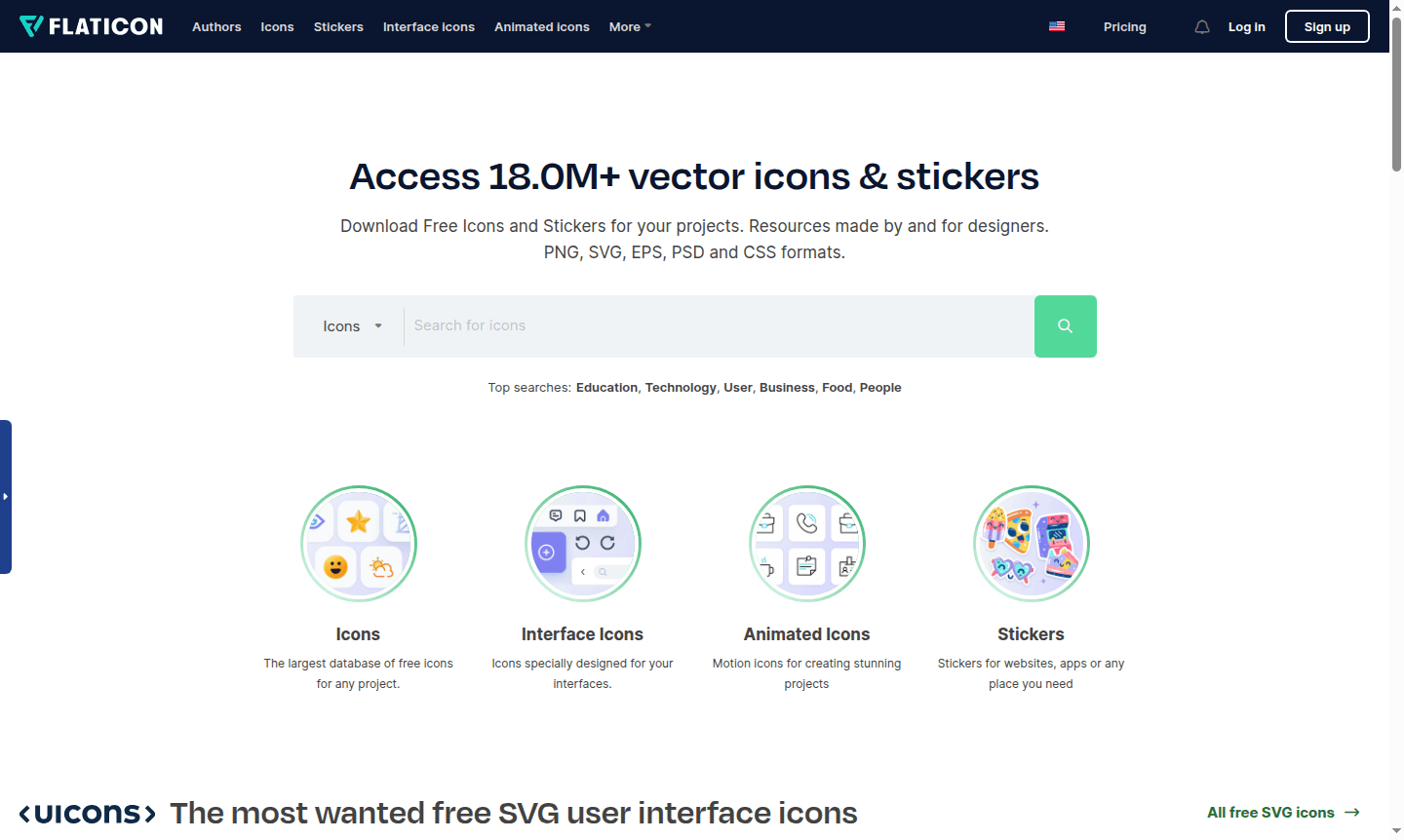
Overview of Flaticon
Flaticon provides access to over 18 million vector icons and stickers for designers, developers, and content creators. As the largest database of free icons available, it serves as an essential resource for anyone needing high-quality visual assets for digital projects. The platform offers icons in multiple formats including PNG, SVG, EPS, PSD, and CSS, making it versatile for web development, app design, and print materials. With specialized collections for interface design, animated icons for dynamic projects, and stickers for various applications, Flaticon caters to diverse creative needs across different industries and use cases. It is a premier tool in categories like Icon Maker and Vector Graphics.
The platform operates on a freemium model where users can access free vector icons with attribution or upgrade to Premium for unlimited downloads and additional features. Flaticon integrates seamlessly with popular design tools like Figma through dedicated plugins and supports Google Workspace for easy implementation in documents and presentations. Whether you're building a website, creating mobile apps, or designing marketing materials, Flaticon's extensive library of free icon packs and premium assets provides the visual elements needed to enhance any project's aesthetic appeal and functionality.
How to Use Flaticon
Getting started with Flaticon is straightforward – simply visit the website and use the search functionality to find icons matching your project requirements. Browse through categories or use specific keywords to locate the perfect vector icons for your needs. Once you've found suitable icons, you can download them immediately in your preferred format or use the built-in editor to customize colors and sizes before downloading. For frequent users, creating collections helps organize favorite icons for quick access across multiple projects. The platform also offers integration options like the Figma plugin for direct access to millions of icons within your design workflow, making the process of finding and implementing visual assets efficient and streamlined.
Core Features of Flaticon
- Massive Icon Library – Access to 18+ million vector icons and stickers in multiple formats
- Built-in Icon Editor – Customize colors, sizes, and download in SVG, PNG, or EPS formats
- Collection Management – Organize icons into multiple collections for different projects
- Figma Integration – Direct plugin access to millions of icons within Figma design canvas
- Google Workspace Compatibility – Easy implementation in Google Docs and Slides
Use Cases for Flaticon
- Web designers creating modern user interfaces with consistent iconography
- App developers needing interface icons for iOS and Android applications
- Content creators enhancing blog posts and social media graphics with visual elements
- Marketing professionals designing eye-catching presentations and promotional materials
- UI/UX designers building design systems with cohesive icon sets
- Small business owners creating professional-looking websites without design expertise
- Educators developing engaging learning materials and presentations
Support and Contact
For assistance with Flaticon services, visit the official Flaticon website for comprehensive support resources and contact information. The platform provides detailed documentation and help articles to address common questions about icon usage, attribution requirements, and premium features.
Company Info
Flaticon operates as a comprehensive icon resource platform serving the global design community. The company focuses on providing high-quality vector assets through an accessible web-based platform that supports creative professionals across various industries and skill levels.
Login and Signup
Access your Flaticon account or create a new one through the Flaticon website. The platform offers both free and premium membership options with different feature sets to accommodate various user needs and project requirements.
Flaticon FAQ
What formats does Flaticon support for icon downloads?
Flaticon supports PNG, SVG, EPS, PSD, and CSS formats for all icon downloads, with additional BASE64 format available for Premium users.
Is attribution required when using free Flaticon icons?
Yes, attribution to the author is required for free downloads, while Premium users enjoy no attribution requirements.
Can I edit Flaticon icons before downloading?
Yes, Flaticon provides a built-in editor to customize icon colors, sizes, and download in preferred formats.
Does Flaticon integrate with design tools like Figma?
Yes, Flaticon offers a dedicated Figma plugin for direct access to millions of vector icons within your design workflow.
What's the difference between Flaticon free and Premium plans?
Free plan requires attribution and has download limits, while Premium offers unlimited downloads, no attribution, and additional formats.
Flaticon Pricing
Current prices may vary due to updates
Free
Free download with attribution required, limited to 3 collections with up to 100 icons each, cannot add Premium icons, and can only save 3 new edited
Premium
Premium plan with over 18 million icons, no attribution required, unlimited downloads, access to SVG, EPS, PSD & BASE64 formats, ad-free browsing, and
Flaticon Reviews0 review
Would you recommend Flaticon? Leave a comment
Flaticon Alternatives
The best modern alternatives to the tool
New Tools Releases
Recently added tools
