
Opera Browser
Opera Browser is a free, fast web browser with built-in VPN, ad blocker, and AI assistant. Enjoy privacy, tab organization, and sync across devices. Download for Windows, Mac, Android, iOS.
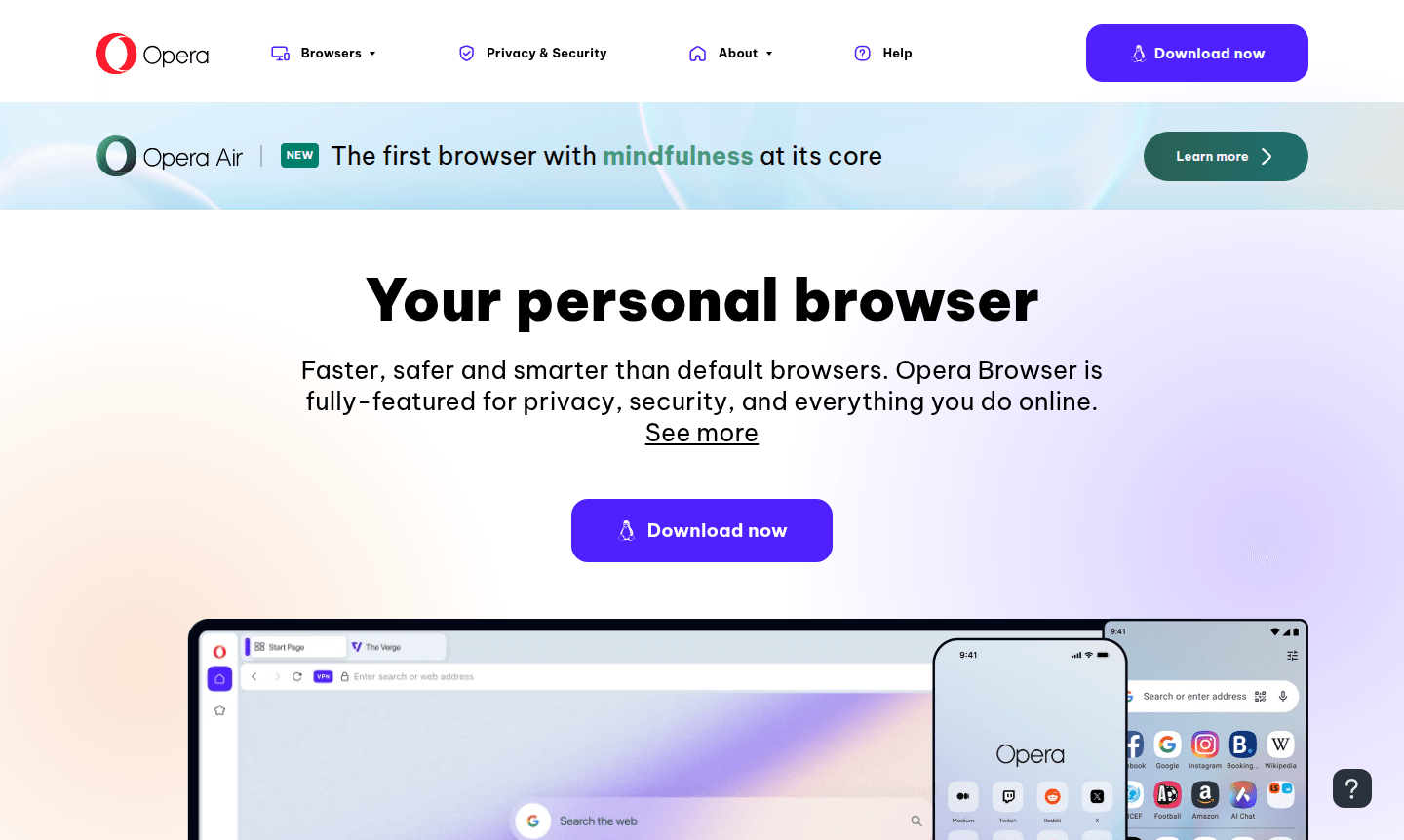
Overview of Opera Browser
Opera Browser is a comprehensive web browser that delivers faster, safer, and smarter browsing experiences compared to default browsers. With over 25 years of development expertise, Opera provides a fully-featured platform focused on privacy, security, and enhanced online functionality. The browser is chosen by hundreds of millions of users worldwide for its superior performance and innovative features that go beyond what pre-installed browsers offer.
Opera positions itself as a future-proof browsing solution, integrating cutting-edge technologies like AI assistance, Web3 capabilities, and advanced privacy tools. Available across desktop and mobile platforms, Opera delivers a seamless browsing experience with features like free VPN, ad blocking, and cross-device synchronization. The browser serves diverse user needs from casual browsing to gaming and professional use cases, making it a versatile alternative to mainstream browsers like Chrome, Safari, and Edge. Explore more in Web Browser and Secure Browser categories.
How to Use Opera Browser
Getting started with Opera Browser is straightforward – simply download the application from the official website for your preferred platform (Windows, macOS, Linux, Android, or iOS). After installation, you can immediately access built-in features like the free VPN, ad blocker, and AI assistant without additional setup. The browser's modular design and Tab Islands organization help you maintain contextual browsing sessions, while the sidebar provides quick access to messaging platforms and AI tools. For mobile users, downloading Opera for Android or iOS extends the same feature-rich experience with optimized touch controls and mobile-specific enhancements.
Core Features of Opera Browser
- Free VPN and Ad Blocker – Built-in privacy protection and ad-free browsing without additional extensions
- AI Assistant Integration – Chat with Aria AI directly within the browser for instant help and information
- Tab Islands Organization – Group related tabs together for contextual browsing and better workflow management
- Cross-Device Synchronization – Seamlessly sync bookmarks, history, and settings across all your devices
- Mobile Optimization – Complete mobile browsing with VPN, ad blocking, and smooth performance
Use Cases for Opera Browser
- Privacy-conscious users seeking built-in VPN and ad blocking capabilities
- Mobile users wanting feature-rich browsing with free VPN protection
- Productivity seekers needing tab organization and AI assistance
- Gaming enthusiasts exploring Opera GX and gaming-optimized features
- Users comparing Opera browser vs Chrome for performance and features
- Security-focused individuals requiring reliable browser protection
- Cross-platform users needing synchronization between desktop and mobile
Support and Contact
For support inquiries, visit the official Opera website at opera.com. While a specific contact email was not found, the website provides comprehensive support resources, documentation, and community forums to assist users with any questions or technical issues they may encounter.
Company Info
Opera is developed by international teams of developers, designers, researchers, and support staff distributed across Europe, Africa, and Asia. The company focuses on building the best online experiences for any device, combining ambitious innovation with collaborative development approaches to advance browser technology.
Login and Signup
Access your Opera account and services through the official website at opera.com. The platform allows users to create accounts for syncing preferences, bookmarks, and browsing data across multiple devices, enhancing the personalized browsing experience.
Opera Browser FAQ
Is Opera Browser completely free to use?
Yes, Opera Browser is completely free with no hidden costs, including its built-in VPN, ad blocker, and AI features.
How does Opera Browser compare to Chrome in terms of performance?
Opera Browser often performs faster than Chrome with lower memory usage, plus includes built-in features Chrome requires extensions for.
Does Opera Browser work on mobile devices?
Yes, Opera offers fully-featured mobile browsers for both Android and iOS with VPN, ad blocking, and smooth browsing performance.
Can I sync my data across devices with Opera Browser?
Yes, Opera Browser offers cross-device synchronization for bookmarks, history, and settings when you log in with your Opera account.
Opera Browser Reviews0 review
Would you recommend Opera Browser? Leave a comment
Opera Browser Alternatives
The best modern alternatives to the tool
New Tools Releases
Recently added tools
