
FAST.com Speed Test
FAST.com by Netflix provides free, accurate internet speed tests with global servers. Measure download, upload, ping, and latency on any device without registration. Ad-free tool for monitoring ISP performance and troubleshooting network issues.
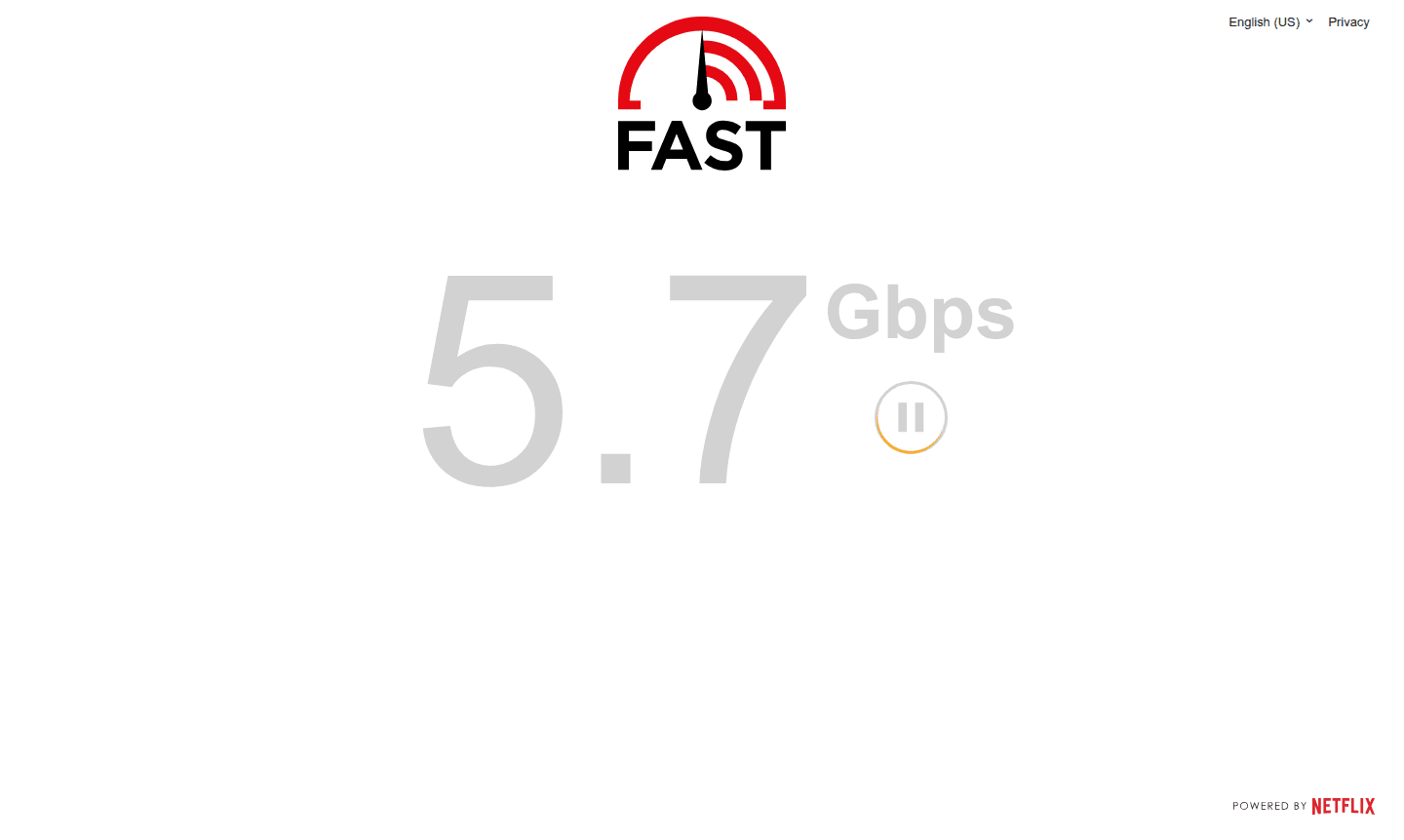
Overview of FAST.com
FAST.com is a straightforward internet speed testing tool developed by Netflix that provides accurate measurements of your current download and upload speeds. This free web-based service uses globally distributed servers to deliver reliable speed estimates that reflect what you can typically expect from leading internet service providers. The tool focuses primarily on download speed since this metric is most relevant for users consuming online content like streaming videos, browsing websites, and downloading files.
Available worldwide on any device with a web browser - including phones, laptops, and smart TVs - FAST.com offers a clean, ad-free experience perfect for Speed Test enthusiasts and everyday internet users. The service also provides detailed network diagnostics including ping, latency measurements, and bufferbloat analysis, making it valuable for Network Monitor purposes and troubleshooting connectivity issues.
How to Use FAST.com
Using FAST.com is incredibly simple - just visit the website and the speed test begins automatically without any clicks required. The tool immediately starts measuring your download speed using Netflix's global server infrastructure. For more detailed results, click the "Show more info" button to reveal additional metrics including upload speed, connection latency (ping), and both loaded and unloaded latency measurements that help identify bufferbloat issues affecting your internet performance.
Core Features of FAST.com
- Automatic Speed Testing - Begins immediately upon page load without user interaction required
- Global Server Network - Uses Netflix's worldwide distributed servers for accurate measurements
- Comprehensive Metrics - Measures download speed, upload speed, ping, and latency variations
- Bufferbloat Detection - Calculates the difference between loaded and unloaded connection latency
- Multi-Device Compatibility - Works on phones, laptops, smart TVs, and any browser-enabled device
Use Cases for FAST.com
- Testing internet service provider performance and speed consistency
- Troubleshooting slow streaming or buffering issues with online content
- Comparing actual internet speeds against what your ISP promises
- Diagnosing network connectivity problems and latency issues
- Monitoring Wi-Fi performance across different devices and locations
- Verifying mobile data speeds on smartphones and tablets
- Checking internet quality before important video calls or online meetings
Support and Contact
For support inquiries, visit the official FAST.com website or email contact@fast.com. While no direct support email is provided, Netflix offers comprehensive help resources through their main platform. For technical questions about the speed test methodology, refer to their detailed technical blog post explaining how the service calculates internet speeds.
Company Info
FAST.com is developed and maintained by Netflix, Inc., a leading streaming entertainment service based in the United States. The company operates globally with servers distributed worldwide to ensure accurate speed measurements for users in different regions. Netflix created this tool to help members easily estimate the internet speed their ISP is providing.
Login and Signup
No registration or login is required to use FAST.com - simply visit the website and the speed test begins automatically. The service is completely free and doesn't require any personal information, accounts, or software installations, making it accessible to everyone for quick internet performance checks.
FAST.com Speed Test FAQ
How accurate is the FAST.com speed test compared to other internet speed tests?
FAST.com provides reliable speed estimates using Netflix's global server network, giving results comparable to leading speed test services while focusing specifically on streaming-relevant performance metrics.
Why does FAST.com primarily show download speed instead of upload speed?
FAST.com emphasizes download speed because it's most relevant for consuming online content like streaming videos, which reflects the primary internet usage pattern for most users today.
What's the difference between loaded and unloaded latency on FAST.com?
Unloaded latency measures connection delay without network traffic, while loaded latency shows performance under load - the difference indicates bufferbloat affecting your internet quality.
Can I use FAST.com on my mobile phone or tablet?
Yes, FAST.com works globally on any device with a web browser including smartphones, tablets, laptops, and smart TVs without requiring any app installations.
Is FAST.com completely free to use without any hidden costs?
FAST.com is completely free with no registration, ads, or hidden fees - Netflix provides it as a service to help users monitor their internet connection quality.
FAST.com Speed Test Reviews0 review
Would you recommend FAST.com Speed Test? Leave a comment
FAST.com Speed Test Alternatives
The best modern alternatives to the tool
New Tools Releases
Recently added tools
