
Streamlabs
Streamlabs offers all-in-one live streaming software with multistream to Twitch, YouTube, and more. Free and premium plans include overlays, mobile apps, and OBS integration for creators.
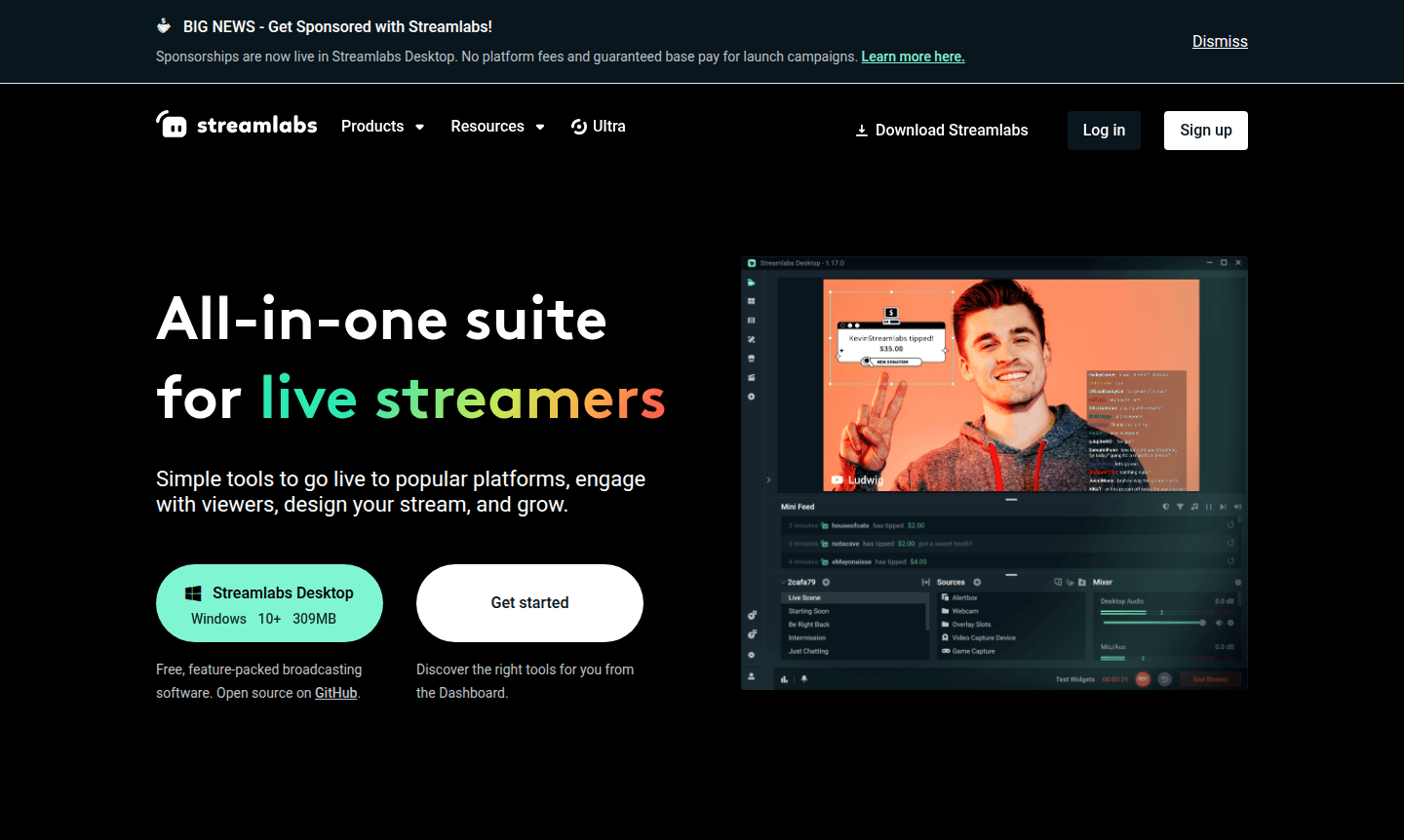
Overview of Streamlabs
Streamlabs is an all-in-one streaming suite designed for modern content creators who want to broadcast live across multiple platforms simultaneously. This comprehensive toolkit provides everything needed to go live on popular streaming services like Twitch, YouTube, TikTok, Instagram, and Facebook. With over $1.4 billion paid out to streamers since 2015, Streamlabs has established itself as a trusted platform for monetizing live content while offering professional-grade streaming capabilities to both beginners and experienced broadcasters.
The platform serves as a complete ecosystem for streamers, featuring broadcasting software, multistream capabilities, customizable overlays, and engagement tools. Whether you're streaming from desktop, mobile, or console devices, Streamlabs provides a unified workflow that simplifies the content creation process. The software integrates seamlessly with OBS Studio through its plugin system while offering native applications for Windows, Mac, iOS, and Android devices. Explore related tools in Game Streaming and Video Conferencing categories.
How to Use Streamlabs
Getting started with Streamlabs involves downloading the free Streamlabs Desktop software for Windows or Mac, then connecting your streaming accounts from platforms like Twitch, YouTube, or Facebook. Once configured, you can customize your stream with free overlays and themes, set up multistream broadcasting to reach multiple audiences simultaneously, and configure alerts for viewer interactions. The intuitive interface allows you to add guests to your stream via shareable links, incorporate mobile devices as additional cameras, and manage chat interactions while broadcasting live content to your chosen platforms.
Core Features of Streamlabs
- Multistream Broadcasting – Simultaneously stream to multiple platforms including Twitch, YouTube, and Facebook
- Custom Overlays & Themes – Access hundreds of free and premium stream design elements
- Guest Integration – Add up to 11 guests or cameras to your live streams
- Mobile Streaming – Broadcast on-the-go from iOS and Android devices
- Console Streaming – Stream directly from gaming consoles without desktop setup
Use Cases for Streamlabs
- Gaming streamers looking to broadcast gameplay across multiple platforms
- Content creators needing professional overlays and alert systems
- Podcasters wanting to record and stream with multiple guests
- Mobile streamers broadcasting from iOS or Android devices
- Console gamers streaming directly from PlayStation or Xbox
- Creators converting VODs into TikTok, Reels, and Shorts content
- Professional streamers monetizing through tipping and sponsorships
Support and Contact
For technical support and general inquiries, visit the official Streamlabs website for documentation and community resources. While no direct support email was found, the platform offers comprehensive help documentation and community forums to assist users with setup, troubleshooting, and optimization questions related to streamlabs desktop download, streamlabs pricing, and streamlabs alternatives.
Company Info
Streamlabs operates as a comprehensive streaming platform serving content creators worldwide. The company has facilitated over $1.4 billion in payments to streamers since its establishment in 2015, demonstrating its significant impact on the creator economy and live streaming ecosystem.
Login and Signup
Access your Streamlabs account or create a new one through the official Streamlabs website. The platform uses a unified login system that works across all Streamlabs products including Streamlabs Desktop, mobile apps, and web tools for seamless content creation workflow management.
Streamlabs FAQ
Is Streamlabs Desktop free to use for basic streaming?
Yes, Streamlabs offers a free Starter plan with basic overlays, 2 streaming destinations, and essential broadcasting features for beginners.
Can Streamlabs multistream to multiple platforms simultaneously?
Yes, Streamlabs multistream feature allows broadcasting to YouTube, Twitch, Facebook, and other platforms at the same time.
Does Streamlabs work with OBS Studio for streaming?
Yes, Streamlabs offers an OBS plugin that integrates alerts, overlays, and chat features without leaving OBS Studio.
Does Streamlabs support streaming from mobile devices?
Yes, Streamlabs Mobile app allows live streaming from iOS and Android devices, including mobile games.
Streamlabs Pricing
Current prices may vary due to updates
Streamlabs Starter
Free plan with basic overlays, 2 streaming destinations, 1 guest limit, limited free apps, no-fee tipping, 1GB storage, basic Cloudbot, and 30-minute
Streamlabs Ultra
Premium plan with 1000+ overlays, 3+ streaming destinations, up to 11 guests, full app library, custom tip page, 10GB storage, custom Cloudbot, and wa
Streamlabs Reviews0 review
Would you recommend Streamlabs? Leave a comment
Streamlabs Alternatives
The best modern alternatives to the tool
New Tools Releases
Recently added tools
