
Thunkable
Thunkable is a no-code platform for building native iOS and Android apps using drag-and-drop components. Publish directly to app stores with AI assistance and team collaboration tools.
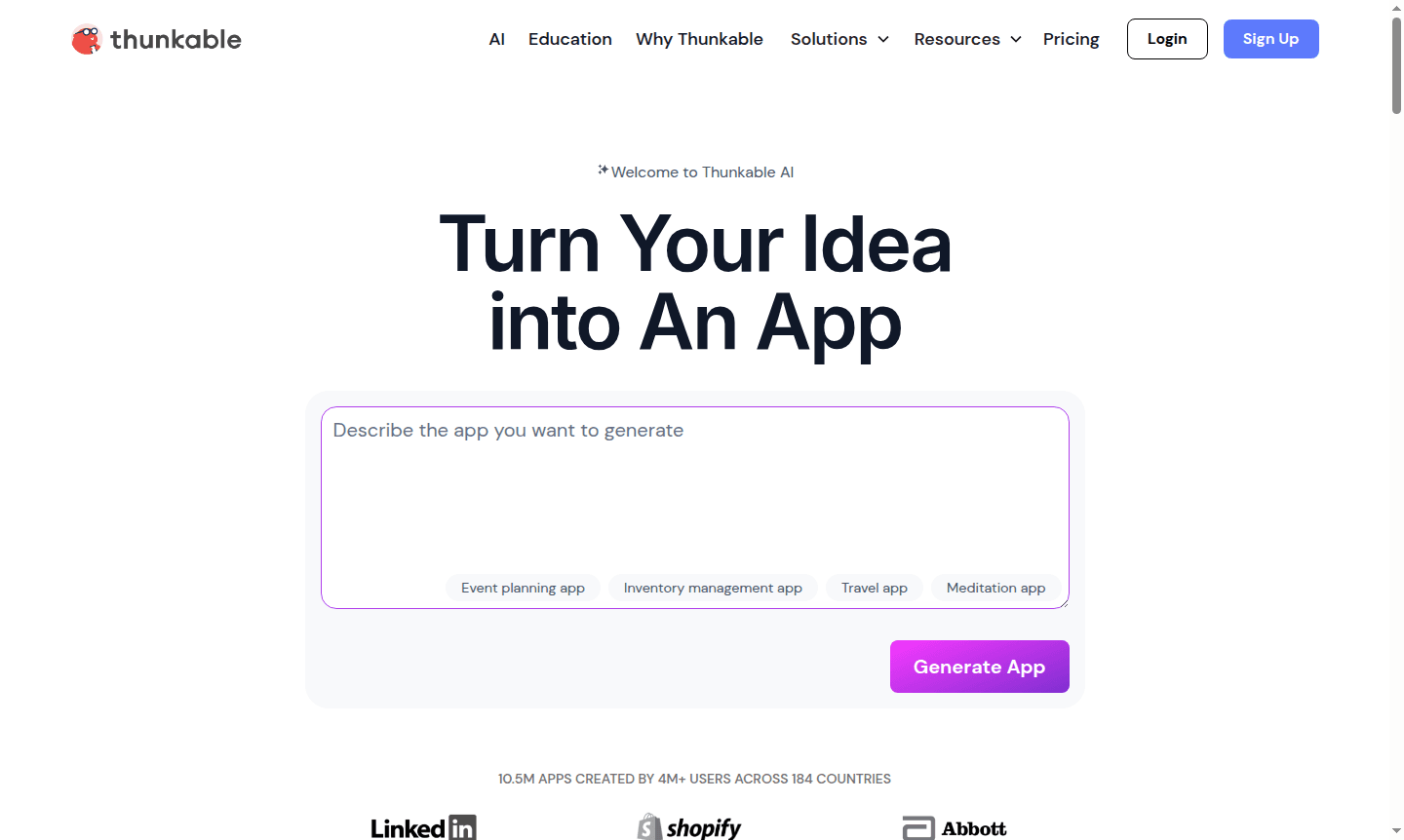
Overview of Thunkable
Thunkable is a powerful no-code app builder that enables anyone to create professional mobile applications without writing a single line of code. Developed by former MIT engineers who worked on MIT App Inventor, this platform transforms complex app development into an intuitive drag-and-drop experience. Whether you're a seasoned developer looking to accelerate prototyping or a complete beginner with a great app idea, Thunkable provides the tools to build, test, and publish native mobile apps for iOS, Android, and web platforms. The platform serves diverse audiences including IDE professionals, Text Editor users, and Business users seeking to create robust applications for their organizations.
With Thunkable's visual programming interface, users can create sophisticated apps that leverage native device capabilities like GPS, Bluetooth, notifications, and offline functionality. The platform's cloud-based nature eliminates the need for complex development environments, making mobile app development accessible to designers, entrepreneurs, students, and enterprise teams alike. Trusted by major companies including Nestle, JP Morgan Chase, and Shopify, Thunkable has established itself as a reliable solution for professional-grade app creation without the traditional coding barriers.
How to Use Thunkable
Getting started with Thunkable follows a straightforward four-step process: begin by describing your app concept to the AI assistant for rapid initialization, then use the drag-and-drop designer to build your interface with components like buttons, maps, and text fields. Next, implement app logic using the visual blocks editor to add functionality, navigation, and integrations without coding. Finally, test your creation in real-time using the Thunkable Live companion app and web preview tools before publishing directly to Apple's App Store, Google Play Store, or as a web application.
Core Features of Thunkable
- Drag and Drop Components – Build intuitive app interfaces with pre-built UI elements and animations
- Advanced Logic Blocks – Create complex functionality using visual programming without code
- Native Device Access – Leverage mobile hardware including GPS, Bluetooth, and notifications
- Direct Publishing – Deploy apps directly to major app stores and web platforms
- Team Collaboration – Work together in dedicated workspaces to accelerate development
Use Cases for Thunkable
- Professional developers accelerating MVP creation and prototyping
- Entrepreneurs validating app ideas without significant investment
- Designers transforming mockups into functional app prototypes
- Business teams building internal tools and customer-facing applications
- Educators and students learning mobile development concepts
- Non-technical users creating personal projects and utilities
- Enterprise organizations developing custom business solutions
Support and Contact
For assistance with Thunkable, contact support at contact@thunkable.com or visit the Thunkable Help Center. The platform provides comprehensive documentation, community forums, and dedicated support channels for users at different subscription levels.
Company Info
Thunkable is developed by Thunkable, Inc., a United States-based company founded by engineers from MIT's App Inventor project. The company maintains its headquarters in the US and continues to innovate in the no-code mobile development space, serving a global user base of creators and businesses.
Login and Signup
Access your Thunkable account or create a new one at Thunkable Platform. The platform offers a free tier to get started with basic app building capabilities, with premium plans available for advanced features and publishing requirements.
Thunkable FAQ
What is Thunkable and who is it designed for?
Thunkable is a no-code app builder for creating mobile applications without programming, suitable for developers, designers, entrepreneurs, and beginners.
Can Thunkable apps access native device features like GPS and Bluetooth?
Yes, Thunkable supports native device capabilities including GPS, Bluetooth, notifications, and offline functionality for robust mobile apps.
Where can I publish apps built with Thunkable?
Thunkable allows direct publishing to Apple App Store, Google Play Store, and web platforms with streamlined deployment processes.
Is there a free plan available in Thunkable?
Yes, Thunkable offers a free tier for basic app building, with premium plans for advanced features and publishing to app stores.
Thunkable Reviews0 review
Would you recommend Thunkable? Leave a comment
Thunkable Alternatives
The best modern alternatives to the tool
New Tools Releases
Recently added tools
