
EA App
Download the EA App for faster game launches, cloud saves, and cross-platform play. Free for Windows and Mac, it replaces Origin with improved performance.
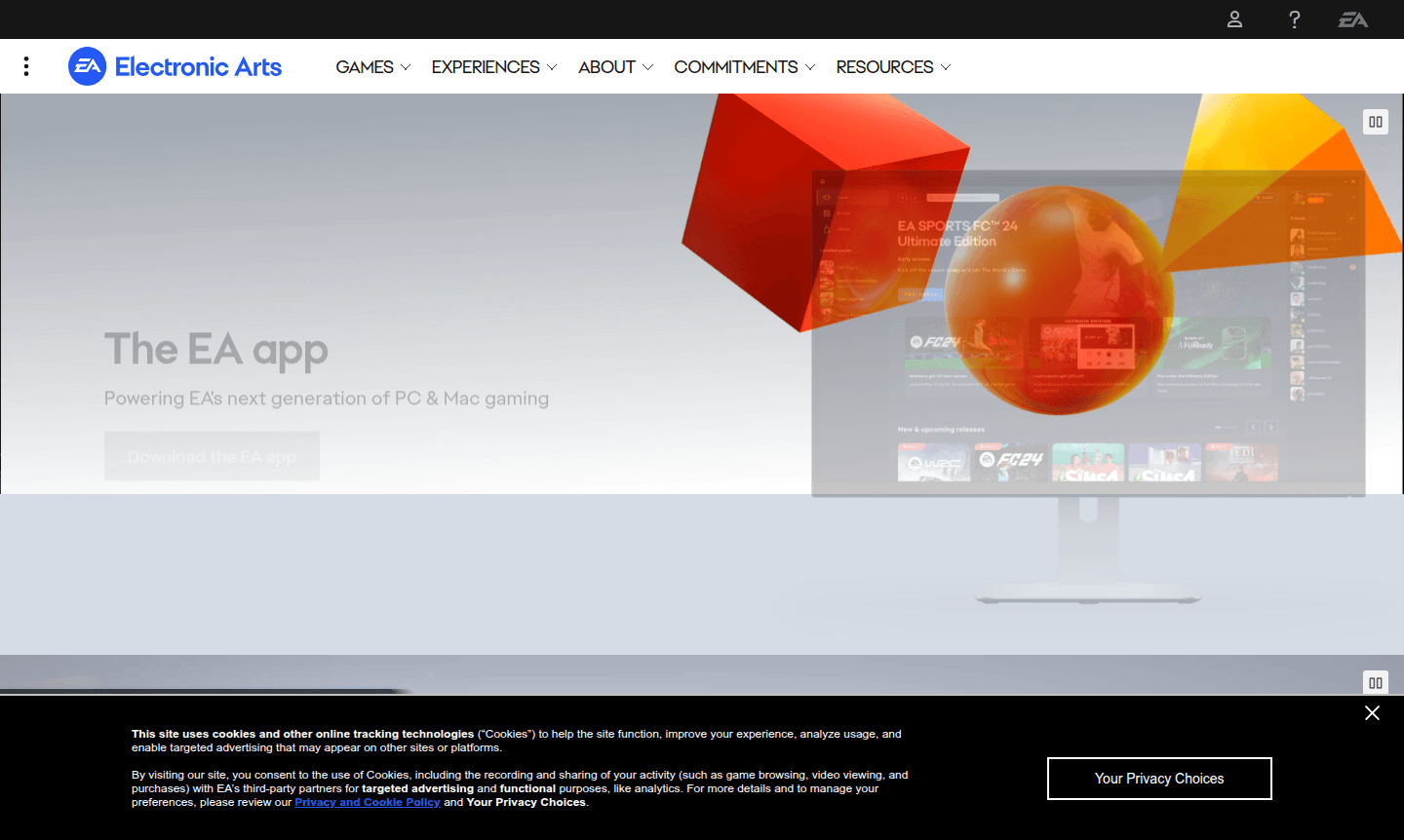
Overview of EA App
The EA App is Electronic Arts' next-generation PC and Mac gaming platform designed to replace Origin with enhanced performance and streamlined functionality. This optimized gaming client serves as the central hub for accessing EA's extensive library of titles, from indie favorites to blockbuster AAA releases. The platform focuses on speed, connectivity, and discovery – making it easier than ever for gamers to download, launch, and enjoy their favorite EA titles across Windows and macOS systems.
As the official gaming platform for Electronic Arts, the EA App provides seamless integration with existing EA Accounts while offering improved download speeds and reduced loading times. It is a premier Game Launcher that also utilizes Cloud Storage for saving game progress across devices. Players can connect their gaming platforms to import friends lists, track achievements, and maintain cloud saves. The platform automatically transfers all previously purchased Origin games and content, ensuring a smooth transition for existing EA gamers looking for a faster, more modern gaming experience.
How to Use EA App
Getting started with the EA App involves downloading the installer from the official EA website for either Windows or macOS systems. During installation, the app automatically removes Origin from your device to prevent conflicts between the two clients. Users simply log in with their existing EA Account credentials – the same used for Origin – to access their complete game library, friend lists, achievements, and cloud saves. Once installed, the streamlined interface makes browsing new releases, discovering deals, and launching games intuitive with fewer clicks and faster loading times compared to the previous platform.
Core Features of EA App
- Optimized Performance – Faster downloads and reduced loading times for quick game access
- Cross-Platform Connectivity – Import friends lists and play together across gaming platforms
- Game Discovery – Browse new releases and see what friends are playing in real-time
- Seamless Migration – Automatic transfer of Origin games, saves, and achievements
- Multi-Store Integration – Required for playing EA titles on Steam and Epic Games Store
Use Cases for EA App
- PC gamers transitioning from Origin to the new EA platform
- Mac users looking to access EA's gaming library on macOS
- Multi-platform gamers connecting friends across different systems
- Players seeking faster download speeds and optimized performance
- Gamers wanting to discover new EA releases and exclusive deals
- Users requiring cloud saves and achievement tracking
- Those playing EA titles through Steam or Epic Games Store
Support and Contact
For assistance with the EA App, users can contact EA support here or visit the customer care page for troubleshooting help with missing games, installation issues, or login problems. You can also email contact@ea.com for general inquiries.
Company Info
Electronic Arts (EA) is a leading global interactive entertainment software company headquartered in Redwood City, California, developing and publishing games across multiple platforms and genres.
Login and Signup
Existing EA Account holders can log in to the EA App using their current credentials, while new users can create an account through the official website to access the gaming platform.
EA App FAQ
What is the EA App and how does it differ from Origin?
The EA App is Electronic Arts' enhanced PC and Mac gaming platform that replaces Origin with faster performance, streamlined interface, and improved connectivity features.
Do I need to redownload my games when switching from Origin to EA App?
No, your previously downloaded Origin games automatically transfer to the EA App and remain ready to play without redownloading.
Can I use the EA App to play EA games purchased on Steam?
Yes, the EA App is required to play EA titles on Steam and will guide you through installation when launching games.
What happens to my game progress and friends list when moving to EA App?
All your achievements, friends lists, cloud saves, and game progress carry over seamlessly when you log in with your EA Account.
What are the system requirements for installing EA App?
The EA App requires Windows 7 or newer (64-bit) or macOS Catalina or newer, with automatic Origin removal during installation.
EA App Reviews0 review
Would you recommend EA App? Leave a comment
EA App Alternatives
The best modern alternatives to the tool
New Tools Releases
Recently added tools
