
BitLocker
BitLocker offers full-drive encryption for Windows with TPM support, recovery keys, and enterprise management. Secure your data effectively.
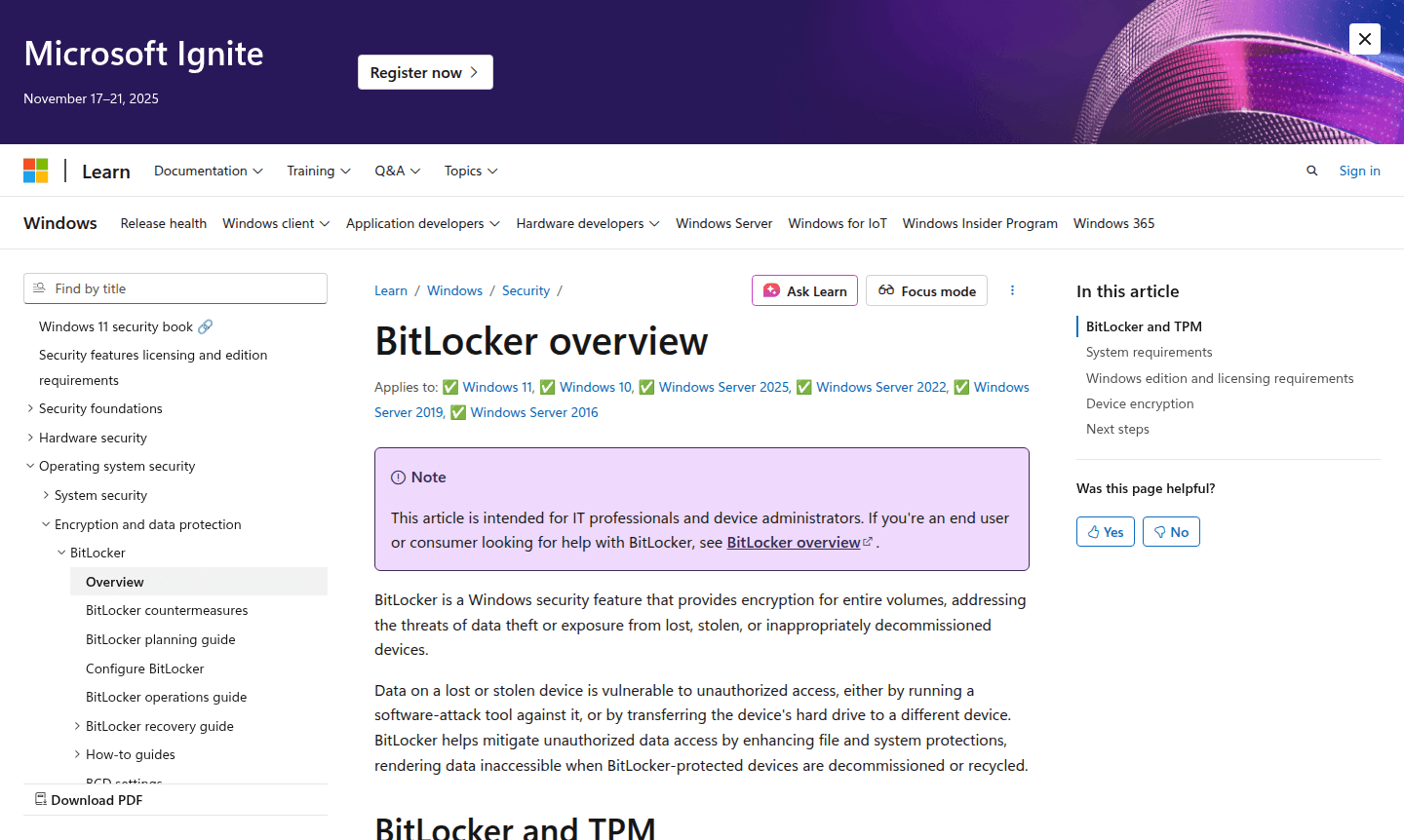
Overview of BitLocker
BitLocker is Microsoft's comprehensive drive encryption solution built directly into Windows operating systems, providing robust data protection against unauthorized access when devices are lost, stolen, or improperly decommissioned. This enterprise-grade security feature encrypts entire volumes, ensuring that sensitive information remains inaccessible even if physical drives are removed and installed in other computers. BitLocker addresses critical security threats by rendering data unreadable without proper authentication, making it an essential tool for organizations and individuals handling confidential information across Windows environments.
Available on Windows Pro, Enterprise, and Education editions, BitLocker offers maximum protection when paired with a Trusted Platform Module (TPM) chip, which provides hardware-based security and pre-boot system integrity verification. The technology supports multifactor authentication through PIN codes or startup keys stored on removable devices, creating multiple layers of security. For devices without TPM, BitLocker still provides encryption capabilities using startup keys or passwords, though with reduced security features. Explore related security solutions in our Encryption Tool and Security categories.
How to Use BitLocker
Setting up BitLocker begins by accessing the BitLocker Drive Encryption feature through Windows Control Panel or Settings app. For optimal security, ensure your device has TPM 1.2 or later and meets the system requirements including proper disk partitioning with at least two drives - one for the operating system and another for boot files. The setup wizard guides you through choosing encryption method (used space only or full drive), selecting unlock method (TPM-only, TPM with PIN, or startup key), and securely backing up your recovery key to Microsoft account, Active Directory, or a file. Once configured, BitLocker operates transparently in the background, automatically encrypting new data and requiring authentication only during system startup or when accessing encrypted removable drives.
Core Features of BitLocker
- Full Drive Encryption – Protects entire volumes including operating system, fixed, and removable drives
- TPM Integration – Hardware-based security with pre-boot system integrity verification
- Multifactor Authentication – Supports TPM, PIN, and startup key combinations for access control
- Automatic Device Encryption – Enables encryption automatically on qualifying Modern Standby devices
- Enterprise Management – Centralized deployment and recovery key management through Group Policy
Use Cases for BitLocker
- Protecting corporate laptops against data theft when devices are lost or stolen
- Securing sensitive financial and personal data on business workstations
- Meeting regulatory compliance requirements for data encryption standards
- Preventing unauthorized data access during device decommissioning and recycling
- Encrypting removable drives containing confidential client information
- Securing healthcare data on mobile medical devices and laptops
- Protecting government and military classified information on Windows systems
Support and Contact
For technical support and assistance with BitLocker configuration, visit Microsoft's official support page at Microsoft Support. Enterprise customers can access dedicated support through their Microsoft volume licensing agreements. Contact Microsoft directly through their corporate contact form at Microsoft Contact for business inquiries.
Company Info
BitLocker is developed by Microsoft Corporation, headquartered in Redmond, Washington, United States. As one of the world's leading technology companies, Microsoft provides a comprehensive suite of productivity, cloud, and security solutions for consumers and enterprises worldwide. Learn more about Microsoft's security initiatives at Microsoft Security.
Login and Signup
BitLocker is integrated directly into Windows operating systems and requires no separate registration. Access BitLocker features through your existing Windows account. For enterprise deployment and management, utilize Microsoft's deployment tools available at Windows Enterprise. System administrators can configure BitLocker policies through Group Policy Editor or Microsoft Endpoint Manager.
BitLocker FAQ
What is BitLocker and how does it protect my data?
BitLocker is Windows' built-in encryption feature that protects data by encrypting entire drives, preventing unauthorized access when devices are lost or stolen.
Do I need a TPM to use BitLocker encryption?
While TPM provides maximum security, BitLocker can work without it using startup keys or passwords, though with reduced protection features.
Which Windows editions include BitLocker drive encryption?
BitLocker is available on Windows Pro, Enterprise, Pro Education, and Education editions, with specific licensing requirements for each version.
How does BitLocker differ from device encryption in Windows?
Device encryption automatically enables BitLocker on qualifying devices with recovery key backup, while standard BitLocker requires manual configuration.
Can BitLocker encrypt external USB drives and removable media?
Yes, BitLocker To Go extends encryption to removable drives, protecting data on USB devices and external hard drives with password protection.
BitLocker Reviews0 review
Would you recommend BitLocker? Leave a comment
BitLocker Alternatives
The best modern alternatives to the tool
New Tools Releases
Recently added tools
