
Calendly
Calendly is the leading meeting scheduling software trusted by 20M+ users. Automate appointments with calendar sync, team scheduling, and 100+ integrations. Free and paid plans available.
Overview of Calendly
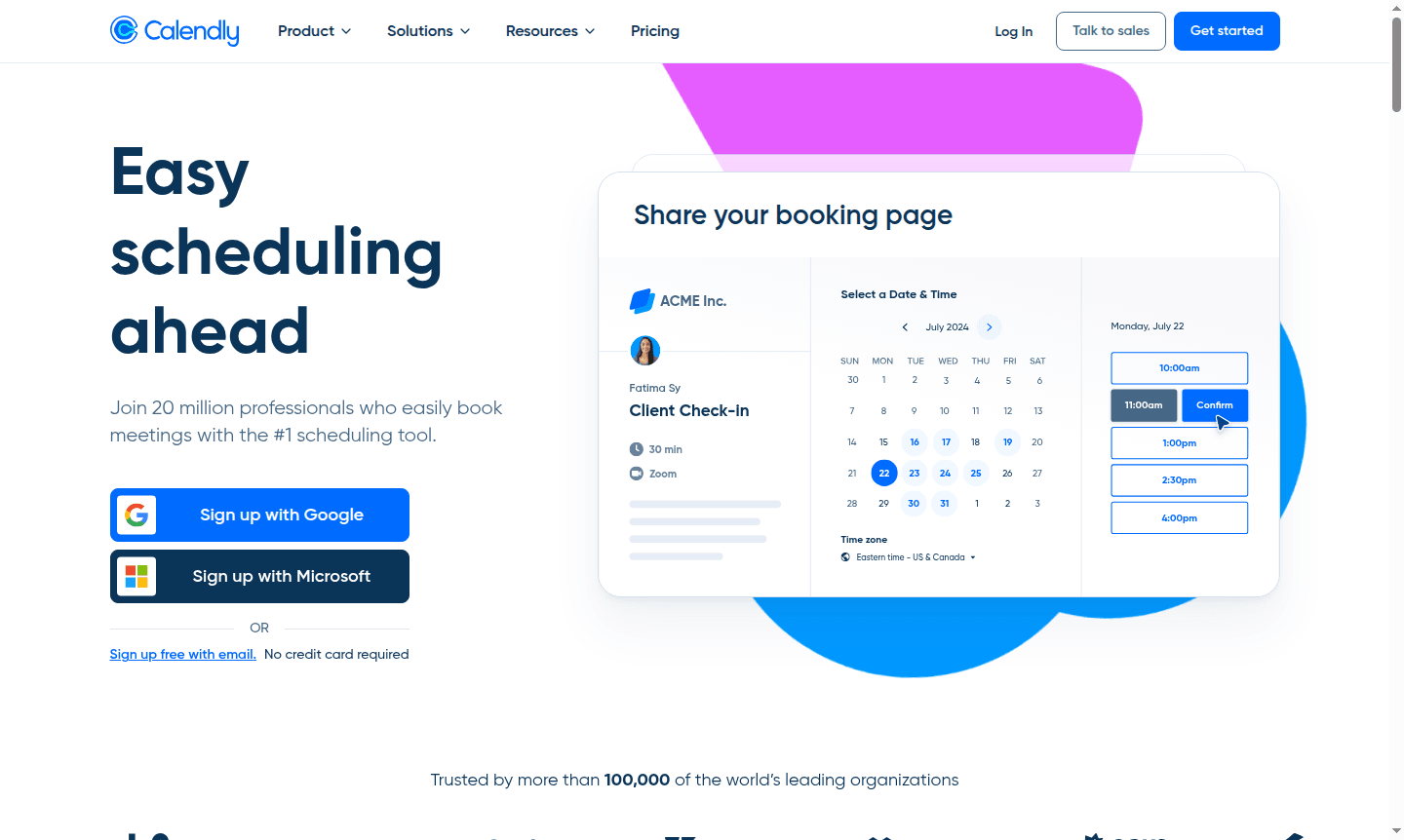
Calendly is the leading meeting scheduling software trusted by over 20 million professionals worldwide, including 86% of Fortune 500 companies. This powerful scheduling tool eliminates the back-and-forth emails by automating appointment booking through customizable scheduling links that sync with your existing calendars. Whether you're an individual professional or part of a large enterprise organization, Calendly adapts to your scheduling needs while integrating seamlessly with your workflow tools. Explore related tools in Calendar App and Online Scheduling categories.
The platform serves diverse audiences from freelancers and sales teams to customer support representatives and executive assistants. With its free forever plan and scalable pricing options, Calendly makes automated meeting scheduling accessible to everyone while offering enterprise-grade features for large organizations. The tool's extensive integration ecosystem connects with 100+ applications including video conferencing platforms, CRM systems, and payment processors, making it a comprehensive solution for modern scheduling challenges.
How to Use Calendly
Getting started with Calendly is straightforward: first connect up to six of your existing calendars to ensure real-time availability checking. Next, configure your scheduling preferences by setting your available hours, meeting buffers, and specific event types for different appointment scenarios. Then simply share your personalized Calendly link via email, embed it on your website, or use browser extensions to insert scheduling options directly into your communications. When someone books a meeting through your link, the appointment automatically syncs to your calendar and can trigger automated reminders, follow-up messages, and even payment collection if you charge for your time.
Core Features of Calendly
- Calendar Integration – Connects up to six calendars for real-time availability checking and automated scheduling
- Custom Event Types – Create tailored meeting templates for different appointment scenarios and durations
- Team Scheduling – Round robin and collective events for pooling team availability and shared bookings
- Workflow Automation – Automated reminders, follow-ups, and routing forms to reduce no-shows
- Payment Collection – Integrated Stripe and PayPal for professionals who charge for appointments
Use Cases for Calendly
- Sales teams booking discovery calls and product demos with qualified leads
- Freelancers and consultants scheduling paid client consultations and project kickoffs
- Customer support teams managing appointment-based technical assistance
- HR departments coordinating interviews across multiple hiring managers
- Executive assistants managing complex executive calendars and meeting coordination
- Educational institutions scheduling parent-teacher conferences and student advising
- Healthcare providers booking patient appointments and follow-up consultations
Support and Contact
For assistance with Calendly, visit the official support page or contact contact@calendly.com. Access the comprehensive knowledge base for self-help resources. Enterprise customers receive dedicated support as part of their premium package.
Company Info
Calendly is developed by Calendly LLC, headquartered in the United States. The company focuses exclusively on creating the world's most efficient scheduling automation platform, serving millions of users globally.
Login and Signup
Access your Calendly account at calendly.com/login or create a new account at calendly.com/signup to start streamlining your scheduling process. The platform offers mobile apps for Android and iOS devices.
Calendly FAQ
How does Calendly handle time zone differences for international scheduling?
Calendly automatically detects and adjusts for time zones, ensuring both parties see meeting times in their local time zones to prevent scheduling conflicts.
Can Calendly integrate with video conferencing tools like Zoom and Google Meet?
Yes, Calendly seamlessly integrates with popular video conferencing platforms to automatically generate and include meeting links in scheduled appointments.
What's the difference between Calendly's free and paid plans?
The free plan offers basic scheduling features for individuals, while paid plans add team scheduling, advanced customization, and workflow automation tools.
Does Calendly support multiple calendar integrations?
Yes, Calendly can connect up to six calendars including Google Calendar, Outlook, and Apple Calendar for comprehensive availability management.
How does Calendly ensure data security?
Calendly employs enterprise-grade security measures such as encryption, SSO, and compliance with industry standards to protect user data.
Calendly Pricing
Current prices may vary due to updates
Free
Perfect for personal use with essential scheduling features, available forever without credit card requirements. Includes core functionality for indiv
Standard Yearly
Designed for professionals and small teams needing advanced features. Billed annually with 16% savings over monthly billing, includes additional custo
Teams Yearly
Recommended for growing businesses requiring team collaboration features like round robin scheduling and administrative controls. Billed annually with
Calendly Reviews0 review
Would you recommend Calendly? Leave a comment
Calendly Alternatives
The best modern alternatives to the tool
New Tools Releases
Recently added tools
