
Substance 3D Painter
Substance 3D Painter: professional 3D texturing for games and VFX. Real-time painting, smart materials, UDIM support. Free 30-day trial available.
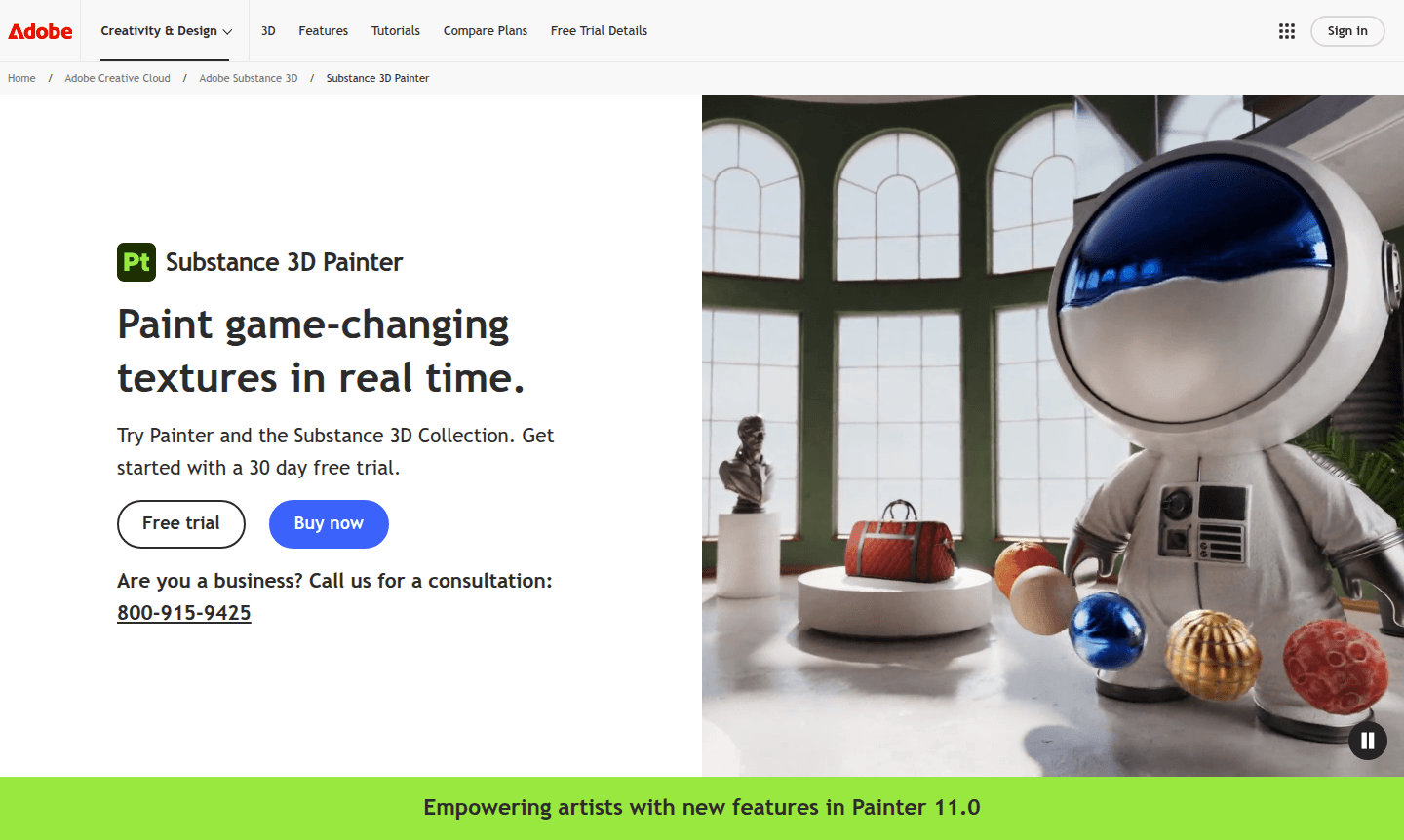
Overview of Substance 3D Painter
Substance 3D Painter is the industry-standard texturing software used by 3D professionals worldwide for creating game-changing textures in real time. As part of Adobe's Substance 3D Collection, this powerful application enables artists to paint detailed textures directly onto 3D models with unprecedented control and precision. Whether you're aiming for photorealistic materials or stylized artwork, Painter provides the tools needed to bring your creative vision to life across gaming, film, and design projects.
The software serves as an essential component in modern 3D workflows, particularly for 3D Modeling and Game Development pipelines. With its advanced material creation capabilities and real-time viewport, Substance 3D Painter has become the go-to solution for texture artists working in VFX, animation, and interactive media. The application supports industry-standard formats and workflows, making it compatible with all major game engines and renderers while maintaining high-quality output for professional production environments.
How to Use Substance 3D Painter
Getting started with Substance 3D Painter begins by importing your 3D model, which requires no special preparation thanks to automatic UV functionality. Once your model is loaded, you can immediately begin painting using the extensive brush library, smart materials, and particle systems. The real-time viewport displays your work with accurate lighting, shadows, and material properties, allowing for instant visual feedback. Exporting your finished textures to any game engine or renderer is streamlined through customizable export presets, ensuring seamless integration into your existing 3D design pipeline and workflow optimization.
Core Features of Substance 3D Painter
- Real-time Painting - Dynamic brush system with projection tools and particle effects for instant visual feedback
- Smart Materials - Procedural masks and materials that automatically adapt to surface geometry and details
- Advanced Material Creation - Realistic material behaviors including anisotropy, subsurface scattering, and clear-coat effects
- VFX Support - Multi-tile painting (UDIMS), Alembic support, camera import, and Python scripting capabilities
- Export Flexibility - Custom export presets compatible with all major game engines and renderers
Use Cases for Substance 3D Painter
- Game asset texturing for character models, environments, and props
- Film and VFX production for realistic material creation
- Architectural visualization with accurate material representation
- Product design and prototyping with detailed surface finishes
- Animation projects requiring consistent texture quality
- Virtual reality and augmented reality content development
- Educational purposes for 3D art and design courses
Support and Contact
For technical support and customer service, visit the official Adobe support portal at Adobe Substance 3D Painter Support. While no direct contact email was found, comprehensive documentation, tutorials, and community forums are available through the Adobe Creative Cloud ecosystem to assist users with troubleshooting and learning resources.
Company Info
Substance 3D Painter is developed by Adobe Inc., a leading American software company headquartered in San Jose, California. Adobe specializes in creative software products and digital marketing solutions, with the Substance suite representing their commitment to professional 3D content creation tools for the gaming, film, and design industries worldwide.
Login and Signup
Access Substance 3D Painter through the Adobe Creative Cloud platform at Adobe Substance 3D Painter. New users can start with a 30-day free trial of the Substance 3D Collection, which includes Painter alongside Designer, Sampler, Stager, and access to a massive 3D asset library for comprehensive 3D content creation workflow.
Substance 3D Painter FAQ
What is the difference between Substance 3D Painter and Substance 3D Designer?
Substance 3D Painter focuses on texture painting directly on 3D models, while Designer creates procedural materials and patterns using node-based workflows for material authoring.
Is Substance 3D Painter difficult to learn for beginners?
While powerful, Substance 3D Painter offers an intuitive interface with extensive tutorials, making it accessible for beginners while providing advanced features for professionals.
What file formats does Substance 3D Painter support for import and export?
Painter supports industry-standard formats including FBX, OBJ, USD, and Alembic for import, with export options for all major game engines and renderers with texture sets.
Does Substance 3D Painter offer a free trial period?
Yes, Adobe provides a 30-day free trial of the Substance 3D Collection, which includes Painter alongside other 3D applications and asset library access.
What are the system requirements for running Substance 3D Painter?
Substance 3D Painter requires Windows 10 or macOS 10.14+, 8GB RAM minimum, DirectX 11 or Metal compatible GPU, and adequate storage for projects and assets.
Substance 3D Painter Pricing
Current prices may vary due to updates
Adobe Substance 3D Collection
Complete access to Substance 3D Painter, Designer, Sampler, Stager, and over 20,000 premium 3D assets with 100GB cloud storage, fonts, tutorials, and
Adobe Substance 3D Collection for Teams
Includes all Substance 3D applications plus exclusive business features, access to over 20,000 premium 3D assets, 1TB cloud storage, and business-spec
Adobe Substance 3D Collection for Students and Teachers
Free educational access to Substance 3D Painter, Designer, Sampler, Stager, and community assets with 5GB cloud storage for personal, non-commercial e
Substance 3D Painter Reviews0 review
Would you recommend Substance 3D Painter? Leave a comment
Substance 3D Painter Alternatives
The best modern alternatives to the tool
New Tools Releases
Recently added tools
