
HxD Hex Editor
HxD is a free hex editor for Windows with instant file loading, RAM editing, disk access, checksums, file compare, and secure shredding. Ideal for developers and data recovery experts.
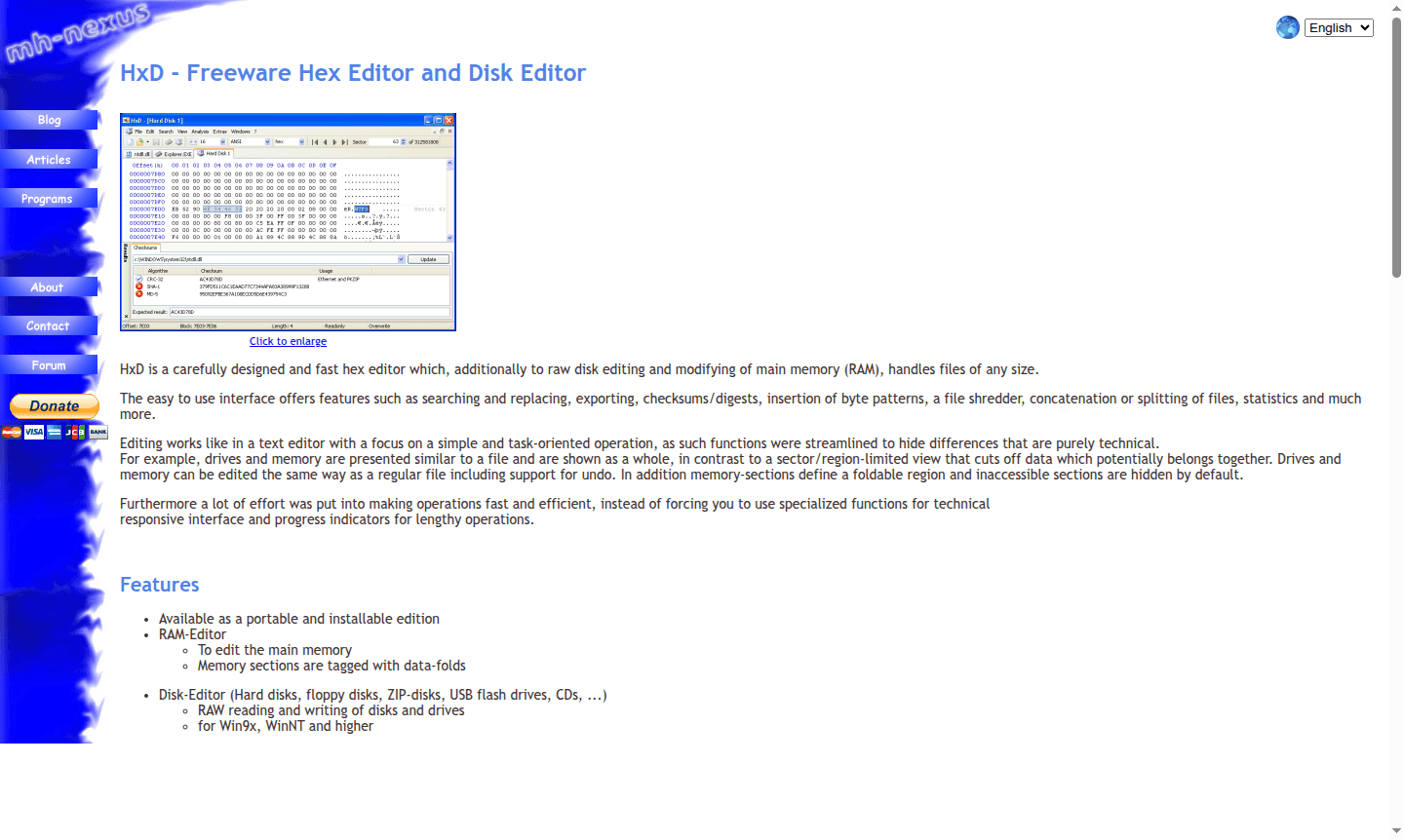
Overview of HxD
HxD is a powerful freeware hex editor designed for both professional and personal use, offering comprehensive file and disk editing capabilities. This versatile tool handles files of any size – up to 8 exabytes – with instant opening speeds and a modern, user-friendly interface. Whether you're a developer analyzing binary files, a security researcher examining memory dumps, or a system administrator working with disk sectors, HxD provides the essential tools for low-level data manipulation and analysis.
As a completely free solution for both private and commercial use, HxD stands out in the Text Editor and File Recovery categories. The software supports raw disk editing for various storage media including hard disks, floppy disks, USB flash drives, and CDs, making it invaluable for data recovery professionals and system administrators working with damaged media or performing forensic analysis.
How to Use HxD
Getting started with HxD is straightforward – download either the portable or installable edition, then open files directly through the intuitive interface. The editor immediately displays files in both hexadecimal and text formats, allowing you to navigate using keyboard shortcuts, search for specific byte patterns, and modify data using overwrite or insert modes. For advanced tasks, access the RAM editor to examine running processes or use the disk editor to work directly with storage devices at the sector level.
Core Features of HxD
- Multi-format Editing – Supports files, RAM, and raw disk sectors with instant loading
- Advanced Search – Find and replace text, hex values, integers, and floats in any direction
- Data Analysis Tools – Generate checksums, CRCs, SHA hashes, and view byte statistics
- File Operations – Split, concatenate, shred files securely, and compare file differences
- Export Capabilities – Convert data to source code, formatted text, HTML, and hex file formats
Use Cases for HxD
- Reverse engineering and malware analysis for security researchers
- Data recovery from corrupted files and damaged storage media
- Memory editing and process examination for developers
- Forensic analysis and digital investigation work
- Firmware modification and embedded systems development
- Educational purposes for understanding binary file structures
- Game modification and save file editing for gaming enthusiasts
Support and Contact
For support and additional information, contact contact@mh-nexus.de or visit the official HxD website. Comprehensive documentation and license details are available online.
Company Info
HxD is developed by M.H. and distributed through mh-nexus.de. The software maintains a freeware license model that permits distribution on magazine CDs/DVDs, download portals, and private websites while prohibiting commercial sales of the software itself.
Login and Signup
HxD requires no registration or login process. Simply download the software from the official HxD website and begin using it immediately for both personal and commercial purposes.
HxD Hex Editor FAQ
Is HxD completely free to use for commercial purposes?
Yes, HxD is completely free for both private and commercial use under its license terms, though selling the software itself is prohibited.
What types of files and devices can HxD hex editor handle?
HxD handles files up to 8EB, RAM editing, and raw disk access for hard drives, USB devices, CDs, and other storage media.
Does HxD offer portable edition for use without installation?
Yes, HxD provides both portable and installable editions, allowing flexible usage across different systems without permanent installation.
What operating systems are supported by HxD?
HxD is compatible with Windows operating systems, including versions from Win9x to current Windows releases.
HxD Hex Editor Pricing
Current prices may vary due to updates
Free
HxD is completely free of charge for both private and commercial use. The license allows distribution on magazine CDs/DVDs, download portals, and priv
HxD Hex Editor Reviews0 review
Would you recommend HxD Hex Editor? Leave a comment
HxD Hex Editor Alternatives
The best modern alternatives to the tool
New Tools Releases
Recently added tools
