Annotation
- Introduction
- Why Choose Free AI Coding Extensions?
- Top 3 FREE AI Coding Agent Extensions for VS Code
- Gemini Code Assist: Unlimited Free AI Power
- Tabnine: Advanced AI with Claude Model Support
- Cline: Automated Coding Workflows
- Installation and Setup Guide
- Getting Started with Gemini Code Assist
- Configuring Tabnine for Optimal Performance
- Setting Up Cline Automation
- Pros and Cons
- Frequently Asked Questions
- Conclusion
- Frequently Asked Questions
Top 3 Free AI Coding Extensions for VS Code 2025 - Boost Productivity
Discover the best free AI coding agent extensions for Visual Studio Code in 2025, including Gemini Code Assist, Tabnine, and Cline, to enhance your
Introduction
Are you tired of hitting usage limits with subscription-based AI coding tools like Cursor and Windtab? Discover how to transform your Visual Studio Code into a powerful AI-assisted development environment without recurring costs. These three free AI agent extensions bring enterprise-level coding assistance to your fingertips, offering features comparable to expensive paid alternatives while keeping your budget intact. Whether you're working on personal projects or professional development, these tools can significantly enhance your coding workflow and productivity.
Why Choose Free AI Coding Extensions?
The landscape of AI-assisted development has evolved rapidly, with many developers seeking alternatives to costly subscription models. Free AI coding extensions provide substantial benefits without financial commitment, making advanced coding assistance accessible to everyone. These tools integrate seamlessly into your existing IDE workflow, offering real-time code completion, intelligent suggestions, and automation capabilities that rival premium solutions.
Modern development requires efficient tools that adapt to various programming languages and frameworks. The extensions we'll explore support multiple programming environments and can handle complex coding scenarios. They're particularly valuable for developers working across different AI agents and assistants who need consistent coding support without switching between multiple platforms.

Top 3 FREE AI Coding Agent Extensions for VS Code
Gemini Code Assist: Unlimited Free AI Power
Google's Gemini Code Assist stands out as the most generous free offering in the AI coding extension space. Powered by Google's advanced Gemini 2.5 AI model, this extension provides unlimited usage without any subscription requirements or hidden costs. The integration brings Google's cutting-edge AI technology directly into your VS Code environment, offering natural language chat interfaces for code generation, debugging assistance, and technical guidance.
What makes Gemini Code Assist particularly valuable is its comprehensive approach to AI writing tools for developers. The extension understands context from your entire project, enabling it to provide relevant suggestions and generate code that aligns with your existing architecture. Regular updates from Google ensure the tool remains current with the latest programming trends and best practices, making it an excellent choice for developers who need reliable, always-available AI assistance.
Tabnine: Advanced AI with Claude Model Support
Tabnine has established itself as a leader in AI-powered code completion, and its free tier offers substantial value for developers. While the extension includes premium features, the free version provides robust functionality that supports most common programming languages and development scenarios. Tabnine's integration of Claude AI models sets it apart, delivering high-quality code suggestions and completions that understand complex programming contexts.
The extension's lightweight architecture (only 7MB) ensures it doesn't slow down your development environment. For developers working with AI automation platforms, Tabnine's ability to learn from your coding patterns makes it increasingly effective over time. The option to link your own API keys provides flexibility for developers who need to bypass certain limitations, making it a versatile choice for various development workflows and project requirements.
Cline: Automated Coding Workflows
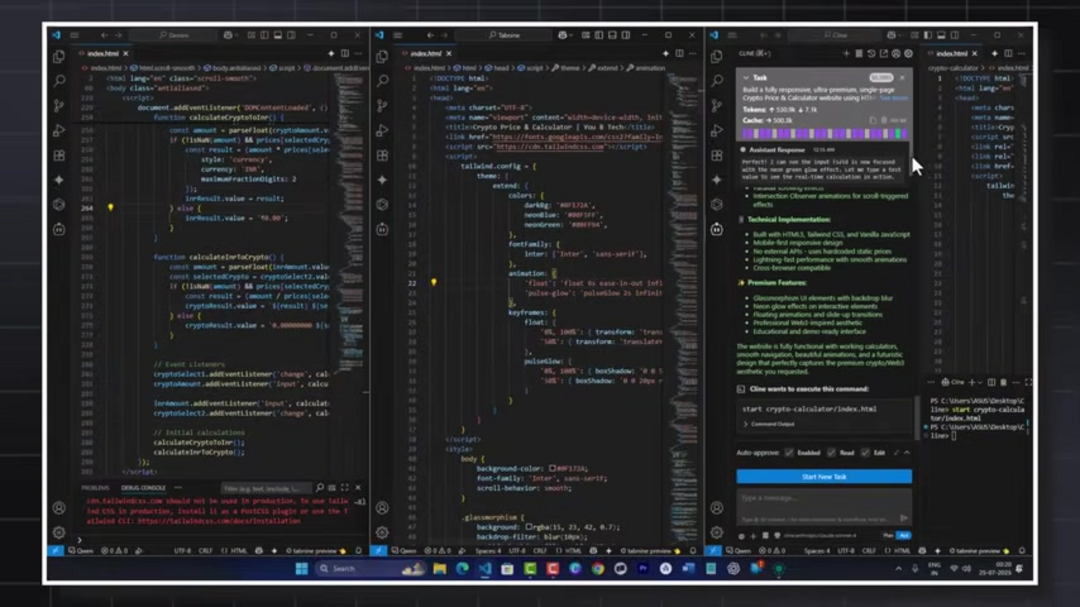
Cline brings Cursor-like automation capabilities to VS Code as a free extension, focusing on streamlining repetitive coding tasks and workflow optimization. This extension excels at automating common development operations like file reading, batch editing, and code transformation tasks. Its rule-based system allows developers to create custom automation patterns that save significant time on routine coding activities.
For developers focused on code formatting and maintenance, Cline provides intelligent automation that maintains code quality while reducing manual effort. The extension's small footprint and efficient operation make it suitable for projects of all sizes, from small scripts to large enterprise applications. While it may offer fewer AI model options than some alternatives, the available models are carefully selected for their effectiveness in coding scenarios.

Installation and Setup Guide
Getting Started with Gemini Code Assist
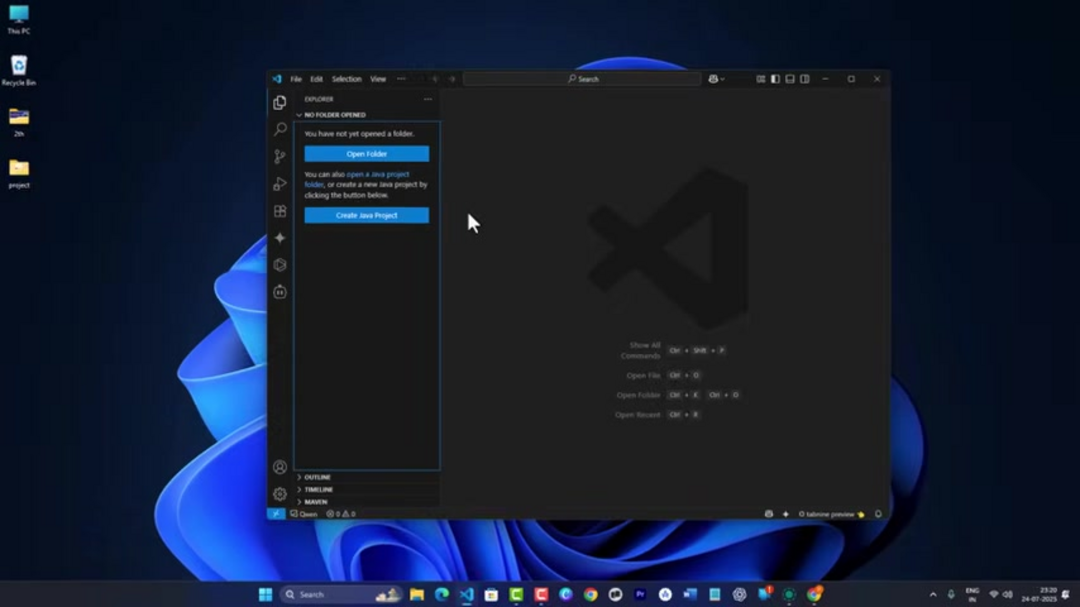
- Launch Visual Studio Code and navigate to the Extensions panel using the sidebar icon
- Search for "Gemini Code Assist" in the marketplace search bar
- Select the official Google-developed extension and click Install
- Once installed, locate the Gemini icon in the activity bar sidebar
- Click the icon to open the chat interface and begin interacting with the AI assistant
- Start with simple prompts to familiarize yourself with the tool's capabilities
Configuring Tabnine for Optimal Performance
- Open VS Code and access the Extensions marketplace
- Search for "Tabnine AI Autocomplete" and install the extension
- After installation, Tabnine will automatically activate in your coding sessions
- Access settings through the Tabnine sidebar icon to customize behavior
- Consider linking your API keys if you need extended functionality beyond free limits
- Experiment with different prompt styles to maximize the tool's effectiveness
Setting Up Cline Automation
- Install the Cline extension from the VS Code marketplace
- Open Cline through the sidebar icon after installation completes
- Familiarize yourself with the rule creation interface and available automation options
- Start with simple automation rules for common tasks like file organization
- Gradually build more complex workflows as you become comfortable with the tool
- Monitor automated tasks initially to ensure they meet your quality standards
Pros and Cons
Advantages
- Completely free access to advanced AI coding assistance
- Seamless integration with existing VS Code workflows
- Support for multiple programming languages and frameworks
- Regular updates and improvements from developers
- Lightweight installation without performance impact
- Natural language interface for easy interaction
- Customizable settings for personalized coding experience
Disadvantages
- Some extensions have usage limits on free tiers
- Limited advanced features compared to paid alternatives
- Occasional inconsistencies in code suggestions
- Learning curve for maximizing tool effectiveness
- Dependence on internet connectivity for certain features
Frequently Asked Questions
Are these extensions compatible with all VS Code versions?
Yes, all three extensions maintain compatibility with recent VS Code versions and receive regular updates to ensure ongoing support. They work with both stable and insider builds of VS Code across Windows, macOS, and Linux platforms.
Do these tools work with private or enterprise codebases?
Most extensions offer privacy options, but always review their data handling policies. For sensitive projects, consider tools that allow local processing or provide clear data protection guarantees.
Can I use multiple AI coding extensions simultaneously?
While possible, running multiple AI extensions may cause conflicts or reduced performance. It's generally better to choose one primary tool that meets most of your needs rather than running several concurrently.
Conclusion
The availability of free AI coding extensions for VS Code represents a significant advancement in accessible development tools. Gemini Code Assist, Tabnine, and Cline each offer unique strengths that can transform your coding experience without financial investment. Whether you prioritize unlimited usage, advanced AI models, or workflow automation, there's a solution that fits your development style. These tools democratize AI-assisted programming, making sophisticated coding assistance available to developers at all levels. By integrating these extensions into your workflow, you can enhance productivity, improve code quality, and stay current with evolving development practices while maintaining control over your tooling costs.
Frequently Asked Questions
Are these AI coding extensions completely free to use?
Yes, all three extensions are free to install and use. Gemini Code Assist offers unlimited free usage, while Tabnine and Cline provide substantial free tiers with optional premium features for advanced needs.
Do these extensions support multiple programming languages?
Absolutely. All three extensions support popular programming languages including JavaScript, Python, Java, C++, and many others, making them versatile for various development projects.
Will installing these extensions slow down VS Code?
No, these extensions are designed to be lightweight and efficient. Tabnine is only 7MB, and all three are optimized to minimize performance impact on your coding environment.
Can I use my own API keys with these extensions?
Yes, Tabnine allows linking your own API keys to extend functionality. This feature helps bypass certain limitations and access additional capabilities beyond the free tier.
What are the system requirements for these extensions?
These extensions work with VS Code on Windows, macOS, and Linux, requiring an internet connection for AI features and minimal system resources for optimal performance.
Relevant AI & Tech Trends articles
Stay up-to-date with the latest insights, tools, and innovations shaping the future of AI and technology.
Grok AI: Free Unlimited Video Generation from Text & Images | 2024 Guide
Grok AI offers free unlimited video generation from text and images, making professional video creation accessible to everyone without editing skills.
Hirecarta AI Job Search Tool Review 2025 - Free Career Platform
Hirecarta is a free AI-powered job search platform that offers resume building, job matching, career coaching, and interview preparation to help
Grok 4 Fast Janitor AI Setup: Complete Unfiltered Roleplay Guide
Step-by-step guide to configuring Grok 4 Fast on Janitor AI for unrestricted roleplay, including API setup, privacy settings, and optimization tips