
ImgLarger
ImgLarger provides free AI image enlargement up to 800%, photo enhancement, format conversion, and batch processing. Perfect for photographers and designers.
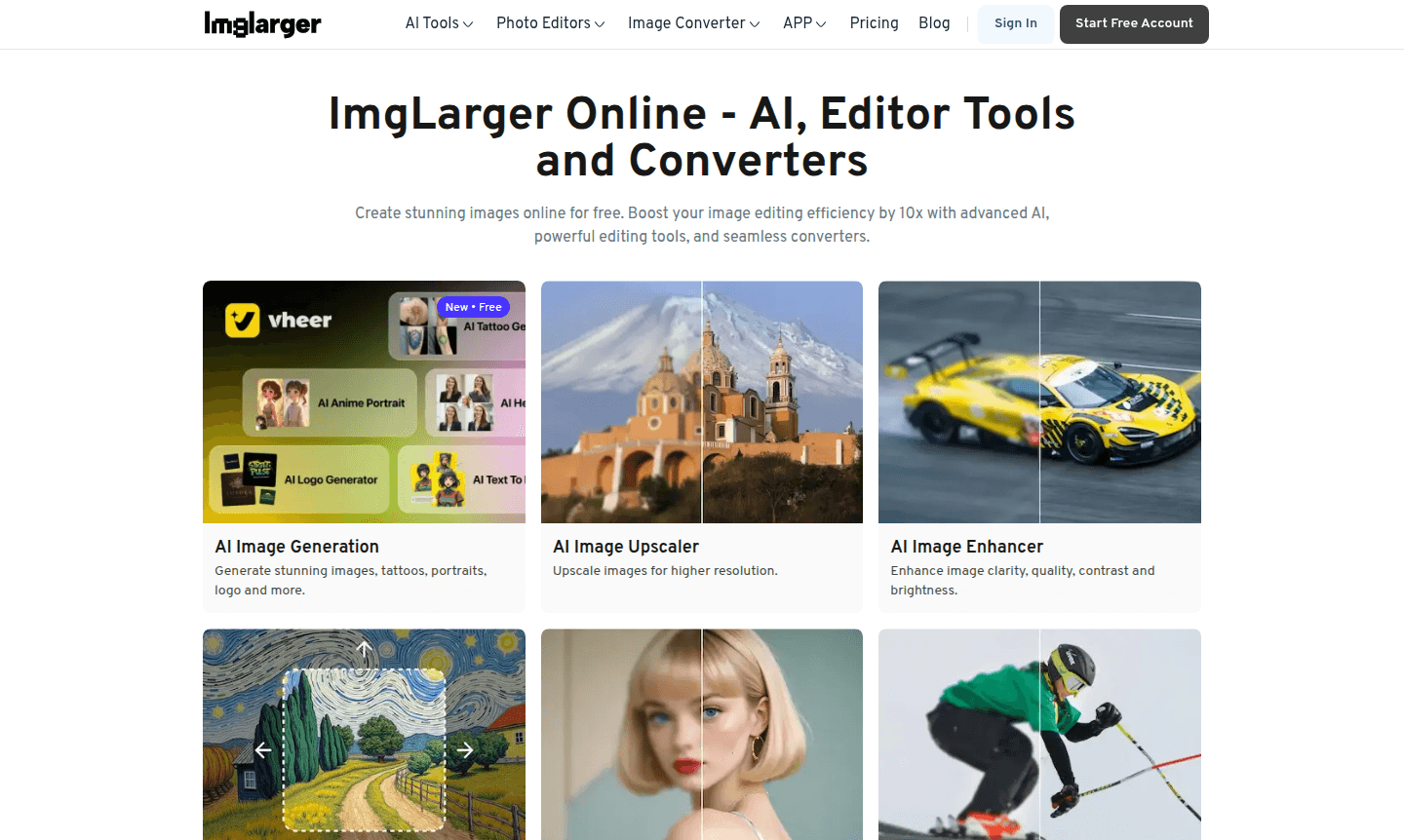
Overview of ImgLarger
ImgLarger combines advanced AI technology with traditional image editing tools for professional-grade photo enhancement. This platform serves photographers, graphic designers, and social media managers, improving workflow efficiency without complex software installations. Access powerful AI Image Generators and versatile Photo Editor capabilities for all user levels.
ImgLarger upscales images up to 800% while preserving quality, perfect for restoring old photos or optimizing digital visuals. It offers a full suite of editing tools including cropping, resizing, and format conversion, with automatic file deletion after 24 hours ensuring data security and privacy.
How to Use ImgLarger
Using ImgLarger is simple: upload your image via the web interface with no installation or account required. Select from AI enhancement options like upscaling, sharpening, or AI uncrop. Adjust parameters such as output format and size, then process with one click. Download the enhanced image immediately, and files are auto-deleted after 24 hours for security.
Core Features of ImgLarger
- AI-Powered Image Upscaling – Enlarge images up to 800% while maintaining original quality and clarity
- Smart Quality Enhancement – Automatically improve image sharpness, contrast, and brightness using advanced algorithms
- Batch Processing Capability – Process multiple images simultaneously for efficient workflow optimization
- Multi-Format Conversion – Seamlessly convert between JPG, PNG, WEBP, and other popular image formats
- Comprehensive Editing Toolkit – Access cropping, rotating, resizing, and flipping tools for complete image control
Use Cases for ImgLarger
- Restoring and enhancing vintage family photographs for digital preservation
- Preparing product images for e-commerce listings with optimal resolution
- Upscaling social media graphics for better platform presentation
- Converting image formats for website compatibility and faster loading
- Enhancing real estate photos for professional property listings
- Improving blog and article images for better reader engagement
- Optimizing portfolio images for photographers and designers
Support and Contact
For assistance, email contact@imglarger.com or visit the FAQ section. Detailed documentation and community forums are available for additional support.
Company Info
ImgLarger operates as an online image enhancement platform specializing in AI-powered photo improvement tools, focusing on accessible web-based solutions with strong privacy policies.
Login and Signup
Access core features without login at ImgLarger. For premium features, sign up for an account to unlock advanced AI tools and higher processing limits.
ImgLarger FAQ
What image upscaling capabilities does ImgLarger offer for free users?
Free users can upscale images up to 2x and 4x resolution, with maximum file size limited to 1200x1200 pixels for enlargement processing.
What additional features do premium ImgLarger users receive?
Premium users can resize images up to 8K resolution, upload photos up to 4000x4000 pixels, and access all AI tools including background removal and face retouch without watermarks.
How does ImgLarger ensure the security of uploaded images?
ImgLarger automatically deletes all processed files after 24 hours, ensuring your images remain secure and private throughout the enhancement process.
Does ImgLarger support batch processing of images?
Yes, ImgLarger offers batch processing capabilities, allowing users to enhance multiple images at once for efficient workflow management.
ImgLarger Pricing
Current prices may vary due to updates
Free
Upscale images up to 2x and 4x, maximum file size 1200*1200 for enlargement, basic editing tools and format conversion with automatic file deletion af
Premium
Resize images up to 8K resolution, upload photos up to 4000*4000 pixels, and access all AI tools including background removal and face retouch without
ImgLarger Reviews0 review
Would you recommend ImgLarger? Leave a comment
ImgLarger Alternatives
The best modern alternatives to the tool
New Tools Releases
Recently added tools
