
AdGuard
AdGuard blocks ads, trackers, and malware across all browsers and apps. Enjoy faster browsing, privacy protection, and security features like parental controls and DNS filtering. Available for Windows, Mac, Linux, Android, and iOS.
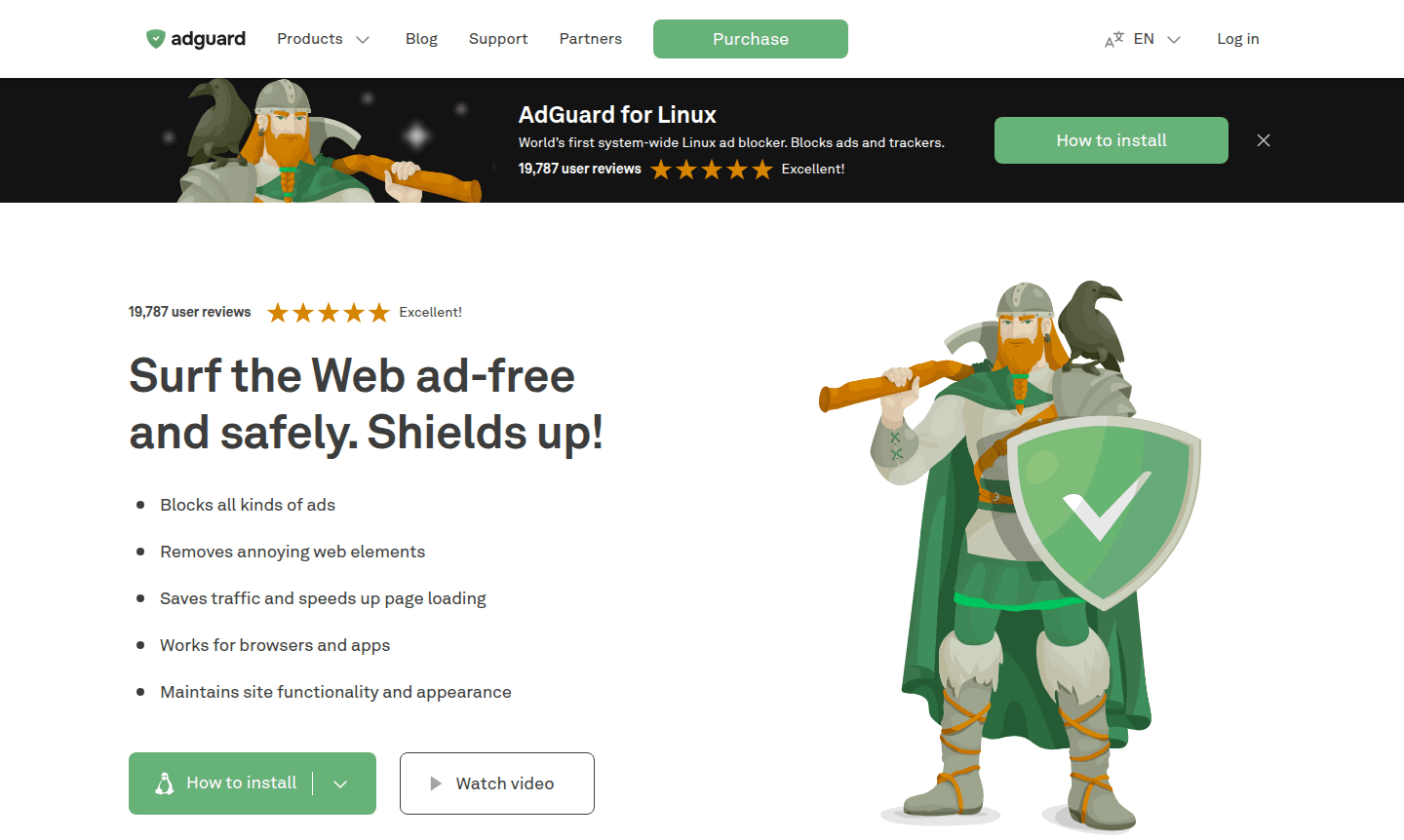
Overview of AdGuard
AdGuard is a comprehensive ad blocking and privacy protection solution that transforms your web browsing experience by eliminating intrusive ads, preventing online tracking, and safeguarding against malicious websites. As a system-wide application rather than just a browser extension, AdGuard provides complete protection across all browsers and applications on your device. With over 160 million users worldwide, this powerful tool delivers cleaner, faster, and more secure internet access while preserving website functionality and appearance. It excels in categories like Ad Blocker and Anti-tracking Tool, making it ideal for enhancing online privacy.
Available for all major platforms including Windows, Mac, Android, iOS, and Linux, AdGuard offers both free and premium versions to suit different user needs. The software operates seamlessly in the background, filtering out banners, pop-ups, video ads, and trackers before they even load. Beyond basic ad blocking, AdGuard provides advanced features like DNS protection, parental controls, and phishing protection, making it an essential tool for anyone concerned about online privacy and security in today's digital landscape. Users can download AdGuard for free trial or purchase a license for full features.
How to Use AdGuard
Getting started with AdGuard is straightforward – simply download the application for your specific platform (Windows, Mac, Android, iOS, or Linux), install it following the on-screen instructions, and the software will automatically begin filtering ads and trackers. For advanced configuration, you can access the settings panel to customize filter lists, enable additional protection features like parental controls or DNS filtering, and fine-tune blocking rules. The system-wide protection means you don't need to configure individual browsers or applications, as AdGuard works across your entire device to provide comprehensive security and ad-free browsing from the moment you launch it.
Core Features of AdGuard
- Comprehensive Ad Blocking – Eliminates banners, pop-ups, and video ads across browsers and apps
- Privacy Protection – Blocks tracking requests and prevents data collection by analytics systems
- Security Enhancement – Protects against phishing sites and malicious domains automatically
- Parental Controls – Filters inappropriate content and manages children's online access
- Performance Optimization – Speeds up page loading by blocking ads before they load
Use Cases for AdGuard
- Block YouTube ads and other video platform advertisements seamlessly
- Protect family devices with comprehensive parental control features
- Enhance browsing speed by eliminating resource-heavy ads and trackers
- Secure sensitive information from online tracking and data collection
- Maintain clean, professional browsing experience for work environments
- Compare ad blocking effectiveness against alternatives like uBlock Origin
- Utilize free trial versions before committing to premium license purchase
Support and Contact
For technical assistance and customer support, contact the AdGuard team directly at support@adguard.com. Additional resources and help documentation are available through the official AdGuard website, where you can access the knowledge base and community forums for troubleshooting and feature guidance.
Company Info
AdGuard is developed by AdGuard Software Limited, a company specializing in privacy and security solutions. The software supports multiple languages including English, Spanish, French, German, Japanese, and many others, making it accessible to users worldwide. More information about the company and its development philosophy can be found on their official website.
Login and Signup
To access your AdGuard account or purchase a license, visit the official AdGuard website. Existing users can log in to manage their subscriptions and download the software, while new users can explore free versions and trial options before deciding on premium features.
AdGuard FAQ
What makes AdGuard different from browser extension ad blockers?
AdGuard provides system-wide protection across all browsers and applications, unlike extensions that only work within specific browsers.
Does AdGuard offer a free version for basic ad blocking needs?
Yes, AdGuard provides free versions for Android and iOS with basic ad blocking, while premium features require a license purchase.
Can I use AdGuard on multiple devices with a single license?
Yes, AdGuard licenses support multiple devices, allowing you to protect your entire family's computers and mobile devices.
How does AdGuard protect against malicious websites?
AdGuard uses continuously updated filter lists to block access to phishing and malware sites, ensuring safe browsing and enhanced security.
AdGuard Reviews0 review
Would you recommend AdGuard? Leave a comment
AdGuard Alternatives
The best modern alternatives to the tool
New Tools Releases
Recently added tools
