
Postcron
Postcron automates social media posting across Instagram, Facebook, Twitter, LinkedIn, Pinterest, and TikTok. Features include bulk scheduling, automatic watermarking, and multi-account management. Free trial available.
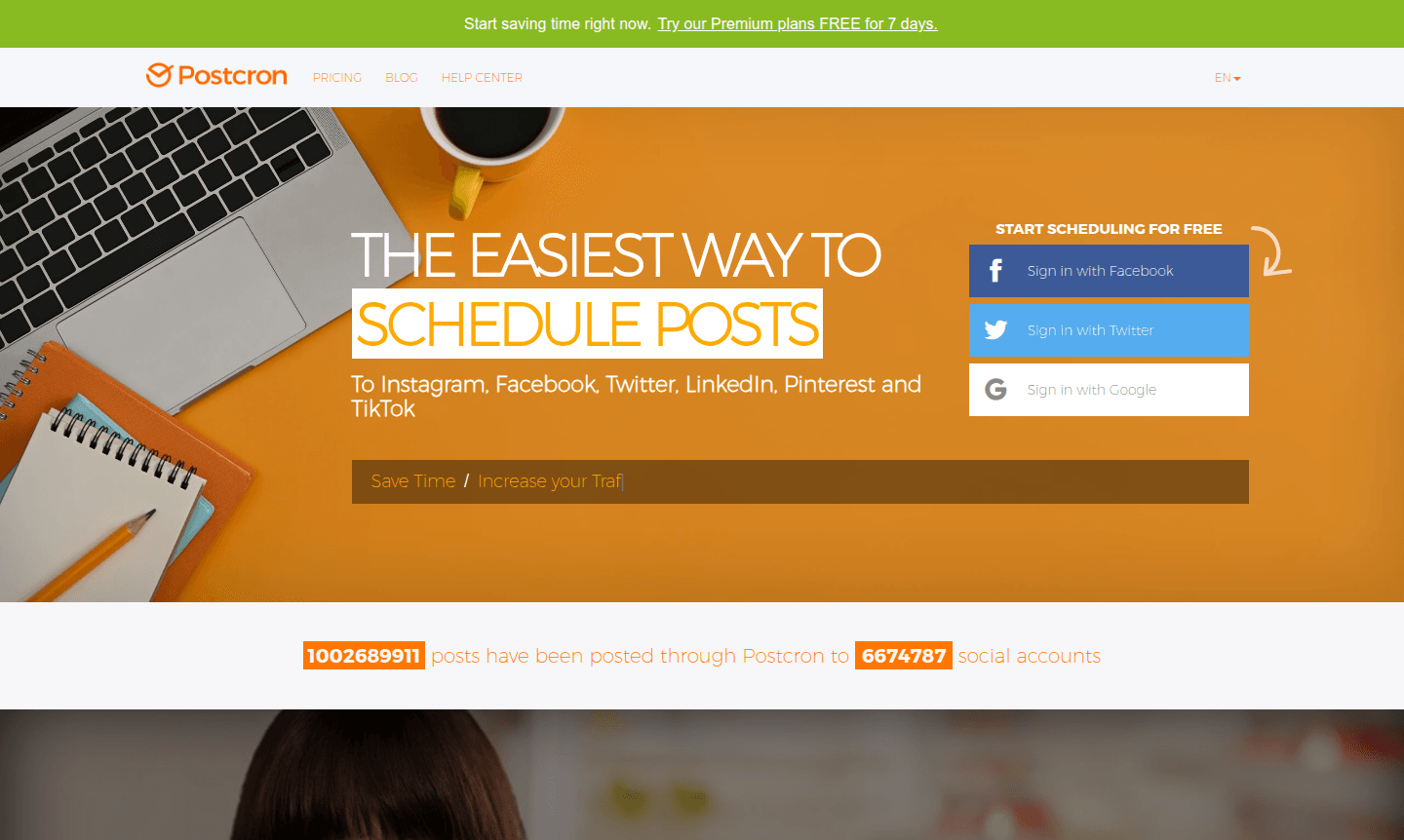
Overview of Postcron
Postcron is a comprehensive social media scheduler that enables users to automate content publishing across multiple platforms from a single dashboard. This powerful tool supports Instagram, Facebook Pages and Groups, Twitter, LinkedIn, Pinterest, and TikTok, making it an essential solution for social media management. With over 1 billion posts successfully scheduled to more than 6.6 million social accounts, Postcron has established itself as a reliable platform for businesses, marketers, and content creators seeking to streamline their social media workflow and increase online visibility.
The platform is particularly valuable for social media managers, bloggers, and small business owners who need to maintain consistent online presence without spending hours manually posting content. Postcron's intuitive interface and robust features make it accessible for beginners while offering advanced capabilities for experienced users. By centralizing social media scheduling, the tool helps users save significant time while maximizing engagement across their digital channels. Explore related tools in Social Scheduler and Collaboration Tool categories.
How to Use Postcron
Getting started with Postcron involves connecting your social media accounts to the platform, then creating and scheduling posts through an intuitive calendar interface. Users can either schedule individual posts by selecting specific dates and times or utilize the bulk upload feature to schedule hundreds of posts simultaneously from Excel or Google Docs files. The platform offers flexible scheduling options including automatic posting for Instagram Business accounts without requiring push notifications, making it ideal for maintaining consistent content flow across time zones and audience engagement patterns.
Core Features of Postcron
- Multi-Platform Scheduling – Automatically post to Instagram, Facebook, Twitter, LinkedIn, Pinterest, and TikTok from one dashboard
- Bulk Upload Capability – Schedule up to 1000 posts at once using Excel or Google Docs integration
- Automatic Watermarking – Add logos or watermarks to images automatically across all scheduled content
- Multiple Account Management – Handle several Instagram and other social accounts from a single interface
- Content Gallery – Access recommended content and get publishing suggestions for optimal engagement
Use Cases for Postcron
- Bloggers amplifying content across multiple social platforms simultaneously
- Small businesses maintaining consistent social media presence without dedicated staff
- Marketing agencies managing multiple client accounts from centralized dashboard
- E-commerce stores promoting products across social channels with automated scheduling
- Content creators ensuring regular posting schedules across Instagram and other platforms
- Community managers handling Facebook groups and pages with scheduled content
- Digital marketers running coordinated campaigns across multiple social networks
Support and Contact
For assistance with Postcron features or account inquiries, visit the official website at Postcron Website. The platform offers comprehensive support resources including detailed documentation and help articles. While direct email support wasn't specified, users can access the contact page through the main website for specific inquiries or technical assistance.
Company Info
Postcron operates as a dedicated social media management platform serving users worldwide. The company focuses on developing intuitive scheduling tools that simplify social media automation for businesses and individual creators. While specific country of origin details weren't provided, the platform maintains an international user base and continues to expand its feature set based on user feedback and market demands.
Login and Signup
Access your Postcron account or create a new one through the official website. The platform offers free trial options for new users to explore features before committing to paid plans. Existing users can log in directly to manage their scheduled posts, adjust settings, and monitor social media performance across connected accounts.
Postcron FAQ
What social media platforms does Postcron support for automated scheduling?
Postcron supports Instagram, Facebook Pages and Groups, Twitter, LinkedIn, Pinterest, and TikTok, allowing you to manage all platforms from one dashboard.
Can Postcron handle bulk scheduling for multiple posts at once?
Yes, Postcron's bulk upload feature lets you schedule up to 1000 posts simultaneously using Excel or Google Docs files.
Does Postcron offer automatic watermarking for images?
Postcron includes automatic watermarking that adds your logo or watermark to all scheduled images across social platforms.
Does Postcron offer a free trial?
Yes, Postcron provides free trial options for new users to test features before subscribing to paid plans.
Postcron Reviews0 review
Would you recommend Postcron? Leave a comment
Postcron Alternatives
The best modern alternatives to the tool
New Tools Releases
Recently added tools
