
Shadow PC
Shadow PC cloud streaming turns any device into a high-performance Windows gaming PC. Play Fortnite, GTA 5, and more on Mac, PC, phones, and tablets with RTX support and no limits.
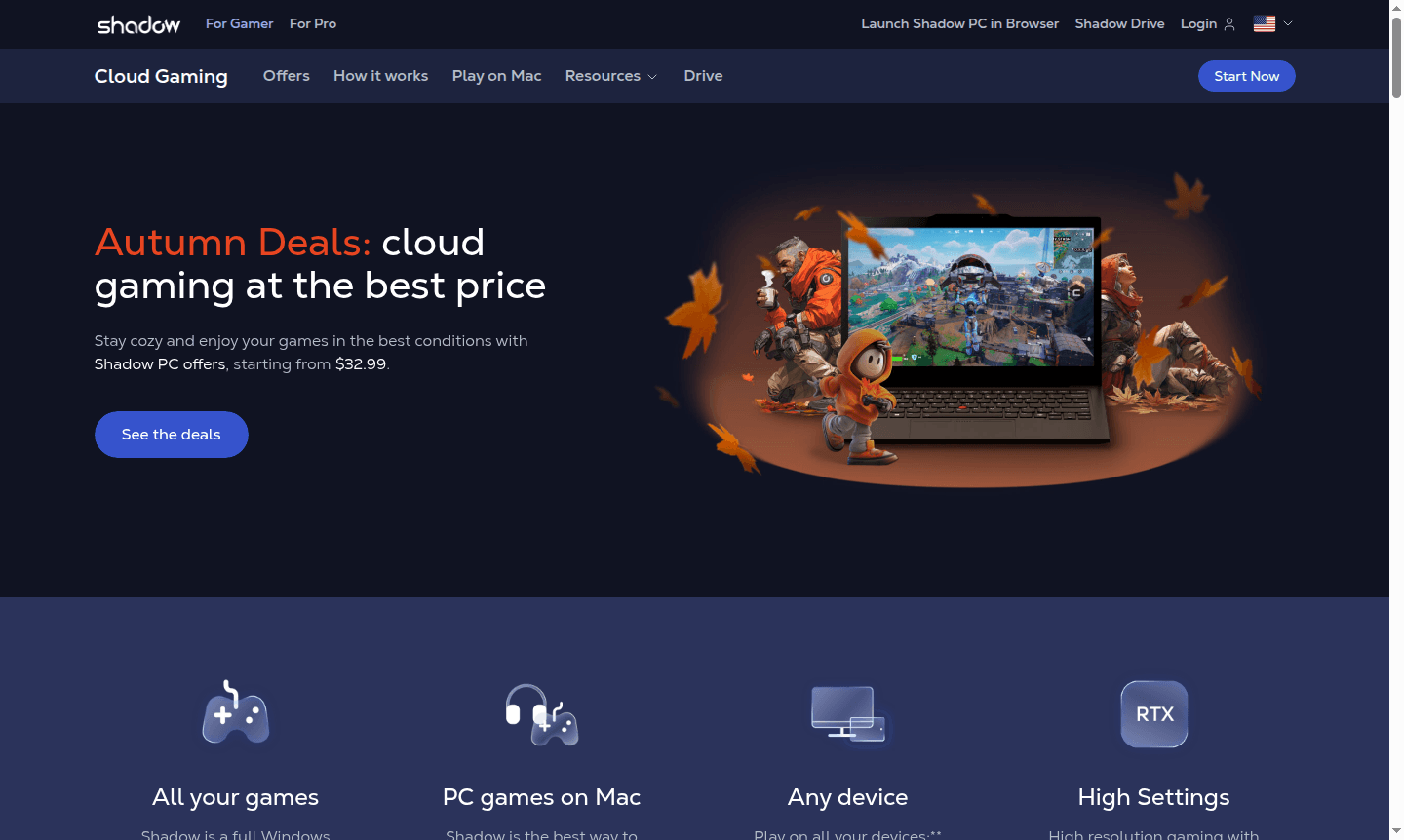
Overview of Shadow PC
Shadow PC transforms any device into a high-performance Windows gaming computer through cloud streaming technology. This innovative Game Streaming service provides users with a full Windows 10 environment, similar to Virtual Desktop solutions, accessible from underpowered PCs, Mac computers, smartphones, tablets, and even web browsers. Unlike traditional cloud gaming platforms that limit you to specific game catalogs, Shadow PC offers complete freedom to install and run any Windows-compatible software, games, and applications from platforms like Steam, Epic Games Store, Battle.net, GOG, and Ubisoft Connect.
The service is particularly valuable for Mac users seeking to play Windows-exclusive games without complex emulation or virtualization setups. With ultra-low latency streaming, RTX/DLSS support for high-resolution gaming, and 1 Gbps bandwidth, Shadow PC delivers native gaming performance across all your devices. The platform serves both gamers wanting to access their entire library anywhere and professionals needing powerful computing resources for demanding applications like 3D rendering and creative software.
How to Use Shadow PC
Getting started with Shadow PC requires just three simple steps. First, visit the Shadow PC website to sign up and select the subscription plan that matches your gaming or productivity needs. Second, install the Shadow application on your preferred device or access the service directly through the Shadow PC web portal via any modern web browser. Finally, log into your virtual Windows environment, install your favorite games and applications from any platform, and begin playing or working immediately. The entire setup process takes minutes, eliminating the need for expensive hardware upgrades or complex technical configurations.
Core Features of Shadow PC
- Full Windows Access – Install and run any PC game or Windows application with complete software freedom
- Cross-Device Compatibility – Stream to Windows, Mac, Linux, smartphones, tablets, and web browsers seamlessly
- High-Performance Gaming – Enjoy RTX graphics, DLSS support, and high-resolution streaming with ultra-low latency
- Unlimited Playtime – No session limits or playtime restrictions for continuous gaming experiences
- Mod and Tool Support – Full compatibility with game mods, gaming tools, and peripheral devices
Use Cases for Shadow PC
- Playing Windows games on Mac computers without compatibility issues
- Accessing high-end gaming on low-spec devices and older hardware
- Streaming demanding titles like Fortnite, GTA 5, and Counter-Strike 2 on any device
- Running professional applications like 3D rendering software on tablets
- Continuing gaming sessions across multiple devices seamlessly
- Eliminating hardware maintenance and upgrade costs for gaming
- Accessing full mod support and gaming tools in the cloud
Support and Contact
For technical support, contact contact@shadow.tech or visit the Shadow PC website for comprehensive documentation, community forums, and direct support channels.
Company Info
Shadow PC is developed by BLADE SAS, a French technology company specializing in cloud computing and gaming solutions. The service operates globally with data centers strategically located to provide optimal streaming performance and low latency experiences for users worldwide.
Login and Signup
New users can sign up and subscribe at the Shadow PC website. Existing subscribers can log in through the Shadow application or via the Shadow PC web portal.
Shadow PC FAQ
Can Shadow PC run any PC game or application?
Shadow PC supports 99% of PC games and Windows applications, including titles from Steam, Epic, and Battle.net, with full mod support.
What internet speed is required for Shadow PC streaming?
A stable 10 Mbps internet connection ensures smooth Shadow PC streaming, with 1 Gbps bandwidth provided for optimal performance.
Can I play Windows games on Mac with Shadow PC?
Yes, Shadow PC is the ideal solution for Mac users to play Windows games without emulation or compatibility issues.
Can I easily upgrade or cancel my Shadow PC subscription?
Yes, you can upgrade or downgrade your plan with one click. Cancellation is straightforward, and your subscription remains active until the renewal date.
Shadow PC Pricing
Current prices may vary due to updates
Shadow PC
Cloud gaming PC with full Windows access, ultra-low latency streaming, RTX/DLSS support, 1 Gbps bandwidth, no playtime limits, and compatibility with
Shadow PC Reviews0 review
Would you recommend Shadow PC? Leave a comment
Shadow PC Alternatives
The best modern alternatives to the tool
New Tools Releases
Recently added tools
