
VideoGen
VideoGen is an AI video generator that creates, edits, and shares professional videos efficiently. It offers automated production, AI voiceovers in 50+ languages, and team collaboration, trusted by 4 million users.
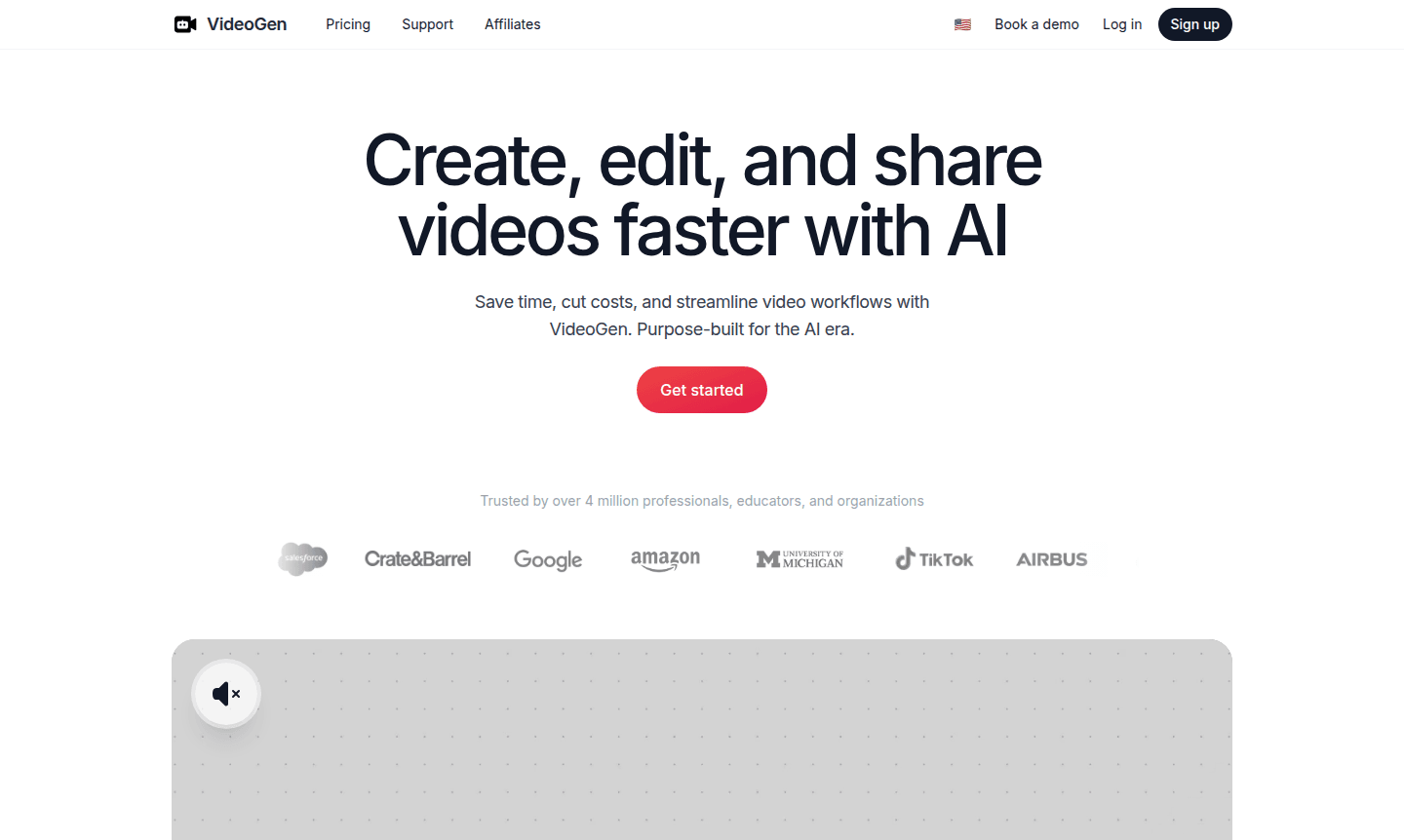
Overview of VideoGen
VideoGen revolutionizes video creation by leveraging advanced artificial intelligence to streamline the entire production workflow. This innovative platform enables users to transform simple ideas into professional-quality videos with minimal effort, saving significant time and resources while maintaining exceptional output quality. Trusted by over 4 million professionals, educators, and organizations worldwide, VideoGen represents the next generation of AI automation platforms specifically designed for modern content creation needs.
The platform's AI-first foundation, built on early access to OpenAI's pioneering models, ensures superior performance and continuous improvement with each technological advancement. Users benefit from remarkable efficiency gains, including 73% cost reduction in video production and editing speeds 21 times faster than traditional methods. The tool's browser-based accessibility makes it ideal for teams seeking collaborative Animation Software solutions without complex software installations.
How to Use VideoGen
Getting started with VideoGen involves a remarkably simple three-step process: begin by providing a basic video concept or outline, then allow the platform's AI agents to automatically source relevant media assets, develop a structured narrative, and assemble the complete video with professional editing touches. Finally, review and customize the generated content before exporting or sharing directly from the browser interface. This streamlined workflow eliminates the traditional complexities of video production, making professional results accessible to users of all skill levels.
Core Features of VideoGen
- AI-Powered Video Generation – Transform text descriptions into complete videos with automated media sourcing and editing
- Realistic Voiceover Creation – Generate professional narration using 200+ unique voices across 50+ languages
- Collaborative Workspace – Share projects and manage team workflows with centralized billing and access controls
- Automated Translation – Localize content instantly with one-click language conversion capabilities
- Browser-Based Platform – Access full functionality without software downloads or installation requirements
Use Cases for VideoGen
- Marketing teams creating promotional content quickly
- Educators developing engaging learning materials
- Business professionals producing training videos
- Content creators streamlining YouTube production
- Social media managers generating platform-specific content
- Corporate communications teams creating internal updates
- Freelancers offering video production services
Support and Contact
For assistance with VideoGen, visit the official website for comprehensive documentation and support resources. You can also contact us at contact@videogen.com for any questions or technical issues.
Company Info
VideoGen operates as an AI-first video creation platform designed specifically for the modern digital landscape. The company focuses on leveraging cutting-edge artificial intelligence to democratize professional video production, making advanced capabilities accessible to organizations and individuals worldwide through intuitive browser-based tools. Learn more at the official website.
Login and Signup
Access VideoGen through your web browser at the official website. New users can create their first video for free without any commitment, while existing users can log in to continue their projects and access their complete video library and collaboration features.
VideoGen FAQ
What is VideoGen and how does it work?
VideoGen is an AI video generator that creates complete videos from text descriptions using automated media sourcing, editing, and voiceover generation.
Can VideoGen create videos in multiple languages?
Yes, VideoGen supports 50+ languages with 200+ unique AI voices and includes one-click translation for global content localization.
Is VideoGen suitable for team collaboration?
Absolutely, VideoGen offers team workspaces with project sharing, centralized billing, and browser-based access for seamless collaboration.
What are the system requirements for VideoGen?
VideoGen is browser-based and requires only a modern web browser and internet connection, with no additional software or downloads needed.
VideoGen Pricing
Current prices may vary due to updates
Free Trial
Create your first video at no cost to experience VideoGen's AI-powered video generation capabilities, including basic editing features and limited exp
VideoGen Reviews0 review
Would you recommend VideoGen? Leave a comment
VideoGen Alternatives
The best modern alternatives to the tool
New Tools Releases
Recently added tools
