
Wick Editor
Wick Editor is a free, open-source browser-based tool for creating games, animations, and interactive projects. No downloads needed, works on all devices including mobile. Ideal for beginners and educators.
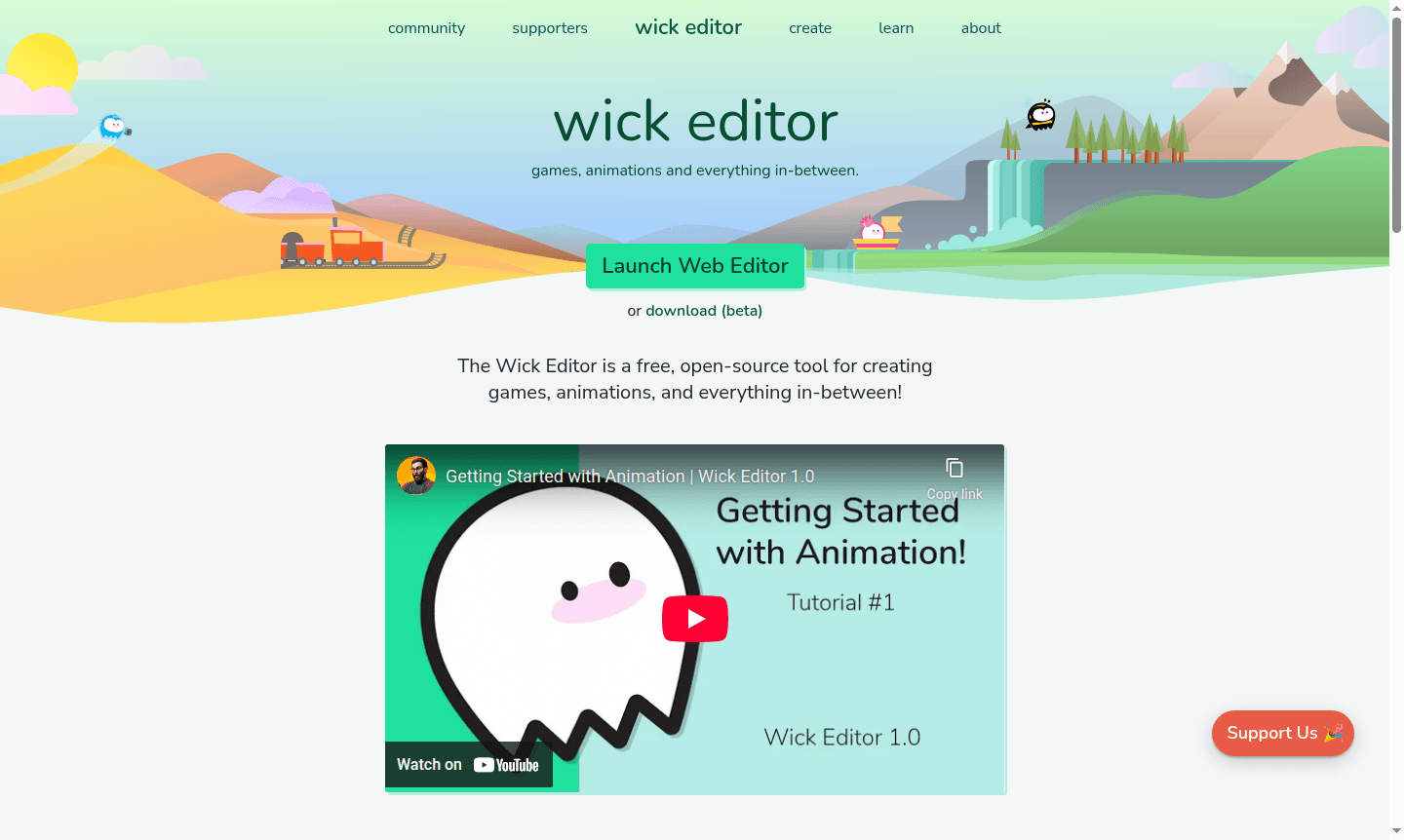
Overview of Wick Editor
Wick Editor is a free, open-source multimedia creation platform designed specifically for building games, animations, and interactive projects directly in your web browser. As the most accessible tool for web-based multimedia development, it eliminates the need for software downloads and enables creators to build projects that run seamlessly across all devices with web browser support – including mobile platforms. The platform has gained significant recognition through support from organizations like the Mozilla Foundation, which has provided development grants to advance its capabilities.
This versatile tool serves both beginners exploring animation software and experienced developers working with game engines. The community-driven approach includes active forums where users share tutorials, submit project examples, and collaborate on development. With its focus on accessibility and web-native functionality, Wick Editor bridges the gap between simple animation tools and complex game development environments, making it ideal for educators, hobbyists, and aspiring game developers alike.
How to Use Wick Editor
Getting started with Wick Editor requires no installation – simply visit the website and begin creating directly in your browser. The workflow typically involves creating animation frames using the intuitive timeline editor, adding interactive elements through the built-in scripting system, and testing projects in real-time using the preview functionality. Users can follow comprehensive tutorials covering animation basics, interactive game creation, and keyboard interaction implementation. The platform supports drag-and-drop functionality for character movement, multiple room creation for point-and-click games, and real-time project testing across different device simulations.
Core Features of Wick Editor
- Browser-Based Editor – Create projects directly in web browser without downloads or installations
- Interactive Scripting – Build point-and-click games and interactive animations with built-in coding
- Multi-Device Compatibility – Projects run on any device with web browser support including mobile
- Drag-and-Drop Interface – Intuitive controls for character movement and object manipulation
- Community Resources – Active forums with tutorials, examples, and developer support
Use Cases for Wick Editor
- Creating educational animations and interactive learning materials
- Developing browser-based games for personal or educational purposes
- Building point-and-click adventure games with multiple interactive rooms
- Designing interactive presentations with animated elements
- Creating drag-and-drop interactive experiences for web platforms
- Developing prototype games for testing game mechanics and concepts
- Building interactive storytelling projects with animated characters
Support and Contact
For support, contact contact@wickeditor.com or visit the official website.
Company Info
Wick Editor is developed by zrispo, lucapodular, and jrispolo as an open-source project. The tool operates as a community-driven platform with support from organizational grants including the Mozilla Foundation. The development team maintains active communication through social media and community forums.
Login and Signup
No account creation required – access the editor directly at wickeditor.com. The platform operates without mandatory user registration, allowing immediate project creation and testing.
Wick Editor FAQ
Is Wick Editor completely free to use?
Yes, Wick Editor is completely free and open-source with no hidden costs or premium tiers.
What types of projects can I create with Wick Editor?
You can create games, animations, interactive stories, and educational projects using Wick Editor's versatile tools.
Do I need to download software to use Wick Editor?
No, Wick Editor runs entirely in your web browser with no downloads required for basic usage.
Can I export my projects from Wick Editor?
Yes, Wick Editor allows you to export projects in various formats for web deployment or further editing.
Wick Editor Pricing
Current prices may vary due to updates
Free
Completely free open-source tool for creating games and animations with full feature access, community support, and cross-device compatibility, suppor
Wick Editor Reviews0 review
Would you recommend Wick Editor? Leave a comment
Wick Editor Alternatives
The best modern alternatives to the tool
New Tools Releases
Recently added tools
