
XPricey
XPricey is an AI-powered expense tracker with receipt scanning, real-time analytics, and privacy features. It offers detailed categorization and mobile access for budget planning.
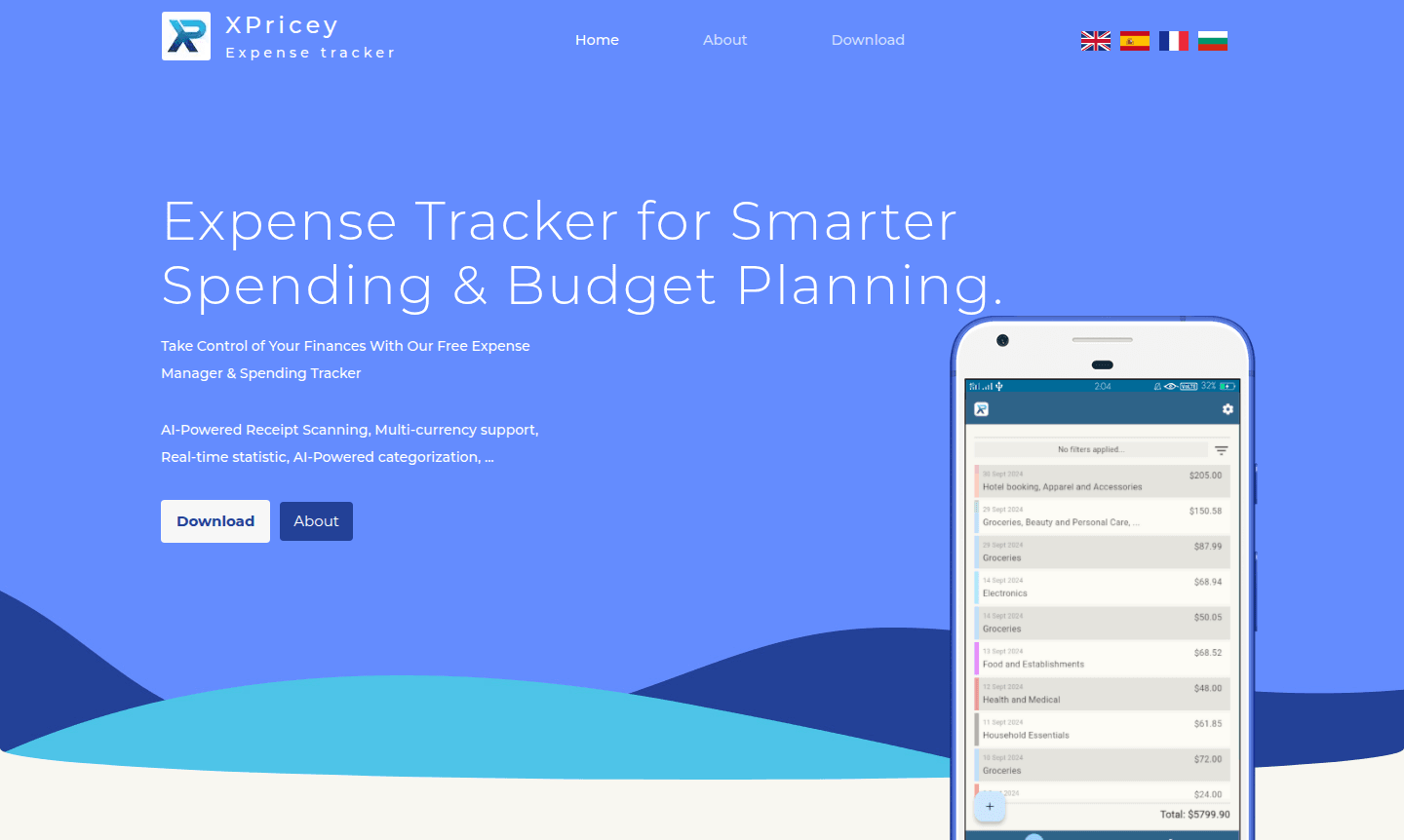
Overview of XPricey
XPricey is an innovative AI-powered expense tracking application designed to simplify personal finance management for Home Budgeting and users seeking comprehensive spending insights. This smart expense tracking app combines advanced optical character recognition technology with intuitive user interfaces, making it accessible for both tech-savvy individuals and those new to digital budgeting tools. The platform stands out by offering detailed receipt digitalization capabilities that go beyond basic expense logging, providing users with granular insights into their purchasing patterns across various categories and time periods.
As a privacy-focused expense tracker, XPricey prioritizes data security while delivering real-time spending statistics that help users make informed financial decisions. The application serves as both a personal budget planner and detailed spending categorization software, making it ideal for individuals looking to gain better control over their finances through Home Budgeting. With features like guest login access and mobile optimization, XPricey offers flexibility for users who prefer quick access without lengthy registration processes while maintaining robust security protocols.
How to Use XPricey
Getting started with XPricey is straightforward – users can either sign in as a guest or create an account using email verification. Once logged in, you can begin tracking expenses immediately by manually entering transactions or using the built-in camera to capture receipt images. The AI-powered receipt scanner automatically processes uploaded images through OCR technology, extracting individual line items and categorizing them for detailed analysis. The system then compiles this data into comprehensive spending reports that show daily, weekly, and monthly expenditure patterns, enabling users to identify trends and adjust their budgeting strategies accordingly.
Core Features of XPricey
- AI-Powered Receipt Scanning – Automatically digitizes and categorizes receipt items using advanced OCR technology
- Real-Time Spending Analytics – Provides up-to-date statistics with daily, monthly, and yearly expenditure tracking
- Flexible Login Options – Supports both guest access and email verification for user convenience
- Detailed Expense Breakdown – Analyzes individual receipt items rather than just total amounts
- Privacy-Focused Architecture – Implements security best practices with user-controlled data management
Use Cases for XPricey
- Personal budget planning and monthly expense monitoring
- Business expense tracking for freelancers and contractors
- Travel budgeting with receipt organization during trips
- Tax preparation through categorized spending documentation
- Financial goal tracking with detailed spending insights
- Receipt management and digital archiving for warranties
- Spending habit analysis and financial behavior improvement
Support and Contact
For assistance with XPricey features or technical support, users can visit the official website at xpricey.com or contact via email at contact@xpricey.com. The platform provides comprehensive documentation and user guides to help maximize the application's capabilities. The development team actively maintains the application with regular updates and feature enhancements based on user feedback.
Company Info
XPricey operates as a dedicated expense management solution focused on delivering user-friendly financial tracking tools. The company emphasizes privacy and data security as core principles, ensuring users maintain full control over their financial information. The development team continuously works on improving the AI-powered features and expanding the application's capabilities based on evolving user needs in the personal finance space.
Login and Signup
Access XPricey through the main application portal at xpricey.com. The platform offers flexible authentication options including guest access for immediate use without registration, or email-based verification for users preferring persistent account features. Both options provide full access to the expense tracking and receipt scanning capabilities.
XPricey FAQ
How does XPricey's AI receipt scanning work?
XPricey uses OCR technology to digitize receipt images and automatically categorize individual items for detailed spending analysis.
Can I use XPricey without creating an account?
Yes, XPricey offers guest login options for immediate access to all expense tracking features without registration requirements.
What security measures does XPricey implement?
XPricey follows security best practices and gives users full control over their data, including the ability to delete information at any time.
What platforms does XPricey support?
XPricey is a web-based application accessible on desktop and mobile browsers for seamless expense tracking.
XPricey Pricing
Current prices may vary due to updates
Free
Comprehensive expense tracking with AI receipt scanning, real-time statistics, guest login access, and full privacy controls. Includes all core featur
XPricey Reviews0 review
Would you recommend XPricey? Leave a comment
XPricey Alternatives
The best modern alternatives to the tool
New Tools Releases
Recently added tools
