
Tabby
Tabby is a free, open-source cross-platform terminal with SSH client, serial support, themes, and plugins for developers. Download for Windows, Mac, Linux with SFTP file transfer and connection manager.
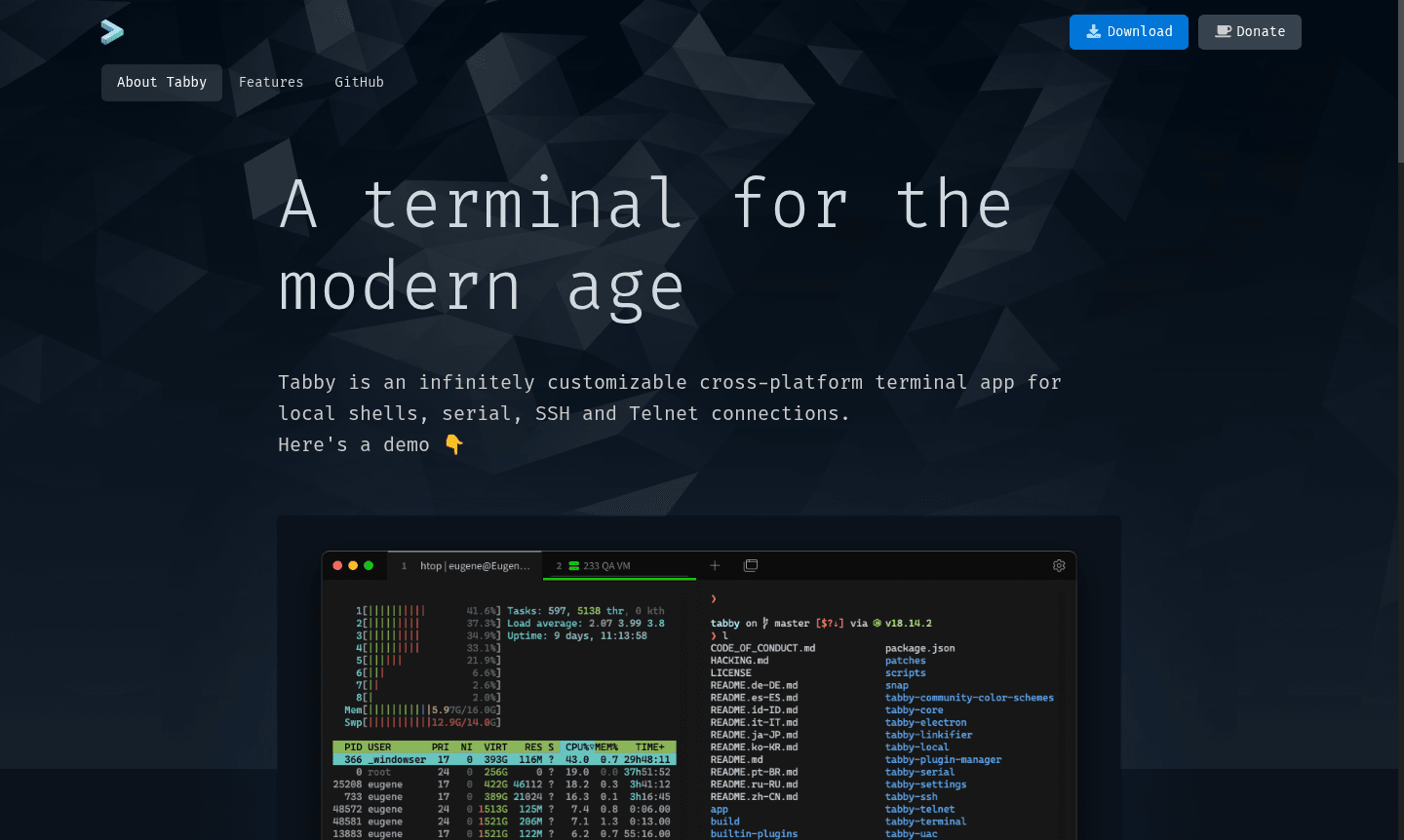
Overview of Tabby
Tabby represents the evolution of terminal applications, offering a fully customizable cross-platform solution for modern developers and system administrators. This powerful terminal emulator supports local shells, serial connections, SSH sessions, and Telnet protocols across Windows, macOS, and Linux environments. With its comprehensive feature set including integrated SSH client management, serial terminal capabilities, and extensive shell support, Tabby delivers a professional-grade terminal experience that adapts to your workflow. The application's infinite customization options through themes, color schemes, and plugin architecture make it an ideal choice for developers seeking a personalized command-line interface.
As a forever free and open-source software solution, Tabby provides enterprise-level terminal features without licensing costs. Its robust architecture includes full Unicode support, advanced file transfer capabilities via SFTP and Zmodem protocols, and intelligent session management. Whether you're managing remote servers through SSH connections, working with serial devices, or navigating complex local development environments, Tabby's cross-platform compatibility and extensive customization options ensure a seamless workflow across all your systems.
How to Use Tabby
Getting started with Tabby involves downloading the application for your operating system from the official website, then launching the program to access its intuitive interface. Begin by configuring your preferred shell environments – whether PowerShell on Windows, zsh on macOS, or bash on Linux – through the settings panel. Set up SSH connections using the integrated connection manager, storing your credentials securely. Customize your workspace by selecting from built-in themes or creating your own with CSS, then organize your workflow using split panes and tab groups. For serial device communication, create connection profiles with appropriate baud rates and input modes.
Core Features of Tabby
- Cross-Platform Compatibility – Native support for Windows, macOS, and Linux with consistent experience
- Integrated SSH Client – Complete SSH2 implementation with connection manager and jump host support
- Advanced Terminal Customization – Extensive theming system with CSS support and multiple color schemes
- Serial Terminal Capabilities – Professional serial communication with multiple profiles and transfer protocols
- Plugin Architecture – Extensible platform with JavaScript plugins for custom functionality
Use Cases for Tabby
- Remote server administration through SSH connections with file transfer
- Serial device debugging and configuration for embedded systems
- Local development environments with multiple shell support
- System administration tasks across mixed platform environments
- Network equipment management via Telnet and serial console
- Educational purposes for learning command-line interfaces
- DevOps workflows requiring consistent terminal experience
Support and Contact
For technical assistance and feature requests, users can contact contact@tabby.sh or visit the official website for documentation and community forums. The development team addresses bug reports and incorporates user feedback into regular updates.
Company Info
Tabby is developed as a community-driven open-source project with contributions from developers worldwide. The project maintains transparency through its public repository and development roadmap.
Login and Signup
Tabby requires no account creation or login process. Download directly from the official website for immediate access to all features.
Tabby FAQ
Is Tabby completely free to use with all features?
Yes, Tabby is forever free and open-source software with all features including SSH client, serial terminal, themes, and plugins available at no cost.
What operating systems does Tabby terminal support?
Tabby provides native support for Windows, macOS, and Linux systems with consistent functionality across all platforms.
Can I customize Tabby's appearance with themes?
Yes, Tabby offers extensive theming capabilities with CSS customization and multiple built-in color schemes for personalization.
How do I install Tabby on my computer?
Visit the official website at tabby.sh and download the installer for your operating system, then run it to install Tabby.
Does Tabby support file transfer during SSH sessions?
Yes, Tabby supports file transfer via SFTP and Zmodem protocols directly from the terminal interface.
Is Tabby suitable for beginner users?
Yes, Tabby's intuitive interface and comprehensive documentation make it accessible for users of all skill levels.
Tabby Pricing
Current prices may vary due to updates
Free
Forever free and open-source with all features: SSH client, serial terminal, themes, plugins, cross-platform support, unlimited customization, SFTP fi
Tabby Reviews0 review
Would you recommend Tabby? Leave a comment
Tabby Alternatives
The best modern alternatives to the tool
New Tools Releases
Recently added tools
