
pgAdmin 4
pgAdmin 4 is the leading open-source PostgreSQL administration tool. Download the free GUI for database management, SQL queries, backup, user management, and monitoring.
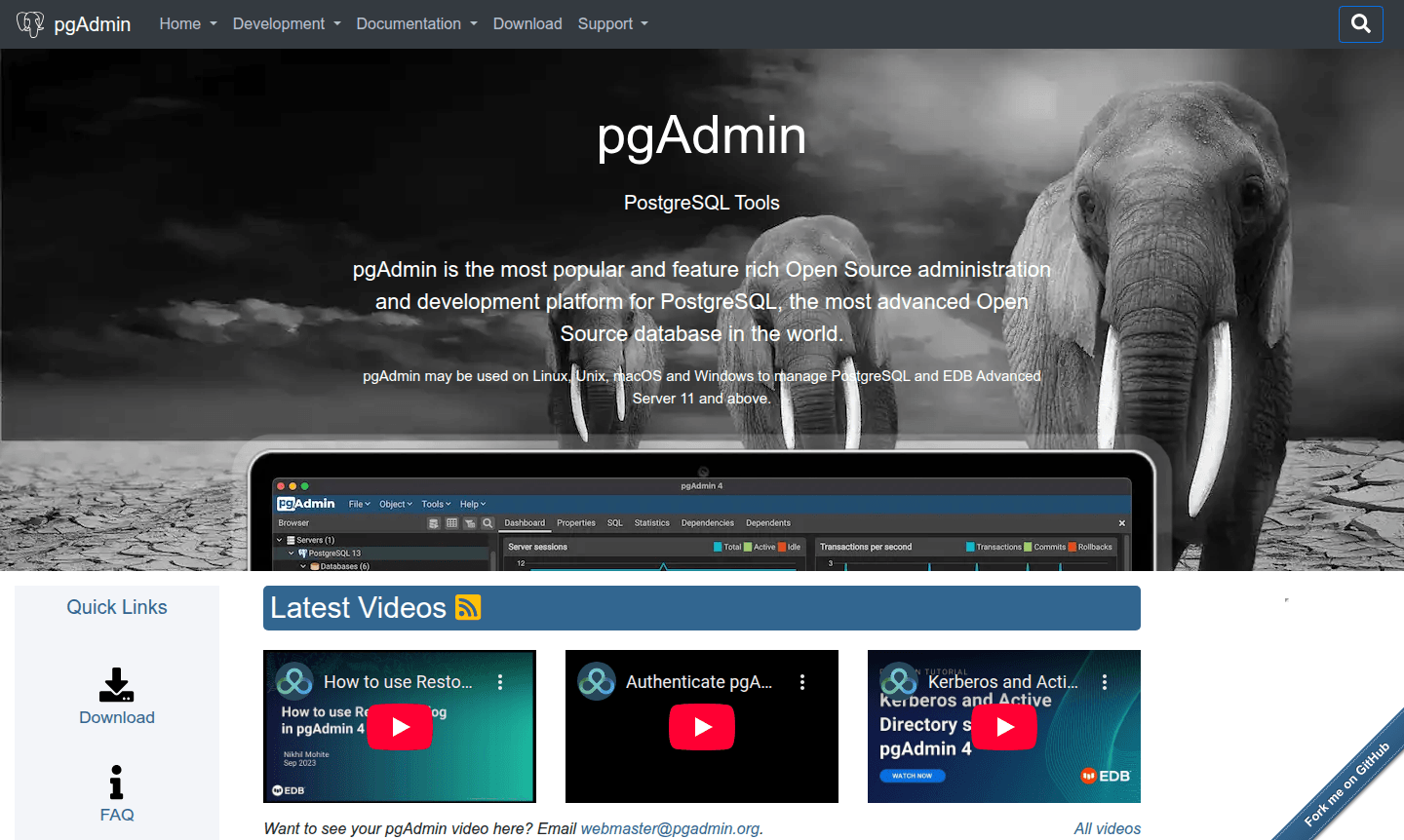
Overview of pgAdmin 4
pgAdmin 4 represents the most advanced open-source administration and development platform for PostgreSQL, delivering comprehensive database management capabilities through both web-based and desktop interfaces. As an IDE and Version Control GUI, it provides developers and database administrators with powerful features for managing complex database environments efficiently.
The platform supports the complete PostgreSQL ecosystem, making it an essential tool for anyone working with this robust database system. With regular updates and an active development community, pgAdmin 4 continues to evolve as the go-to solution for PostgreSQL database management needs across various industries and use cases.
How to Use pgAdmin 4
Getting started with pgAdmin 4 involves downloading the appropriate version for your operating system or accessing the web interface, followed by connecting to your PostgreSQL database servers. Once connected, users can navigate the hierarchical browser tree to access databases, tables, and other objects, execute SQL queries with syntax highlighting, and monitor performance metrics in real-time.
Core Features of pgAdmin 4
- Comprehensive Database Management – Complete control over PostgreSQL databases, tables, and schemas with intuitive graphical interface
- Advanced Query Tool – Powerful SQL editor with syntax highlighting, auto-completion, and query execution planning
- Backup and Restore Capabilities – Full database backup and restoration with customizable options and scheduling
- User Management System – Complete user and role management with granular permission controls
- Real-time Monitoring – Dashboard with live server statistics, connection monitoring, and performance metrics
Use Cases for pgAdmin 4
- Database administration and maintenance for PostgreSQL environments
- SQL query development and optimization with visual explain plans
- Database backup strategy implementation and restoration procedures
- User access management and security configuration for database systems
- Performance monitoring and troubleshooting of PostgreSQL instances
- Database schema design and management through visual tools
Support and Contact
For technical support and inquiries, contact the development team via email at webmaster@pgadmin.org. Additional resources are available on the official website.
Company Info
pgAdmin 4 is developed and maintained by the PostgreSQL community with contributions from developers and organizations worldwide as an open-source project.
Login and Signup
Access pgAdmin 4 through the official website at pgadmin.org for downloads, documentation, and community resources.
pgAdmin 4 FAQ
What is pgAdmin 4 and what does it do?
pgAdmin 4 is the most popular open-source administration and development platform for PostgreSQL databases, providing comprehensive management tools through web and desktop interfaces.
How do I install pgAdmin 4 on my system?
Download the installer from the official pgAdmin website for your operating system, or use package managers like apt, yum, or brew for Linux and macOS systems.
Can pgAdmin 4 handle database backups and restores?
Yes, pgAdmin 4 includes comprehensive backup and restore dialogs with customizable options for full, partial, and scheduled database protection operations.
What is the cost of pgAdmin 4?
pgAdmin 4 is completely free and open-source, with no cost for any features or usage.
pgAdmin 4 Pricing
Current prices may vary due to updates
Free
Complete access to all pgAdmin 4 features including database management, query tools, backup/restore, user management, and monitoring with no limitati
pgAdmin 4 Reviews0 review
Would you recommend pgAdmin 4? Leave a comment
pgAdmin 4 Alternatives
The best modern alternatives to the tool
New Tools Releases
Recently added tools
