
Mermaid
Create professional diagrams and charts with Mermaid's JavaScript library. Convert Markdown text to flowcharts, sequence diagrams, Gantt charts with live editor. Open-source diagramming tool for developers with GitHub integration and multiple export options.
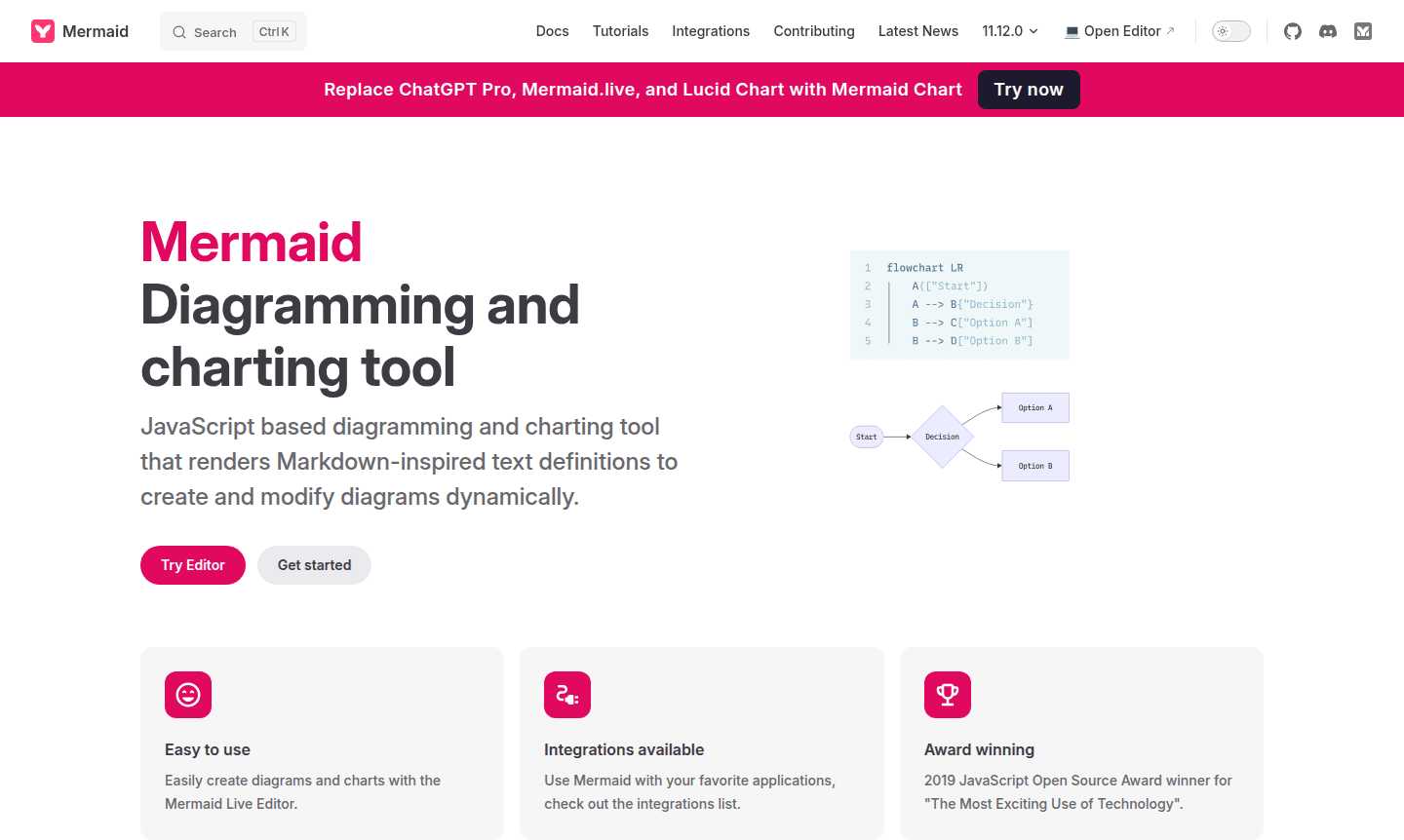
Overview of Mermaid
Mermaid is a powerful JavaScript-based diagramming and charting tool that transforms Markdown-inspired text definitions into dynamic visualizations. This innovative approach allows users to create, modify, and maintain diagrams through simple text syntax rather than complex graphical interfaces. As the winner of the 2019 JavaScript Open Source Award for "The Most Exciting Use of Technology," Mermaid has established itself as a leading solution for developers, technical writers, and project managers seeking efficient diagram creation workflows. The tool supports various diagram types including flowcharts, sequence diagrams, Gantt charts, and class diagrams, making it versatile for multiple documentation and planning scenarios.
The platform's integration capabilities extend across popular development environments and documentation tools, enabling seamless embedding of diagrams in websites, documentation, and collaborative platforms. With its Diagram Creator functionality and IDE compatibility, Mermaid serves as an essential resource for teams working on software documentation, system architecture planning, and project visualization. The live editor provides immediate feedback, while the extensive library of chart examples helps users quickly master the syntax for creating professional-grade diagrams.
How to Use Mermaid
Using Mermaid begins with accessing the Mermaid Live Editor through your web browser, where you can immediately start creating diagrams without any installation. Simply type your diagram definition using the intuitive Markdown-inspired syntax – for flowcharts, you might define nodes with square brackets and connect them with arrows, while sequence diagrams use participant declarations and message arrows. The editor provides real-time preview of your diagram as you type, allowing for instant adjustments and refinements. Once satisfied with your creation, you can export the diagram as PNG or SVG files, or embed the code directly into your documentation, websites, or presentation materials using the provided JavaScript library.
Core Features of Mermaid
- Text-Based Diagramming – Create complex diagrams using simple Markdown-inspired syntax without graphical interfaces
- Live Editor – Real-time preview and editing capabilities with instant visualization feedback
- Multiple Diagram Types – Support for flowcharts, sequence diagrams, Gantt charts, class diagrams, and more
- Integration Ready – Easy embedding into websites, documentation, and various development platforms
- Export Flexibility – Generate diagrams as PNG, SVG, or embeddable code for diverse use cases
Use Cases for Mermaid
- Software architecture documentation and system design visualization
- Technical documentation with embedded sequence diagrams and flowcharts
- Project planning and timeline creation using Gantt chart functionality
- Database design and entity relationship diagram development
- API documentation with clear request-response sequence illustrations
- Educational materials and tutorial creation with visual learning aids
- Business process mapping and workflow optimization diagrams
Support and Contact
For technical support and community assistance, users can contact contact@mermaid.js.org or visit the official Mermaid website for comprehensive documentation and community forums.
Company Info
Mermaid is developed by a dedicated team of open-source contributors led by creator Knut Sveidqvist, with key developers including Sidharth Vinod, Ashish Jain, and numerous other talented programmers who continuously enhance the tool's capabilities and maintain its position as a leading diagramming solution.
Login and Signup
Mermaid requires no account creation or login for basic usage. Access the tool directly at mermaid.js.org through web browsers for immediate diagram creation without registration barriers.
Mermaid FAQ
What types of diagrams can I create with Mermaid?
Mermaid supports flowcharts, sequence diagrams, Gantt charts, class diagrams, state diagrams, pie charts, ER diagrams, and mind maps using text-based syntax.
Is Mermaid free to use for commercial projects?
Yes, Mermaid is open-source and free for both personal and commercial use under the MIT license.
How does Mermaid compare to traditional diagramming tools like Lucidchart?
Mermaid uses text-based syntax instead of drag-and-drop interfaces, making it ideal for version control and integration into documentation workflows.
Can I integrate Mermaid with GitHub for documentation?
Yes, Mermaid integrates with GitHub using its JavaScript library, allowing diagrams to be rendered directly in Markdown files and repositories.
Mermaid Pricing
Current prices may vary due to updates
Free
Complete access to all Mermaid diagramming features, live editor, multiple export formats, and integration capabilities. No limitations on usage, diag
Mermaid Reviews0 review
Would you recommend Mermaid? Leave a comment
Mermaid Alternatives
The best modern alternatives to the tool
New Tools Releases
Recently added tools
