
Google Charts
Google Charts is a free data visualization library for creating interactive charts and dashboards. Ideal for developers with HTML5/SVG support and real-time data.
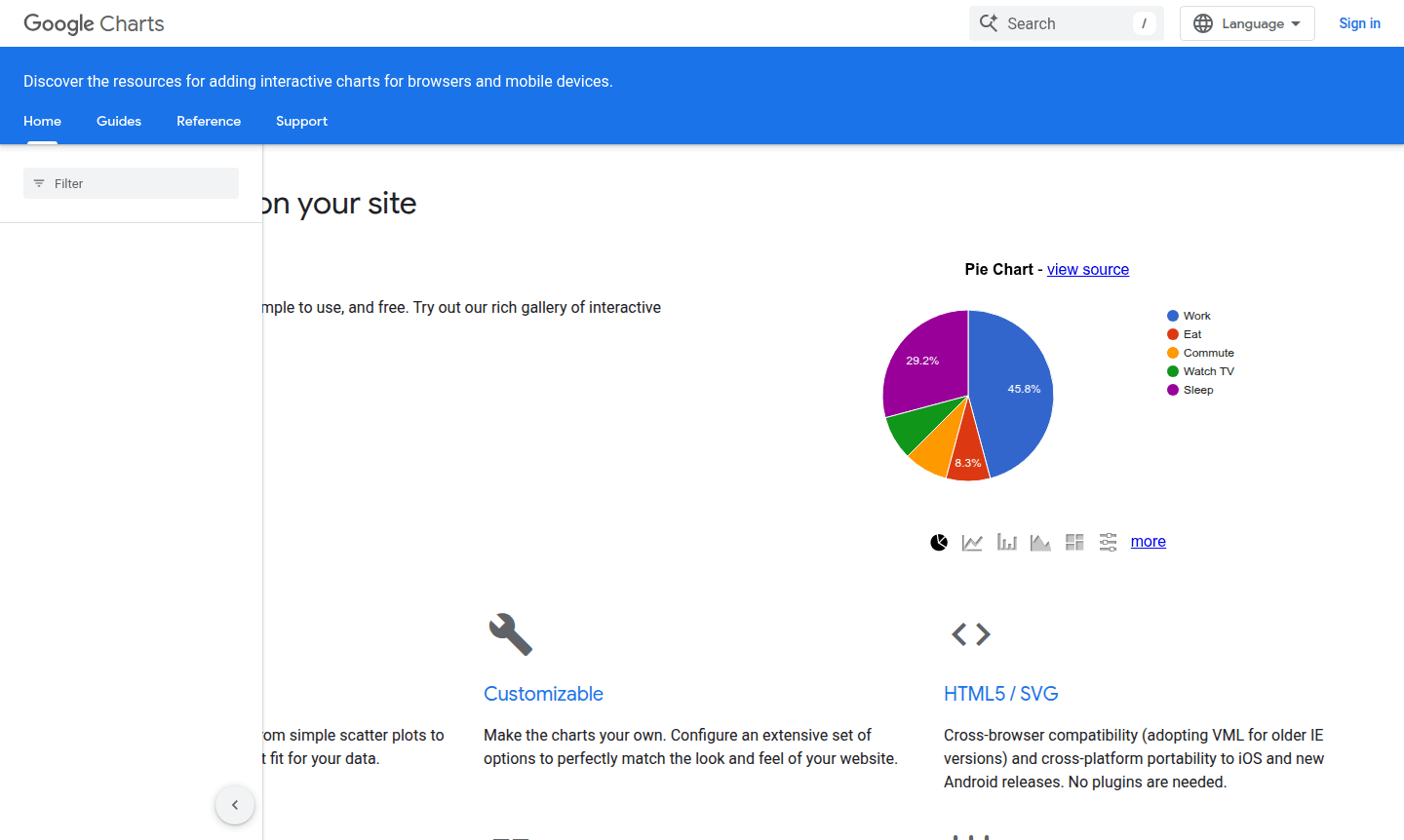
Overview of Google Charts
Google Charts is a powerful, free data visualization library that enables developers and businesses to create interactive charts and dashboards for web applications. This robust tool provides a comprehensive gallery of chart types – from simple scatter plots to complex hierarchical treemaps – making it ideal for displaying data in meaningful, visually appealing ways. Developed by Google, this tool is particularly valuable for web developers, data analysts, and businesses needing to present data-driven insights on their websites or applications.
The platform serves a wide range of users including developers building data-rich applications, businesses creating interactive dashboards, and content creators needing visual representations of complex information. With its IDE focus and Icon Maker capabilities, Google Charts bridges the gap between raw data and compelling visual storytelling. The tool's seamless integration with web technologies makes it accessible for both beginners and experienced developers working with data visualization tools and chart libraries.
How to Use Google Charts
Getting started with Google Charts involves a straightforward process: first, include the Google Charts library in your web page by adding the loader script to your HTML header. Next, prepare your data in a compatible format – either as a JavaScript array or by loading from external sources like Google Sheets or JSON files. Then select your preferred chart type from the extensive gallery and configure the visualization options to match your design requirements. Finally, draw the chart on your webpage by calling the appropriate rendering function, and customize the appearance through the comprehensive set of styling options available.
Core Features of Google Charts
- Rich Chart Gallery – Comprehensive selection of chart types including scatter plots, treemaps, and interactive dashboards
- HTML5/SVG Technology – Cross-browser compatible visualizations that work without plugins on modern devices
- Complete Customization – Extensive configuration options to match your website's design and branding requirements
- Real-time Data Support – Dynamic data connections and live updates for constantly changing information
- Interactive Controls – Built-in dashboard components and user interaction capabilities
Use Cases for Google Charts
- Business intelligence dashboards for real-time performance monitoring
- Financial data visualization for investment tracking and analysis
- Website analytics displays showing user behavior and engagement metrics
- Educational platforms presenting complex data in understandable formats
- E-commerce sites displaying sales trends and product performance
- Research applications visualizing scientific data and experimental results
- Mobile-responsive charts for cross-platform web applications
Support and Contact
For technical support, contact contact@google.com or visit the official Google Charts documentation. The platform provides comprehensive guides, API references, and community forums for developers.
Company Info
Google Charts is developed by Google, a global technology company headquartered in the United States. As part of Google's extensive suite of developer tools, it benefits from the company's expertise in data visualization and web technologies.
Login and Signup
Google Charts requires no login or account creation for basic usage. For advanced features, access the tool through existing Google accounts at the official Google Charts homepage.
Google Charts FAQ
Is Google Charts completely free to use for commercial projects?
Yes, Google Charts is completely free for both personal and commercial use with no hidden costs or licensing fees for creating interactive charts.
What types of charts can I create with Google Charts?
Google Charts supports numerous chart types including scatter plots, treemaps, line charts, bar graphs, pie charts, and interactive dashboards with real-time data.
Does Google Charts work on mobile devices and older browsers?
Yes, Google Charts provides cross-browser compatibility using HTML5/SVG with VML fallback for older IE versions, ensuring mobile and cross-platform support.
How do I integrate Google Charts with my website?
Integrate by adding the Google Charts loader script to your HTML header and using JavaScript functions to create charts from your data sources.
Google Charts Pricing
Current prices may vary due to updates
Free
Use the same chart tools Google uses completely free with three years' backward compatibility guaranteed. No cost for creating interactive charts and
Google Charts Reviews0 review
Would you recommend Google Charts? Leave a comment
Google Charts Alternatives
The best modern alternatives to the tool
New Tools Releases
Recently added tools
