Samsung Magician
Samsung Magician is official software for Samsung SSDs and memory products. Monitor drive health, optimize performance, migrate data, update firmware, benchmark storage. Compatible with Windows, macOS, Android.
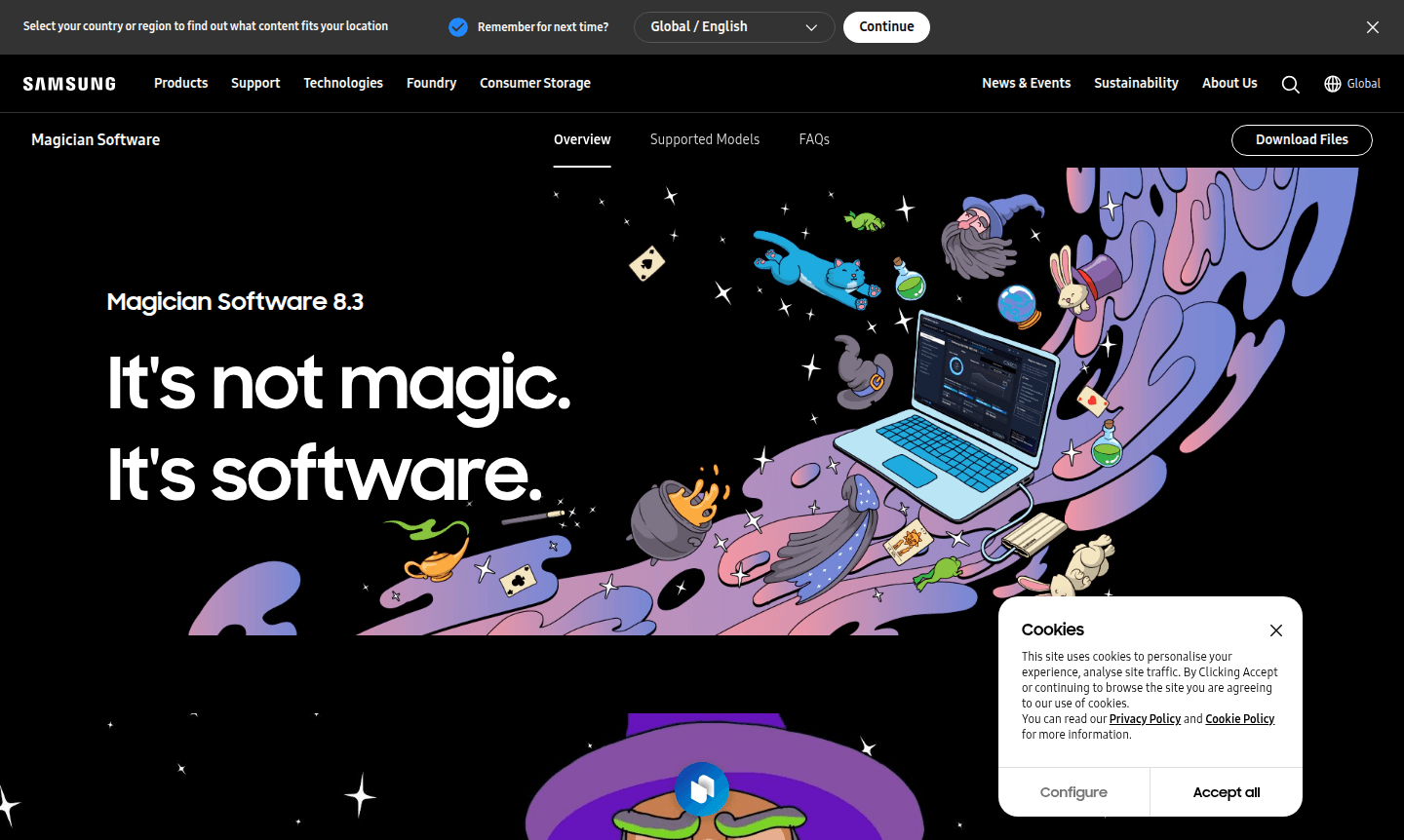
Overview of Samsung Magician
Samsung Magician is the official management software designed specifically for Samsung memory products, providing comprehensive control and optimization for internal SSDs, portable SSDs, memory cards, and USB flash drives. This powerful utility delivers an all-in-one solution by integrating Data Migration Software, Portable SSD Software, and Memory Card/UFD Authentication Utility into a single intuitive interface. With cross-platform compatibility spanning Windows, macOS, and Android operating systems, Samsung Magician ensures your storage devices perform at their peak while maintaining reliability and security across all your computing environments.
The software serves as an essential toolkit for both casual users and IT professionals who need to monitor drive health, optimize performance, and manage data securely. Samsung Magician transforms complex storage management tasks into simple, accessible operations through its user-friendly design and comprehensive feature set. Whether you're upgrading from an HDD to SSD, securing sensitive data, or simply monitoring your drive's condition, this software provides the tools needed to maximize your Samsung storage investment while ensuring data integrity and longevity. For related utilities, explore the System Info Tool and System Optimizer categories on ToolPicker.
How to Use Samsung Magician
Getting started with Samsung Magician is straightforward – simply download the software from Samsung's official website and install it on your Windows, macOS, or Android device. Once installed, the application automatically detects compatible Samsung storage products and presents a comprehensive dashboard showing drive health, temperature, and performance metrics. Users can navigate through the intuitive interface to access various modules including drive information, performance benchmarking, data migration tools, and security features. The software operates efficiently without requiring constant internet connectivity, though an online connection is recommended for receiving firmware updates and accessing the latest features to keep your drives current and optimized.
Core Features of Samsung Magician
- Drive Health Monitoring – Real-time S.M.A.R.T. status checking and comprehensive drive diagnostics
- Performance Benchmarking – Customizable speed tests with adjustable parameters for accurate measurement
- Data Migration – Seamless transfer of OS, applications, and files from old storage to Samsung SSD
- Secure Erase – Complete data deletion without compromising drive functionality or needed data
- Firmware Updates – Automatic detection and installation of latest firmware for optimal performance
Use Cases for Samsung Magician
- Migrating operating system and applications from HDD to Samsung SSD for faster boot times
- Monitoring SSD health and performance to prevent unexpected drive failures
- Securely erasing sensitive data before selling or repurposing storage devices
- Optimizing drive performance for gaming, content creation, or professional workloads
- Managing multiple Samsung storage products across different computers and devices
- Updating firmware to ensure compatibility with latest operating systems and features
- Benchmarking storage performance to compare different Samsung SSD models
Support and Contact
For technical assistance, contact contact@samsung.com or visit the Samsung Magician help center for comprehensive documentation, troubleshooting guides, and online support resources.
Company Info
Samsung Magician is developed and maintained by Samsung Electronics, the South Korean multinational electronics corporation headquartered in Suwon, South Korea. As one of the world's largest technology companies, Samsung provides extensive support for its memory products through this dedicated management software. More information about Samsung's storage solutions and corporate details can be found on their main corporate website.
Login and Signup
Samsung Magician does not require user registration or login credentials to access its core functionality. The software operates as a standalone desktop/mobile application that users can download directly from the official Samsung Magician download page. Installation is straightforward without account creation, though users may need to create Samsung accounts for accessing additional cloud services or extended warranty registrations through separate Samsung platforms.
Samsung Magician FAQ
What operating systems does Samsung Magician support?
Samsung Magician 8.3 supports Windows 10 (32-bit/64-bit), macOS High Sierra 10.13, and Android 5.1 and above. For Windows 8.1 and lower, use Magician 7.3.
Does Samsung Magician work with non-Samsung SSDs?
Samsung Magician primarily supports Samsung branded memory products. Supported features may vary for Samsung OEM SSDs and non-Samsung SSDs.
Is internet connection required for Samsung Magician?
No, Samsung Magician runs without internet, but connection is recommended for firmware updates and latest feature access.
What Samsung storage products work with Magician software?
Magician supports Samsung internal SSDs, portable SSDs, memory cards, and USB flash drives with varying feature availability.
How do I migrate data from my old drive to Samsung SSD?
Use the Data Migration feature in Samsung Magician to safely transfer OS, apps, and files from HDD to Samsung SSD.
Samsung Magician Reviews0 review
Would you recommend Samsung Magician? Leave a comment
Samsung Magician Alternatives
The best modern alternatives to the tool
New Tools Releases
Recently added tools
