
Discord
Discord offers free voice, video, and text chat for gaming and communities. Create servers, share screens, and stream with low latency. Download for all devices.
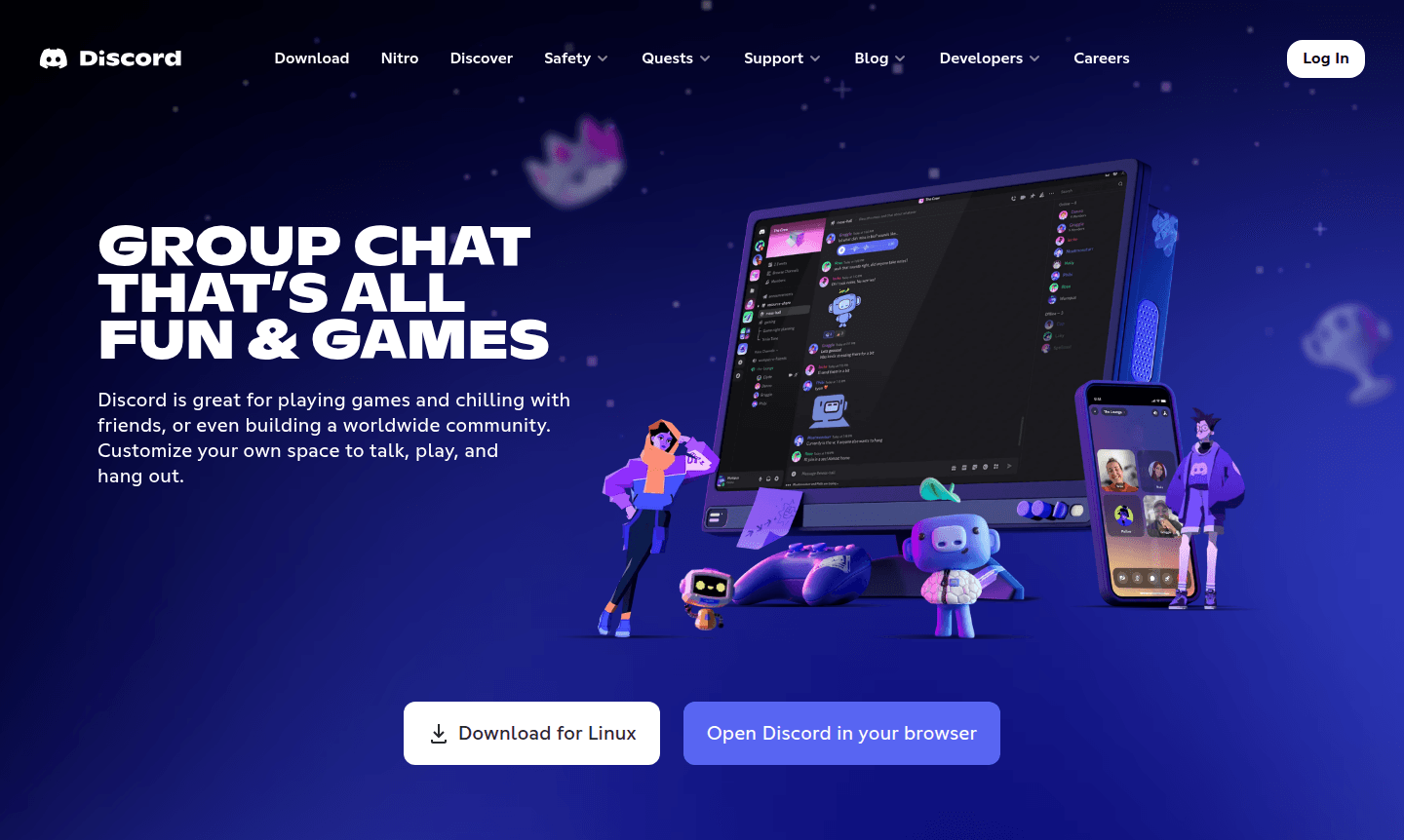
Overview of Discord
Discord is a comprehensive communication platform that brings people together through text, voice, and video chat. Originally designed for gamers, it has evolved into a versatile space for communities of all sizes – from small friend groups to massive global fandoms. The platform organizes conversations into topic-specific channels, making it easy to collaborate and connect with others who share your interests. Whether you're coordinating game sessions, hosting study groups, or building online communities, Discord provides the tools for seamless interaction.
With support for multiple platforms including desktop, mobile, and web, Discord ensures you can stay connected wherever you go. The platform offers customizable servers with robust moderation tools, permission levels, and private channels to manage communities effectively. From casual hangouts to professional collaborations, Discord adapts to your communication needs while maintaining low-latency voice and video quality that makes conversations feel natural and immediate. Explore more in our Group Chat Platform and Voice Chat App categories.
How to Use Discord
Getting started with Discord is straightforward – simply download the app on your preferred device or access it through your web browser. Create an account, then either join existing servers using invitation links or set up your own server to host conversations. Organize your server by creating text and voice channels for different topics or activities. Customize your profile with avatars and status messages, then start chatting with friends or community members. For voice and video calls, simply join a voice channel – no need for individual call invitations. You can also share screens, stream games, and use built-in activities to enhance your group interactions.
Core Features of Discord
- Multi-format Communication – Text, voice, and video chat with low latency technology
- Customizable Servers – Create and organize topic-specific channels for any community
- Cross-platform Access – Available on desktop, mobile, and web with seamless switching
- Media Sharing – Share images, videos, files, and stream content directly in chats
- Moderation Tools – Advanced permission systems and moderation controls for community management
Use Cases for Discord
- Gaming communities coordinating multiplayer sessions and sharing strategies
- Friend groups staying connected through voice chats and shared activities
- Study groups collaborating on projects and sharing educational resources
- Professional teams conducting remote meetings and screen sharing
- Content creators building fan communities and hosting live streams
- Hobby groups discussing shared interests and organizing events
- Educational institutions facilitating classroom discussions and office hours
Support and Contact
For assistance with Discord, visit the official support page at https://discord.com/support or email contact@discord.com. The platform offers comprehensive help documentation, community forums, and direct support options.
Company Info
Discord is developed by Discord Inc., headquartered in the United States. Learn more about the company at https://discord.com/company.
Login and Signup
Access your Discord account at https://discord.com/login or create a new account at https://discord.com/register.
Discord FAQ
Is Discord free to use?
Yes, Discord offers a free version with comprehensive features including text, voice, and video chat, with optional premium subscriptions for enhanced capabilities.
How do I download Discord on my device?
You can download Discord from their official website, mobile app stores, or use the web version directly in your browser without installation.
Can I use Discord for video calls and screen sharing?
Yes, Discord supports high-quality video calls, screen sharing, and live streaming for both gaming and general content sharing.
How do I create a server on Discord?
Click the '+' icon in the server list, select 'Create a Server', and customize it with text and voice channels for your community.
Discord Reviews0 review
Would you recommend Discord? Leave a comment
Discord Alternatives
The best modern alternatives to the tool
New Tools Releases
Recently added tools
