
cPanel
Simplify server and website management with cPanel's intuitive control panel. Ideal for hosting providers, developers, and businesses seeking reliable tools.
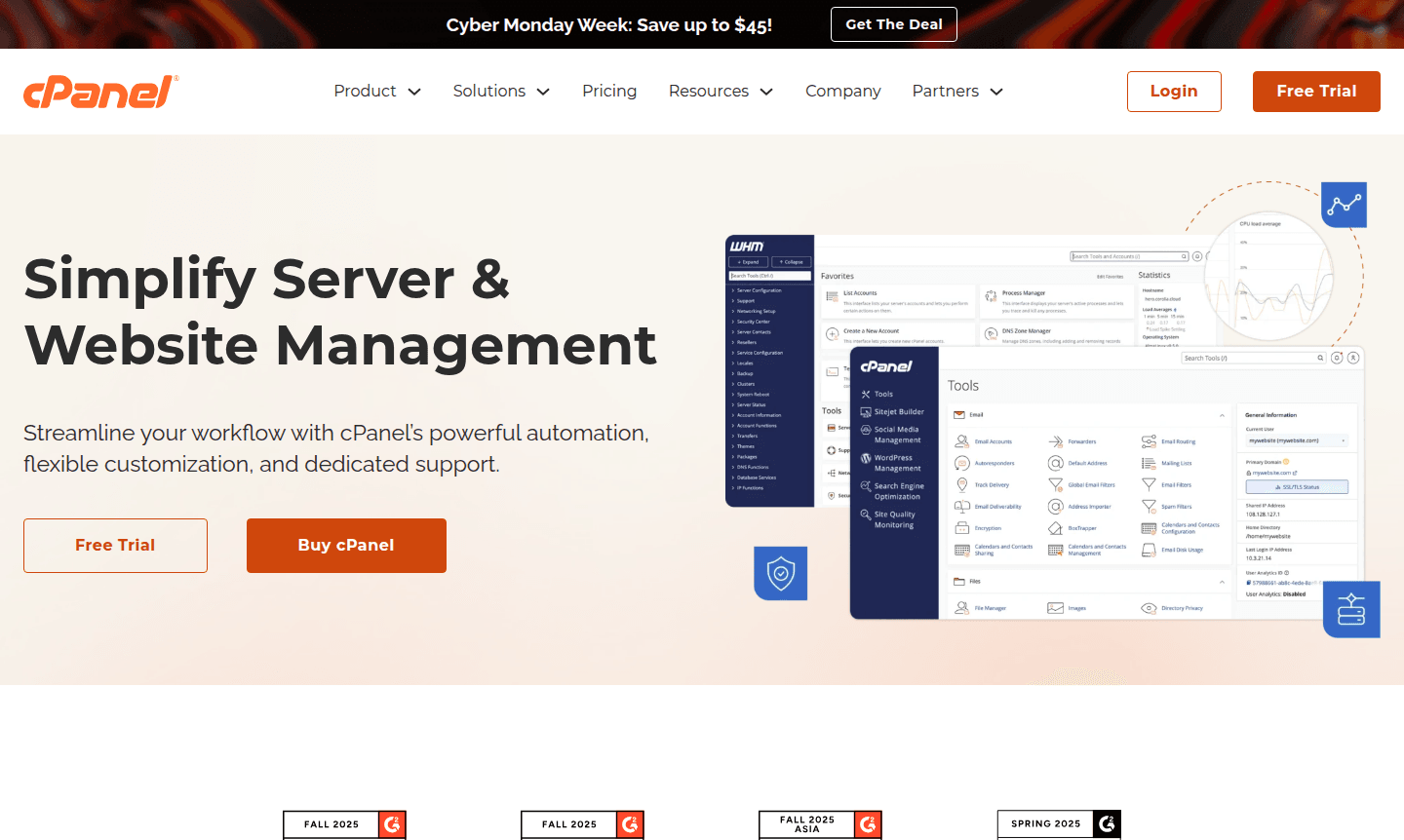
Overview of cPanel
cPanel is the industry's most trusted web hosting control panel, designed to simplify server and website management for businesses of all sizes. With over 20 years of proven stability, this powerful platform offers an intuitive interface that streamlines essential tasks like domain management, email configuration, database administration, and file organization. cPanel empowers hosting providers, developers, and small to medium businesses to optimize their operations, reduce costs, and deliver exceptional customer experiences through reliable automation and flexible customization options.
As a comprehensive solution for Web Hosting and Remote Access Tool needs, cPanel serves multiple audiences including IT professionals, digital agencies, and entrepreneurs. The platform integrates seamlessly with popular applications like WordPress through one-click installations, while its WHM (Web Host Manager) component provides administrative control for resellers and hosting companies. With hundreds of features and dedicated support, cPanel has become the standard for reliable website management across the global hosting industry.
How to Use cPanel
Getting started with cPanel is straightforward: after your hosting provider installs the software, you access it through a web browser using your login credentials. The dashboard presents organized sections for different management tasks – you can create email accounts, install applications via Softaculous, manage databases with phpMyAdmin, configure security settings, and monitor resource usage. For website building, the integrated Sitejet Builder allows users to design and launch professional sites without technical expertise. Administrators can use WHM to create hosting packages, manage multiple cPanel accounts, and automate server maintenance tasks through a centralized interface.
Core Features of cPanel
- Server Management Dashboard – Centralized control with intuitive navigation and real-time monitoring.
- One-Click Application Installer – Quick deployment of software like WordPress, Joomla, and Drupal.
- Email Configuration Tools – Complete email management including account creation and spam filtering.
- Security and Backup Systems – Built-in features with SSL management, IP blocking, and automated backups.
- File and Database Management – Advanced file manager and database tools for MySQL and PostgreSQL.
Use Cases for cPanel
- Hosting providers offering shared, reseller, or VPS hosting services to clients
- Developers managing multiple client websites with consistent control panel experience
- Small businesses creating and maintaining company websites without technical staff
- Digital agencies deploying WordPress sites for clients with easy management access
- IT departments standardizing web server administration across organizations
- Entrepreneurs launching e-commerce sites with integrated security and backup
- Educational institutions hosting multiple department websites with centralized control
Support and Contact
For technical assistance and customer support, visit the official cPanel website at cPanel website. You can also email contact@cpanel.net for inquiries. The platform offers comprehensive documentation, knowledge base articles, and community forums for self-help resources. Enterprise customers can access priority support through the cPanel Partner Program.
Company Info
cPanel is developed by cPanel, L.L.C., a company based in the United States with over two decades of experience in web hosting control panel development. The company maintains headquarters in Houston, Texas, and serves a global customer base through its proprietary software platform. As part of the WebPros family of products, cPanel benefits from shared resources and development expertise.
Login and Signup
Access your cPanel account through your hosting provider's designated login portal, typically available at yourdomain.com/cpanel or through your hosting dashboard. For new accounts, cPanel is available through participating hosting providers worldwide – visit cPanel website to find certified partners and explore hosting options. Login can be accessed via your provider, while signup is done through hosting packages.
cPanel FAQ
What is cPanel and what does it do for website management?
cPanel is a web hosting control panel that simplifies server and website management through an intuitive interface for tasks like email setup, file management, and application installation.
How does cPanel compare to alternatives like Plesk for hosting control?
cPanel is widely recognized for its simplicity and ease of use, with over 20 years of industry stability, while Plesk offers similar functionality with different interface approaches.
Can I use cPanel for WordPress hosting and management?
Yes, cPanel provides excellent WordPress hosting through one-click installations, automatic updates, and integrated management tools specifically designed for WordPress websites.
What is the pricing for cPanel?
cPanel is typically included in hosting packages from providers; pricing varies, so contact hosting companies for specific costs and plans.
Is there a free trial for cPanel?
cPanel does not offer a direct free trial, but some hosting providers may provide trial offers as part of their packages.
cPanel Reviews0 review
Would you recommend cPanel? Leave a comment
cPanel Alternatives
The best modern alternatives to the tool
New Tools Releases
Recently added tools
