
Find My
Apple's Find My app locates lost devices, tracks items with AirTags, and finds people. Features offline tracking, Precision Finding, Lost Mode, and secure sharing with privacy.
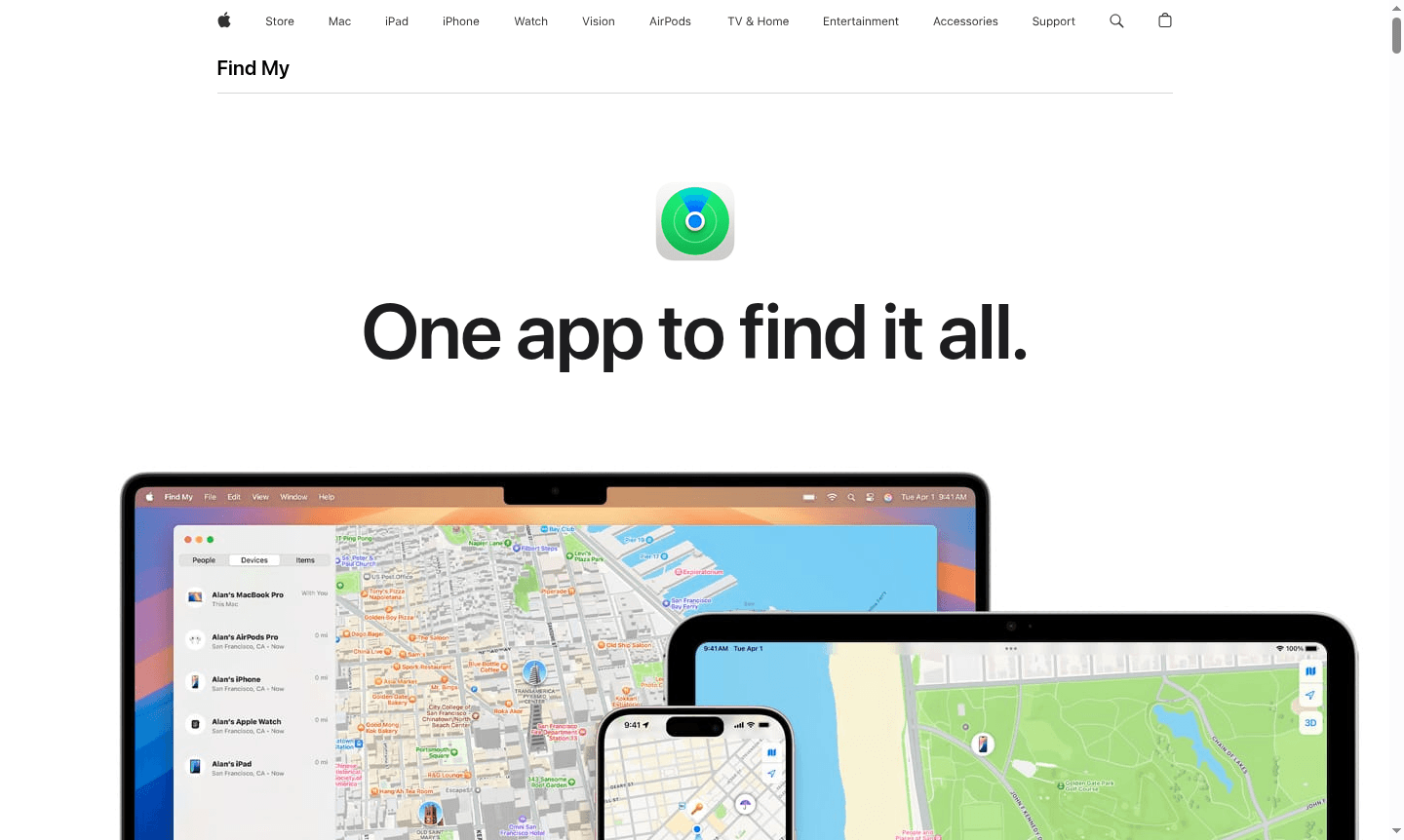
Overview of Find My
Find My by Apple helps you locate lost devices, track items with AirTags, and find friends and family. It integrates device tracking, item location, and people finding in one privacy-focused app, supporting Emergency Locator and Pet Tracker uses.
Using the Find My network of Apple devices, it can locate items even when offline, with end-to-end encryption ensuring data privacy and security.
How to Use Find My
Open the Find My app on your iPhone, iPad, or Mac and sign in with your Apple ID. The app shows registered devices on a map. Attach an AirTag or Find My accessory to track items, and share locations with friends for specified periods. Add the widget to your Home Screen for quick access and set notifications for left-behind devices.
Core Features of Find My
- Device Location Tracking – View all your Apple devices on a map with real-time location updates
- Offline Finding – Locate devices even when turned off or with low battery using the Find My network
- Precision Finding – Get exact distance and direction to nearby devices using Ultra Wideband technology
- Lost Mode – Lock missing devices and display contact information for anyone who finds them
- Location Sharing – Share your location with friends and family for specified time periods
Use Cases for Find My
- Recover lost or stolen Apple devices like iPhones and MacBooks
- Track personal items such as keys and wallets using AirTags
- Locate family members in crowded places or during travel
- Receive notifications when devices are left behind in unfamiliar locations
- Remotely erase personal data from lost devices to protect privacy
- Share item locations with others temporarily to help with recovery
Support and Contact
For assistance with Find My, visit Apple Support or email contact@apple.com. Comprehensive help is available through Apple's support channels and forums.
Company Info
Find My is developed by Apple Inc., based in Cupertino, California. Learn more at apple.com.
Login and Signup
Access Find My by signing in with your Apple ID at Apple Find My. Create an Apple ID for access to iCloud, App Store, and Find My.
Find My FAQ
How does Find My work when my device is offline or turned off?
Find My uses Apple's network of devices to securely transmit location data via Bluetooth and encrypted relaying, even when offline.
Can I share my AirTag location with family members using Find My?
Yes, you can share AirTag and Find My accessory locations with up to five people for collaborative tracking.
How does Find My protect my privacy while tracking locations?
Find My uses end-to-end encryption, anonymous data transmission, and stores location data for only 24 hours for privacy.
What devices are compatible with Find My?
Find My works with iPhone, iPad, iPod touch, Apple Watch, Mac, AirPods, AirTag, and Find My–compatible accessories.
Find My Reviews0 review
Would you recommend Find My? Leave a comment
Find My Alternatives
The best modern alternatives to the tool
New Tools Releases
Recently added tools
