Google Chat
Google Chat offers AI-powered team collaboration, secure business messaging, and seamless Google Workspace integration. Compare with Slack, view pricing, and explore migration tools.
Overview of Google Chat
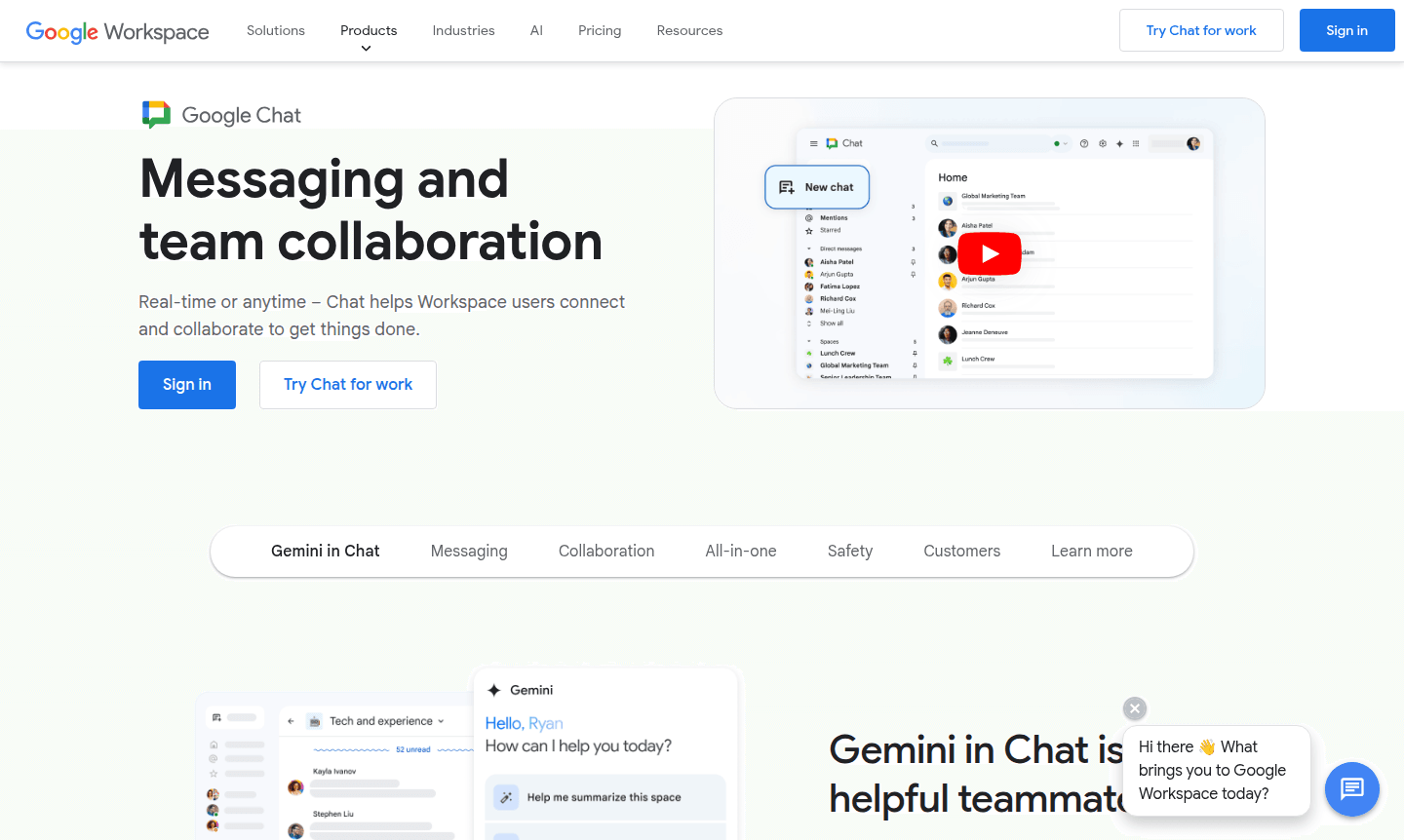
Google Chat is a comprehensive messaging and team collaboration platform designed for modern business communication. As part of Google Workspace, it enables real-time and asynchronous collaboration for organizations of all sizes, helping teams connect and accomplish tasks efficiently. The platform integrates seamlessly with Google's ecosystem while offering powerful AI capabilities through Gemini, making it a smart choice for businesses seeking unified communication solutions.
This enterprise-grade collaboration tool serves over 9 million businesses worldwide, providing secure messaging, file sharing, and project coordination features. With support for up to 500,000 members in announcement spaces and robust mobile applications, Google Chat scales from small teams to large enterprises while maintaining the security standards that protect Gmail's 2 billion users. Explore related tools in Collaboration Tools and Remote Team Chat categories.
How to Use Google Chat
Getting started with Google Chat is straightforward for existing Google Workspace customers – the platform is included at no additional cost. Users can access Chat through web browsers or download dedicated mobile apps for iOS and Android devices. Begin by creating spaces for team projects, setting up direct messages for one-on-one conversations, or establishing group chats for multiple participants. The platform supports migration from existing tools like Slack or Microsoft Teams through dedicated APIs and partner solutions, ensuring a smooth transition for organizations.
Core Features of Google Chat
- AI-Powered Collaboration – Gemini integration provides smart answers, conversation summaries, and file discovery
- Enterprise-Grade Security – Built-in phishing protection and real-time data loss prevention
- Scalable Team Spaces – Support for up to 500,000 members with announcement capabilities
- Third-Party Integrations – Connect with apps like Zapier, PagerDuty, and Trello
- Cross-Platform Accessibility – Consistent experience across web, iOS, and Android platforms
Use Cases for Google Chat
- Team project coordination and real-time problem solving through huddles
- Enterprise-wide announcements and large-scale organizational communication
- Cross-departmental collaboration with integrated file sharing from Google Drive
- Incident management and IT support with custom-built monitoring applications
- Remote team communication with persistent chat history and task assignment
- Business messaging with rich text formatting, custom emojis, and GIF support
- Workflow automation through third-party app integrations and custom solutions
Support and Contact
For support inquiries, visit the official Google Chat Help Center. Since no direct contact email was found, enterprise customers should contact their Google Workspace administrator or use the Google Workspace support portal for assistance with business accounts and technical issues.
Company Info
Google Chat is developed by Google LLC, headquartered in Mountain View, California, USA. As part of Google Workspace, it benefits from Google's extensive infrastructure and security expertise. Learn more about Google's products and services through their About Google page and corporate information resources.
Login and Signup
Access Google Chat through the main website or download mobile applications from the Apple App Store and Google Play Store. Existing Google Workspace users can log in directly with their organizational credentials, while new business customers should contact Google Workspace sales for enterprise pricing and setup.
Google Chat FAQ
What is Google Chat and how does it differ from previous Google messaging products?
Google Chat is the modern team collaboration platform for Google Workspace customers, replacing older messaging products with enhanced features, AI integration, and enterprise-grade security.
How much does Google Chat cost for business users?
Google Chat is included at no additional cost with Google Workspace Business and Enterprise plans, which offer custom pricing based on organizational needs and user count.
Can I migrate my team from Slack to Google Chat?
Yes, Google Chat supports migration from Slack and Microsoft Teams using dedicated Chat APIs and partner solutions like CloudFuze and CloudM for seamless data transfer.
What AI features are available in Google Chat?
Google Chat integrates Gemini AI for conversation summarization, smart answers, file discovery in Drive, and creative brainstorming, with more features rolling out through 2024.
Is Google Chat secure for business communications?
Google Chat provides enterprise-grade security with the same anti-phishing, anti-malware protection that safeguards Gmail, plus real-time data loss prevention and content moderation tools.
Google Chat Pricing
Current prices may vary due to updates
Google Workspace Business
Includes Google Chat at no extra cost with premium AI capabilities, advanced security features, real-time data loss prevention, and enterprise-grade c
Google Workspace Enterprise
Enterprise version with all Google Chat features including enhanced security, advanced AI capabilities, and support for large-scale collaboration with
AI Meetings and Messages Add-on
Cost-effective option providing the most helpful AI-powered features in Chat and Meet for companies wanting to explore AI capabilities without full en
Google Chat Reviews0 review
Would you recommend Google Chat? Leave a comment
Google Chat Alternatives
The best modern alternatives to the tool
New Tools Releases
Recently added tools
