Fontke
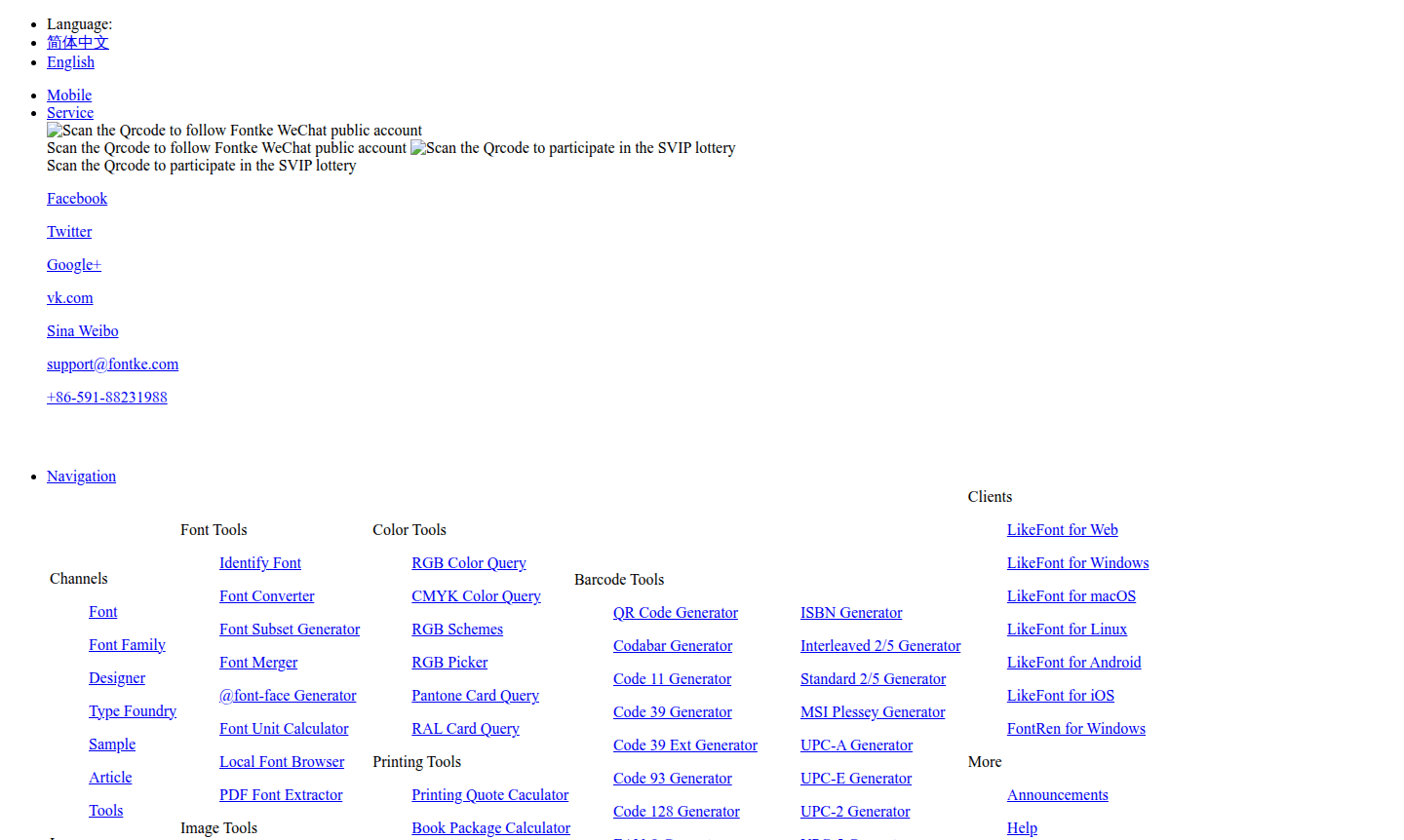
Fontke offers extensive font tools including font identification, format conversion, subset generation, and font merging. Access free online utilities for font management, image compression, color conversion, barcode generation, and printing calculations. Perfect for designers, developers, and printing professionals needing reliable font tools and design utilities.
Overview of Fontke
Fontke is a comprehensive font platform offering various font tools and services for designers and developers. This versatile toolkit provides essential utilities for font identification, conversion, and management, along with complementary tools for image processing, color manipulation, printing calculations, and barcode generation. The platform serves as a centralized resource for creative professionals who need reliable font tools alongside practical design and production utilities.
Fontke's extensive toolset includes specialized applications like LikeFont for cross-platform font identification and FontRen for Windows font management. The platform caters to Font Manager needs while expanding into Color Picker and QR Code Generator territories, making it particularly valuable for designers, developers, and printing professionals who require integrated solutions for their creative workflows and production processes.
How to Use Fontke
Access Fontke's tools directly through their web platform without registration requirements. For font identification, upload an image containing text to LikeFont, which will analyze and match the font from its extensive database. Use the font format converter to transform fonts between different file types, or employ the font subset generator to create optimized web fonts. The platform's image tools allow compression and format conversion, while color tools provide RGB/CMYK conversion and Pantone color queries. Most tools feature intuitive interfaces with immediate processing capabilities for quick results.
Core Features of Fontke
- Font Identification – Upload images to identify fonts using advanced recognition technology
- Font Format Conversion – Convert between TTF, OTF, WOFF, and other font formats
- Font Subset Generation – Create optimized web fonts with only required characters
- @font-face Generator – Generate CSS code for web font implementation
- PDF Font Extractor – Identify and extract fonts from PDF documents
Use Cases for Fontke
- Designers identifying fonts from client images or inspiration sources
- Web developers optimizing font loading with subset generation
- Print professionals calculating printing quotes and book specifications
- Brand managers verifying Pantone and RAL color standards
- E-commerce businesses generating barcodes for product labeling
- Content creators converting images to ASCII art or vector formats
- Developers implementing web fonts with proper @font-face syntax
Support and Contact
For technical assistance and platform inquiries, contact Fontke support at support@fontke.com. Additional resources and tool documentation are available through the main Fontke website.
Company Info
Fontke operates as a comprehensive font tools platform serving the global design and development community. The company provides cross-platform applications including LikeFont for web, desktop, and mobile environments, along with specialized tools for font management and design workflows.
Login and Signup
Access Fontke's tools directly on their web platform without registration requirements. For SVIP membership features, visit the membership page.
Fontke FAQ
How does Fontke's font identification tool work?
Fontke's LikeFont tool analyzes uploaded images containing text and matches the font against its extensive database using advanced recognition algorithms.
What font formats can Fontke convert between?
Fontke supports conversion between TTF, OTF, WOFF, and other common font formats for cross-platform compatibility.
Does Fontke require registration to use its tools?
Most Fontke tools are accessible without registration, though SVIP membership offers additional features and capabilities.
How can I generate a QR code with Fontke?
Use the QR Code Generator tool on Fontke's website to create custom QR codes for URLs, text, or other data inputs.
Fontke Reviews0 review
Would you recommend Fontke? Leave a comment
Fontke Alternatives
The best modern alternatives to the tool
New Tools Releases
Recently added tools
